English
37
Menu operation
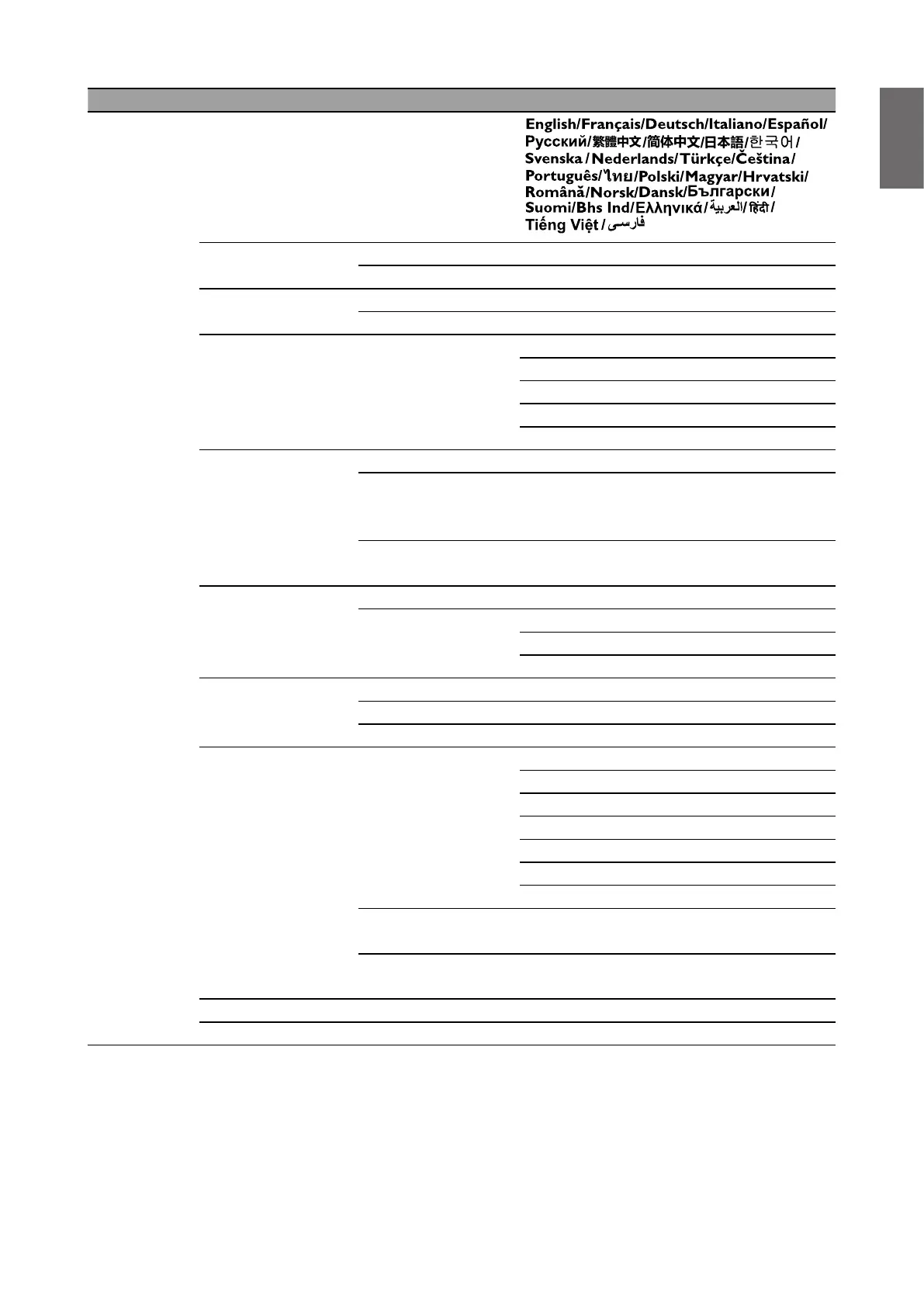
Main menu Submenu Options
System
Language
Background
Settings
Background Color Black/Blue/Purple
Splash Screen BenQ/Black/Blue
Menu Settings
Menu Type Basic/Advanced
Menu Display Time 5 sec/10 sec/20 sec/30 sec/Always
Light Source
Information
Light Usage Time
Normal Mode
ECO Mode
Dynamic Dimming Mode
Custom Mode
Standby Settings
Standby Mode ECO/Network/Normal
Auto Disable
Network Standby
Mode
Never/20 min/1 hr/3 hr/6 hr
Audio Pass
Through
Off/Audio In/Microphone/HDMI-1/
HDMI-2
Operation Settings
Reminder Message On/Off
Power On/Off
Settings
Direct Power On
Signal Power On
Auto Power Off
Security Settings
Panel Key Lock Off/On
Change Password
Power On Lock Off/On
Network Settings
Wired LAN
Status
DHCP
IP Address
Subnet Mask
Default Gateway
DNS Server
Apply
AMX Device
Discovery
Off/On
MAC Address
(Wired)
Factory Default Reset/Cancel
Reset System Reset/Cancel



 To Next Page