English
Getting to know your TV 13
Getting to know your TV
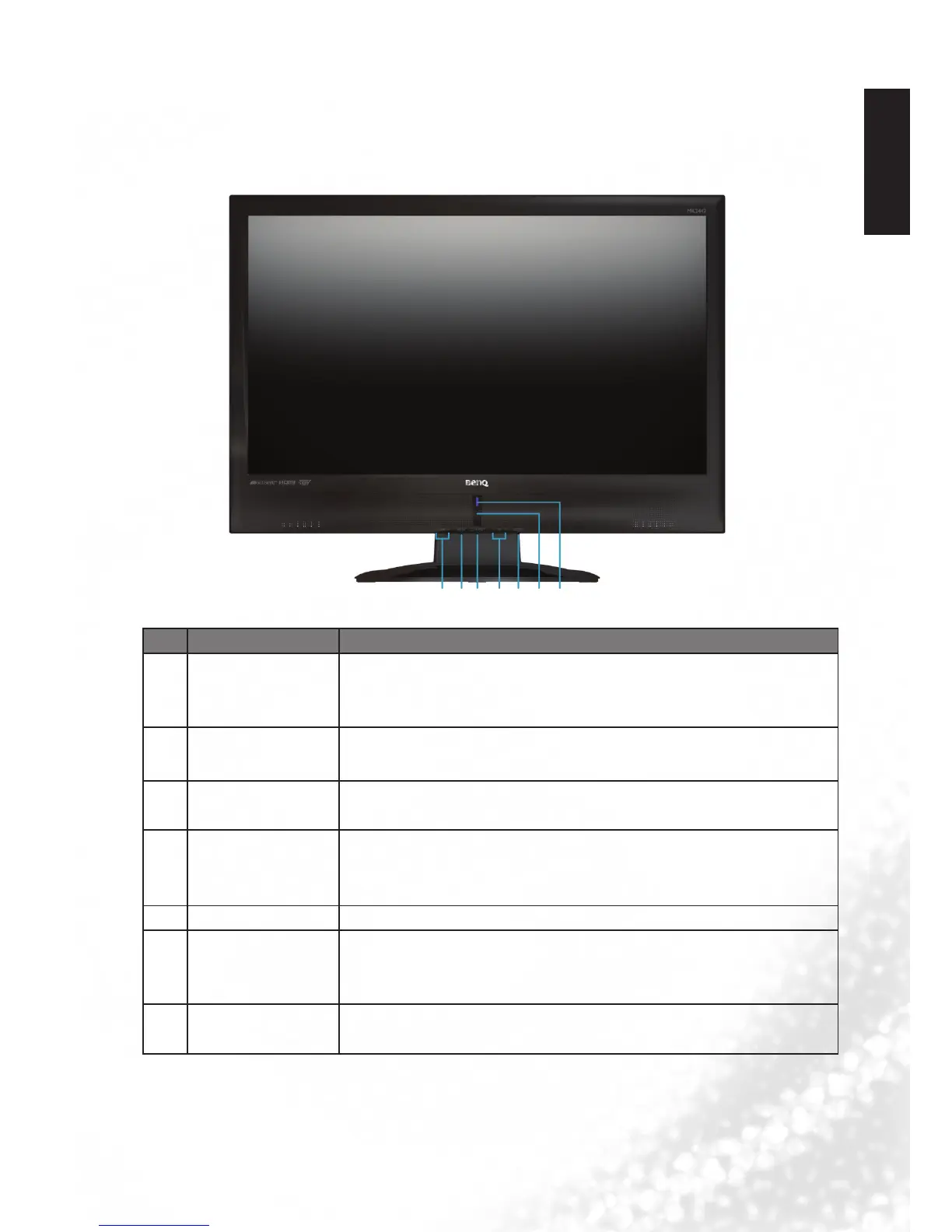
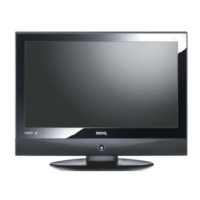
Front view
No. Name Description
1 VOL +/- button
• Adjusts the volume level of the speakers.
• In the OSD menu, moves the selection highlight left or right or
changes settings.
2 MENU button
Displays the OSD (On-Screen Display) menu if not visible, or
exits the current menu if displayed.
3
Power/Standby
button
Toggles the display between standby mode and on.
4 CH +/- button
• Press these buttons to sequentially change channels.
• In the OSD menu, moves the selection highlight up or down.
5 ENTER button Select input source.
6
Remote Control
Receiver
Receives command signals from the remote control. Do not
obstruct the sensor by placing any objects in front of it, which
will hinder the reception of signals.
7 Power Indicator
• Lights up blue when the diaplay is powered on.
• Lights up orange when the diaplay is in standby mode.
1 2 3 4
5 6 7


 To Next Page