English
42 OSD (On-Screen Display) menu
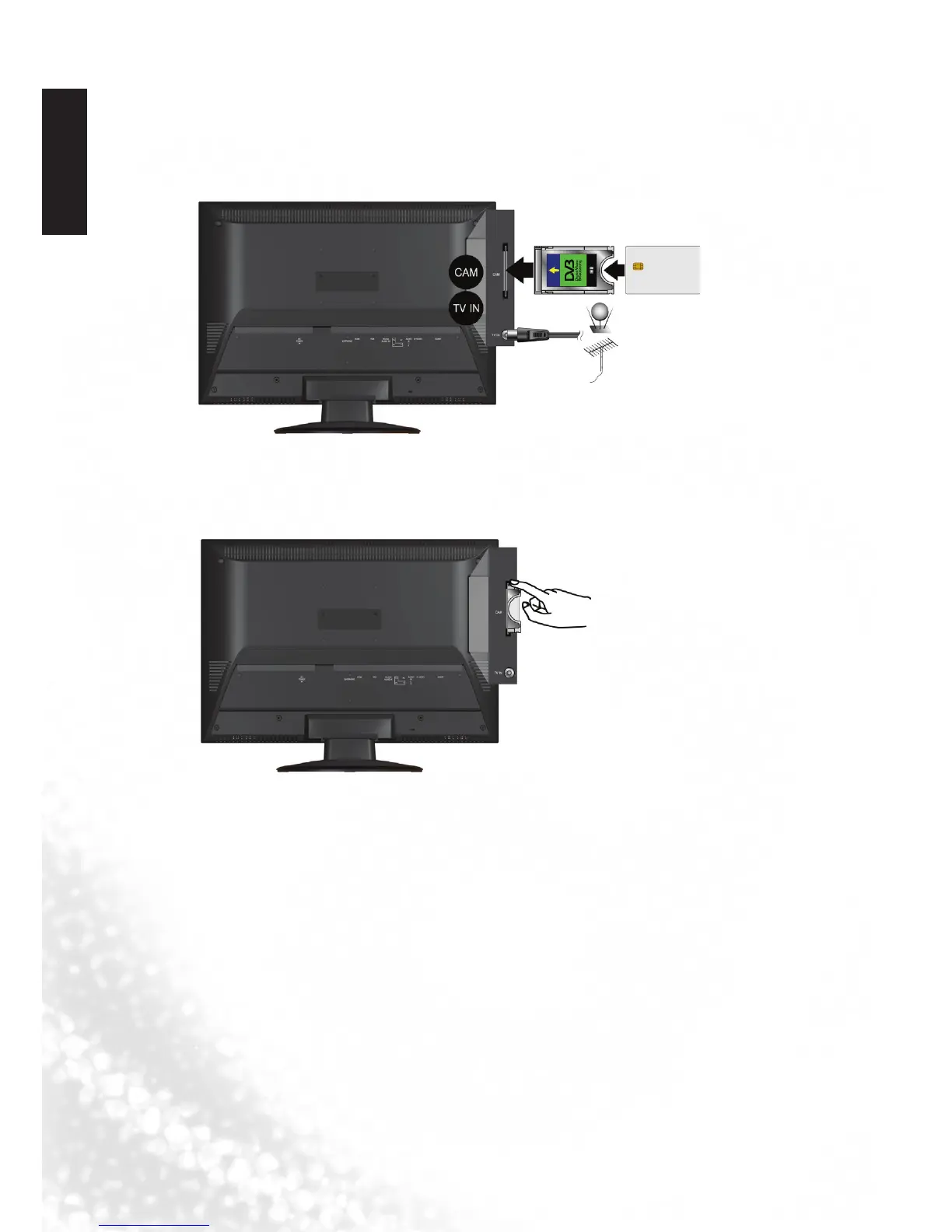
Connecting CI(Common Interface) card
To view the scrambled (pay) services in digital TV mode.
1. TO INSERT A CI CARD
Insert the CI card into the slot in the direction of the arrow until it fits.
2. TO REMOVE A CI CARD
When removing the CI card, do not attempt to pull it from its slot. Please push the
EJECT button as illustrated below.
3. This function enables you to watch the scrambled services (pay services) in some
channels.
If you remove the CI Module, you can watch the available digital/analogue
programme in some channels.



 To Next Page