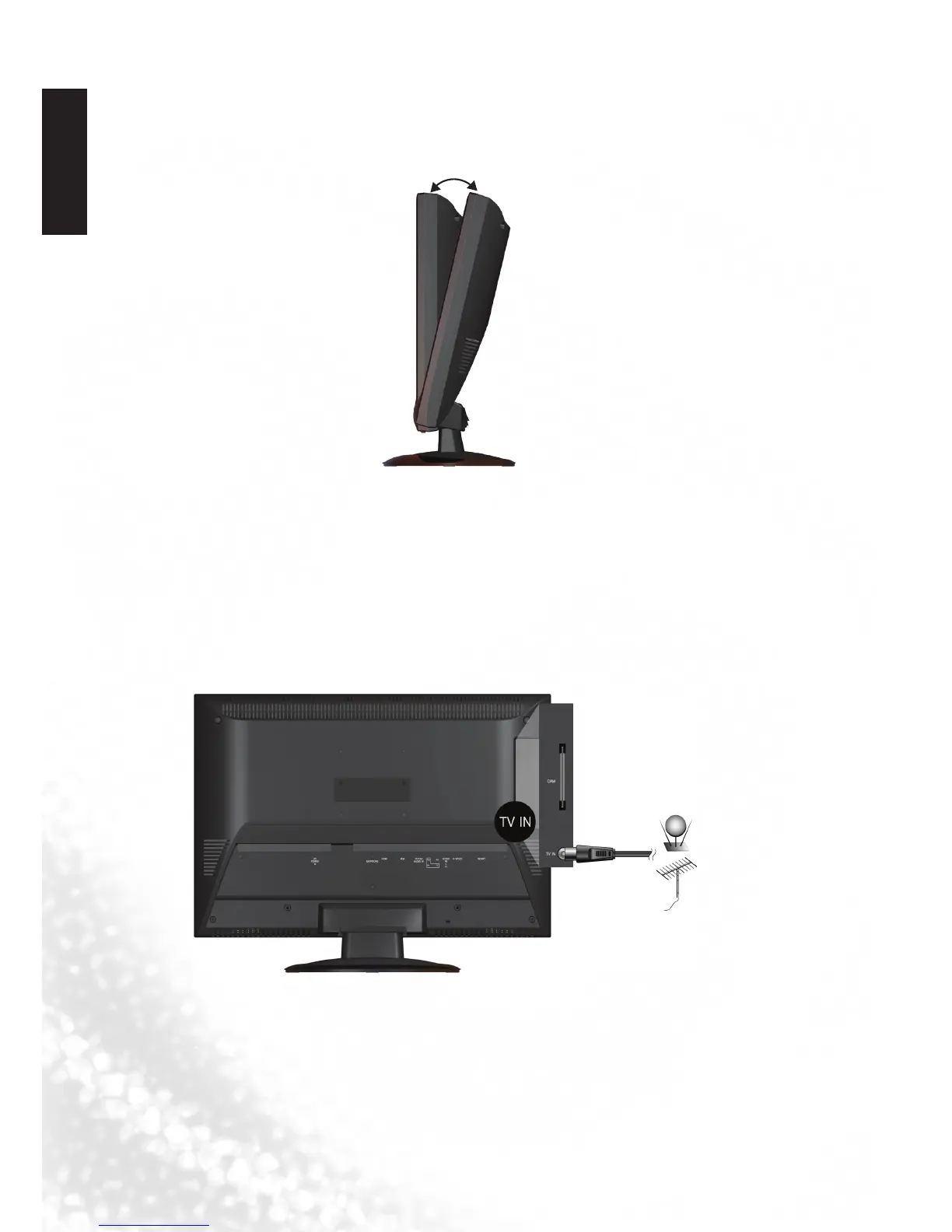
7. Connect the antenna cable
Connect a TV antenna cable fly-lead from your TV antenna system or Cable TV (CATV) to
the TV input on the TV. Check to make sure that the cable connection is firmly in place.
• ApoorqualityTVsignalwillproduceapoorpictureand/orsoundonyourTV.For
high quality picture and sound ,you will need a high quality TV signal.
Depending upon your location, for best TV signal reception, you should have a
properly aligned outdoor TV antenna system. If need be, consult a professional
antenna specialist.
6. Adjust the viewing angle
This display is equipped with a adjustable base. If necessary, turn the display screen to an
appropriate angle (maximum 20 degrees up and down) for more comfortable viewing.



 To Next Page