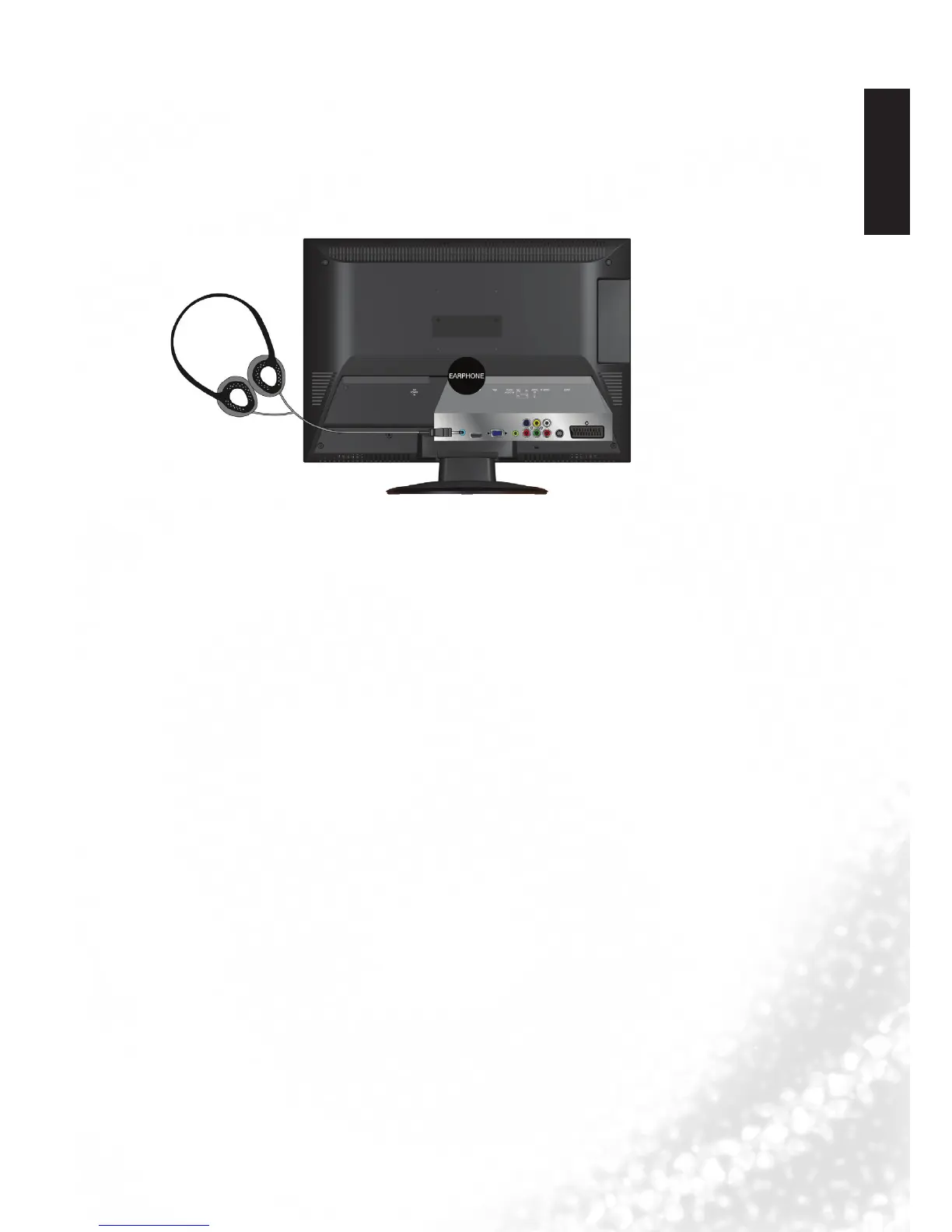
Connecting the headset audio output
This display provides a stereo headset output socket for delivering the audio signal to a
stereo headset.
Connect the stereo headset plug (3.5mm Mini-jack type) to the stereo headset output
socket on the display using a suitable audio cable.
Once connected, the display speakers will be muted automatically
.
Headset



 To Next Page