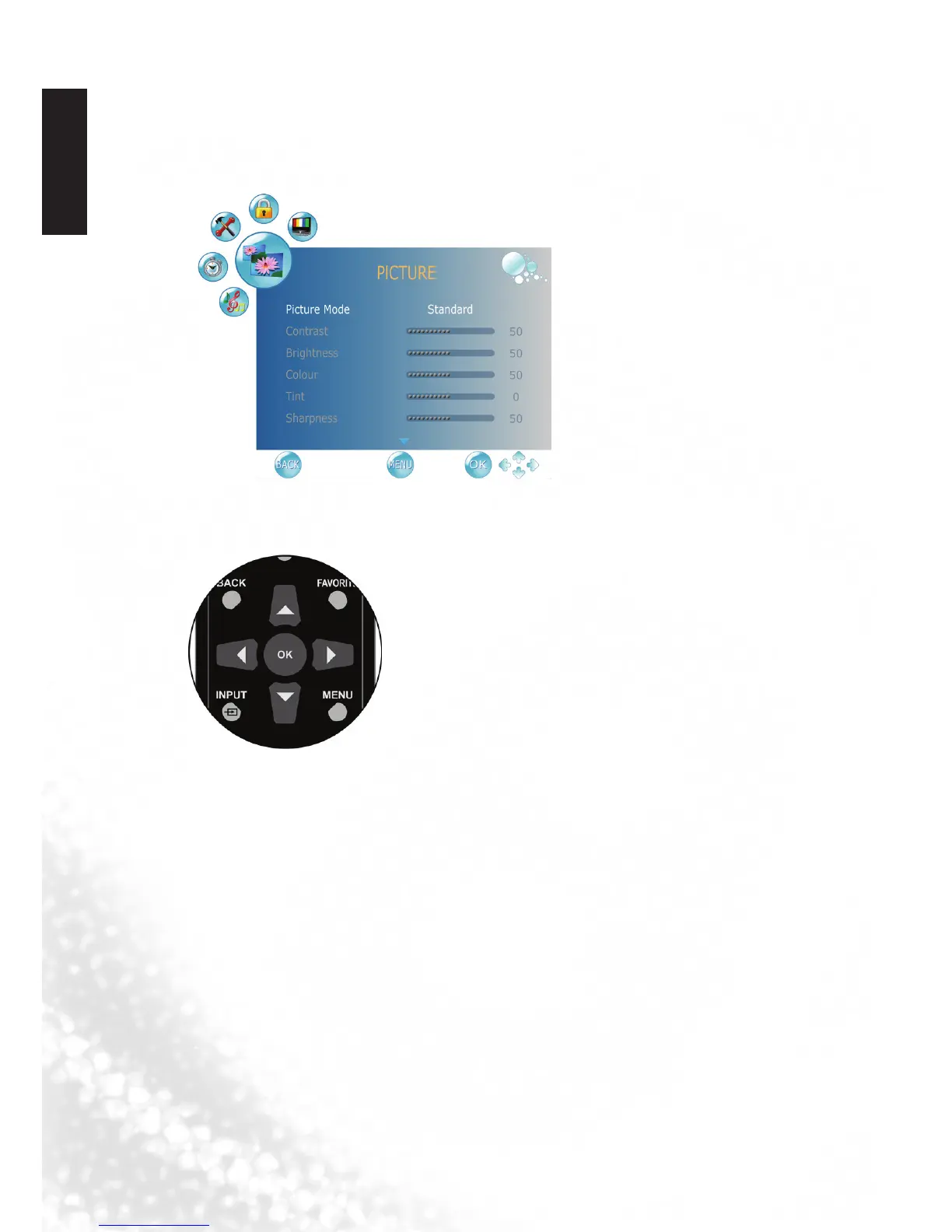
Navigating the OSD menu
You can use the On-Screen Display (OSD) menu to adjust the settings on your
display. To display the OSD menu, press MENU on the display:
Operations in the OSD menu
For example, to adjust picture sharpness:
1. Press MENU to display the OSD menu on-screen.
2. Press
◄
or
►
to select your main menu.
3. Press OK to enter the submenu.
4. Press
▲
or
▼
to make selection.
5. Press
◄
or
►
to make adjustment.
6. Press MENU to close the OSD menu.



 To Next Page