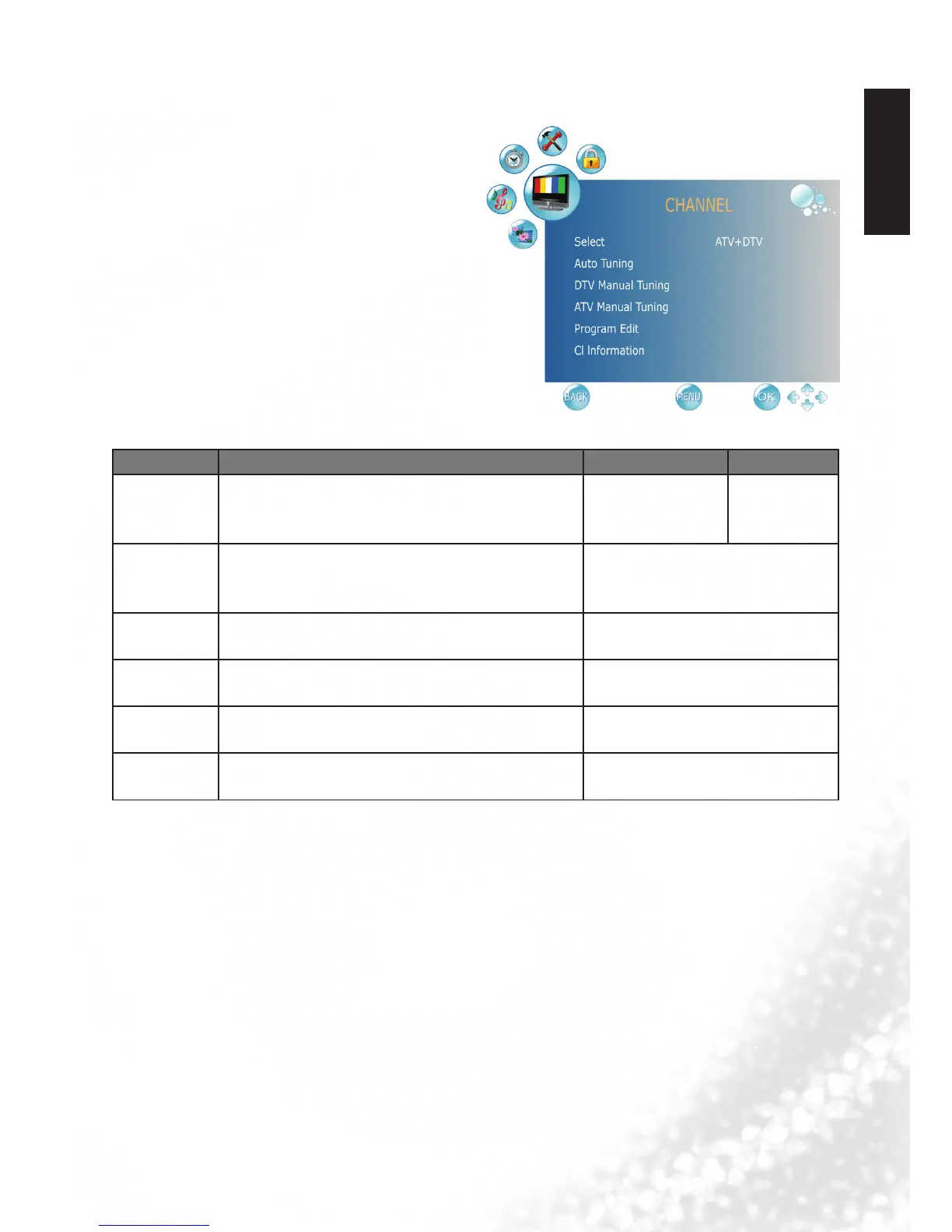
CHANNEL menu
The available menu items are dependent
on the input source being selected.
The illustration is for reference only.
Item Function Operation Range
Select Selects the Auto Tuning range.
Press
◄
or
►
to
change selection.
•ATV+DTV
•ATVonly
•DTVonly
Auto Tuning
Press the OK button, the Auto Tuning
automatically creates a list of receivable
channels.
Press OK to enter Auto Tuning
Menu.
DTV Manual
Tuning
Allows adjustment manually for the particular
channel with optimal reception.
Press OK to enter DTV Manual
Tuning Menu.
ATV Manual
Tuning
Allows adjustment manually for the particular
channel with optimal reception.
Press OK to enter ATV Manual
Tuning Menu.
Programme
Edit
Allows addition/removal/edition of channels on
the channel list.
Press OK to enter Programme
Edit Menu.
CI
Information
Allows to display the CI information.
Press OK to enter CI Information
Menu.



 To Next Page