32 Menu operation
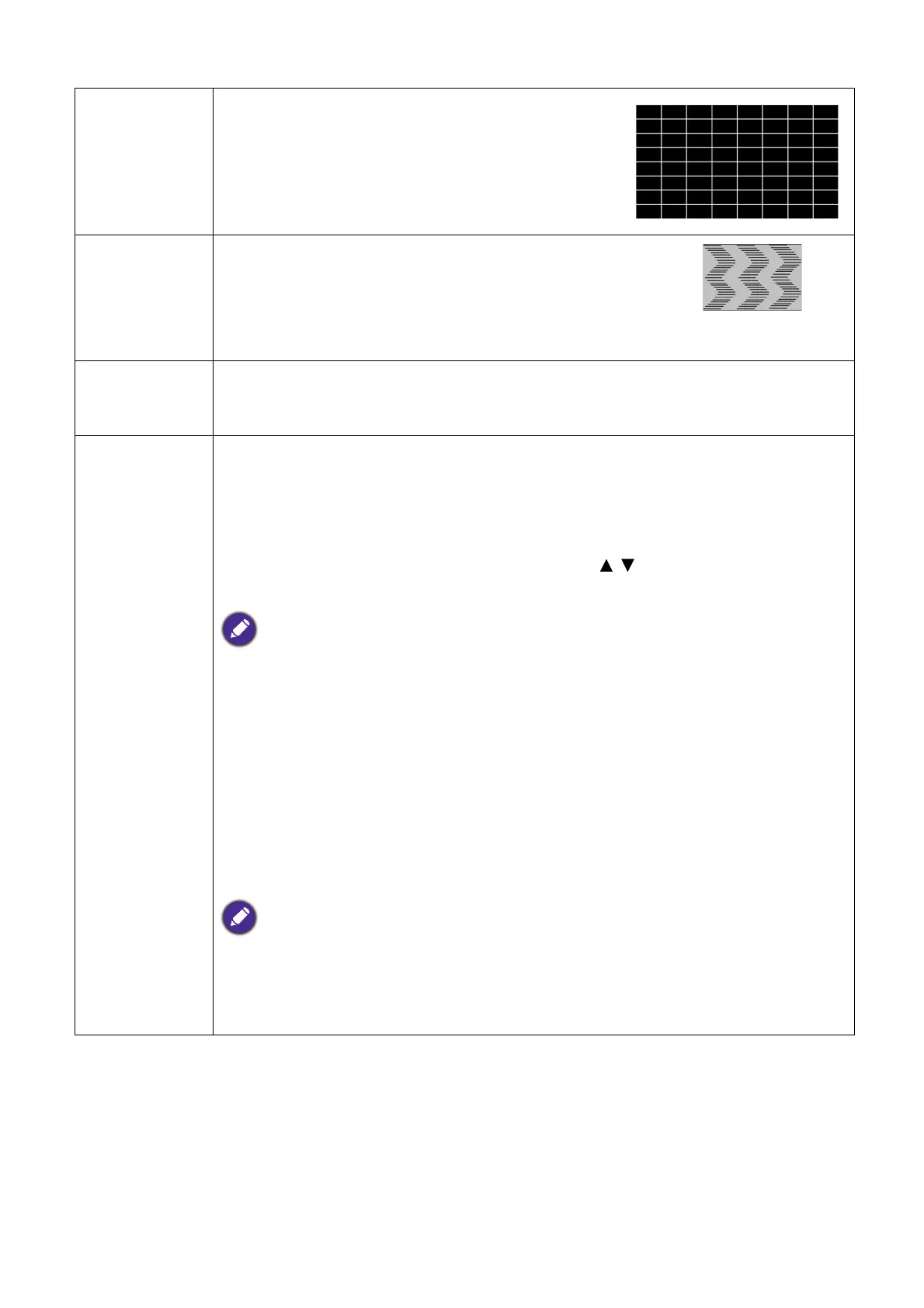
Test Pattern
Adjusts the image size and focus and check that the
projected image is free from distortion.
PC &
Component
YPbPr Tuning
• Phase: Adjusts the clock phase to reduce image
distortion. This function is only available when a PC
signal (analog RGB) or YPbPr signal is selected.
• H. Size: Adjusts the horizontal width of the image.
This function is only available when a PC signal (analog RGB) is selected.
Position
Displays the position adjustment page. To move the projected image, use the
directional arrow keys. This function is only available when a PC signal (analog RGB)
is selected.
3D
This projector features a 3D function which enables you to enjoy the 3D movies,
videos, and sporting events in a more realistic way by presenting the depth of the
images. You need to wear a pair of 3D glasses to view the 3D images.
• 3D Mode: The default setting is Off. If you want the projector to automatically
choose an appropriate 3D format when detecting 3D contents, select Auto. If the
projector cannot recognize the 3D format, press / to choose a 3D mode from
among Top Bottom, Frame Sequential, Frame Packing and Side by Side.
When 3D function is activated:
• The brightness level of the projected image will decrease.
• The following settings cannot be adjusted: Picture Mode, Reference Mode.
• The Keystone can only be adjusted within limited degrees.
• 3D Sync Invert: When you discover the inversion of the image depth, enable
this function to correct the problem.
• Apply 3D Settings: After the 3D settings are saved, you can decide if you would
like to apply them by choosing a set of 3D settings that you have saved. Once
applied, the projector will automatically play the incoming 3D contents if it
matches the 3D settings saved.
Only the set(s) of 3D settings with memorized data is available.
• Save 3D Settings: When you have successfully displayed the 3D contents after
making the appropriate adjustments, you can enable this function and choose a set
of 3D settings to memorize current 3D settings.


 To Next Page