Operation
40
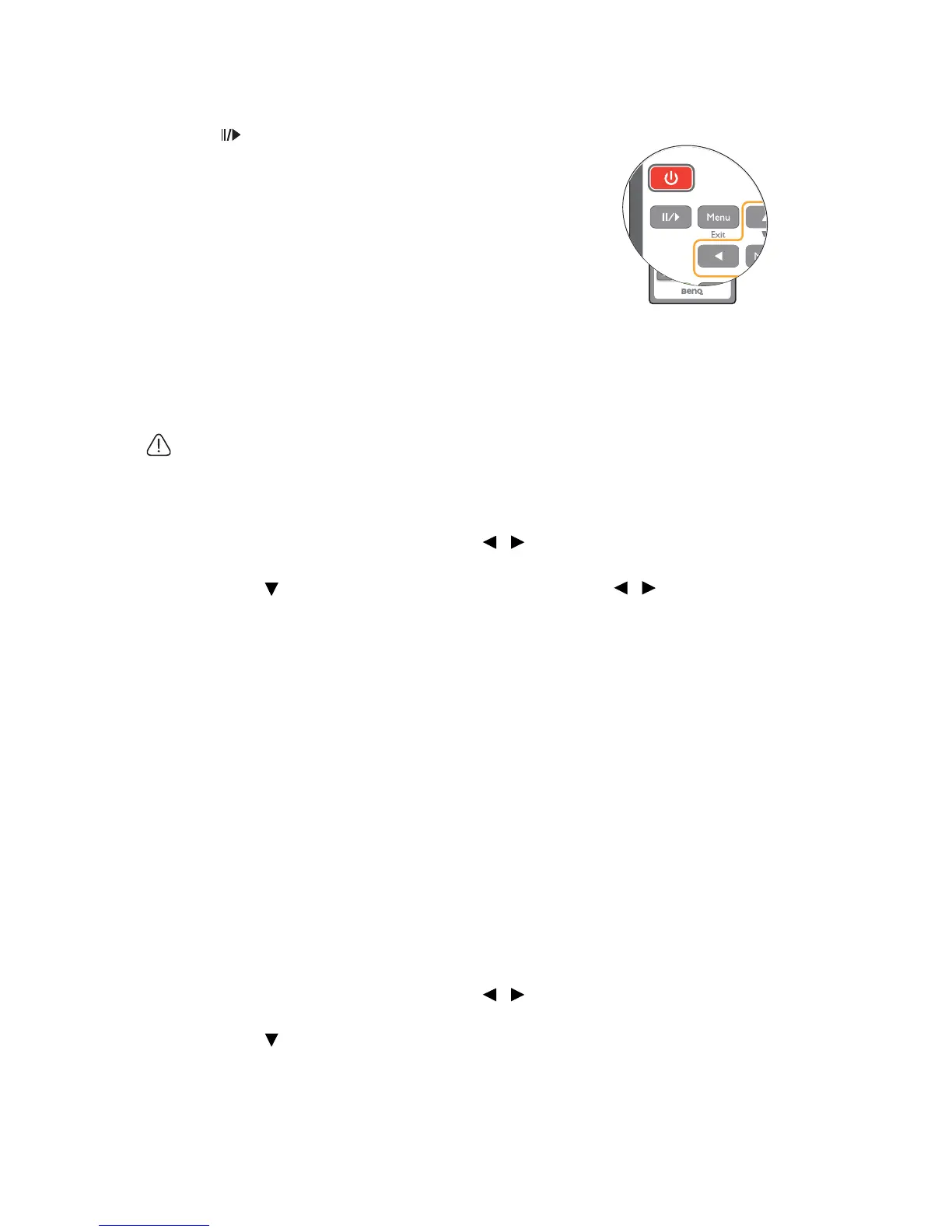
Freezing the image
Press on the remote control to freeze the image.
The word 'FREEZE' will display in the screen. To
release the function, press any key (except the
Page
Up/Down key) on the projector or remote control.
Even if an image is frozen on the screen, the pictures
are running on the video or other device. If the
connected devices have active audio output, you will
still hear the audio even though the image is frozen
on screen.
Operating in a high altitude environment
We recommend you use the High Altitude Mode when your environment is between
1500 m –3000 m above sea level, and ambient temperature is between 0°C–35°C.
Do not use the High Altitude Mode if your altitude is between 0 m and 1500 m and ambient
temperature is between 0°C and 35°C. The projector will be over cooled, if you turn the mode
on under such a condition.
To activate the High Altitude Mode:
1. Press MENU/EXIT and then press / until the SYSTEM SETUP:
Advanced menu is highlighted.
2. Press to highlight High Altitude Mode and press / to select On. A
confirmation message displays.
3. Highlight Yes and press MODE/ENTER.
Operation under "High Altitude Mode" may cause a higher decibel operating noise level
because of increased fan speed necessary to improve overall system cooling and
performance.
If you use this projector under other extreme conditions excluding the above, it may
display auto shut-down symptoms, which is designed to protect your projector from over-
heating. In cases like this, you should switch to High Altitude mode to solve these
symptoms. However, this is not to state that this projector can operate under any and all
harsh or extreme conditions.
Adjusting the sound
The sound adjustments made as below will have an effect on the projector speaker(s). Be
sure you have made a correct connection to the projector audio input. See "Connection"
on page 18 for how the audio input is connected.
Muting the sound
To temporarily turn off the sound::
1. Press MENU/EXIT and then press / until the SYSTEM SETUP:
Advanced menu is highlighted.
2. Press to highlight Audio Settings and press MODE/ENTER. The Audio
Settings page displays.
3. Highlight Mute and select On.


 To Next Page