Android system interface44
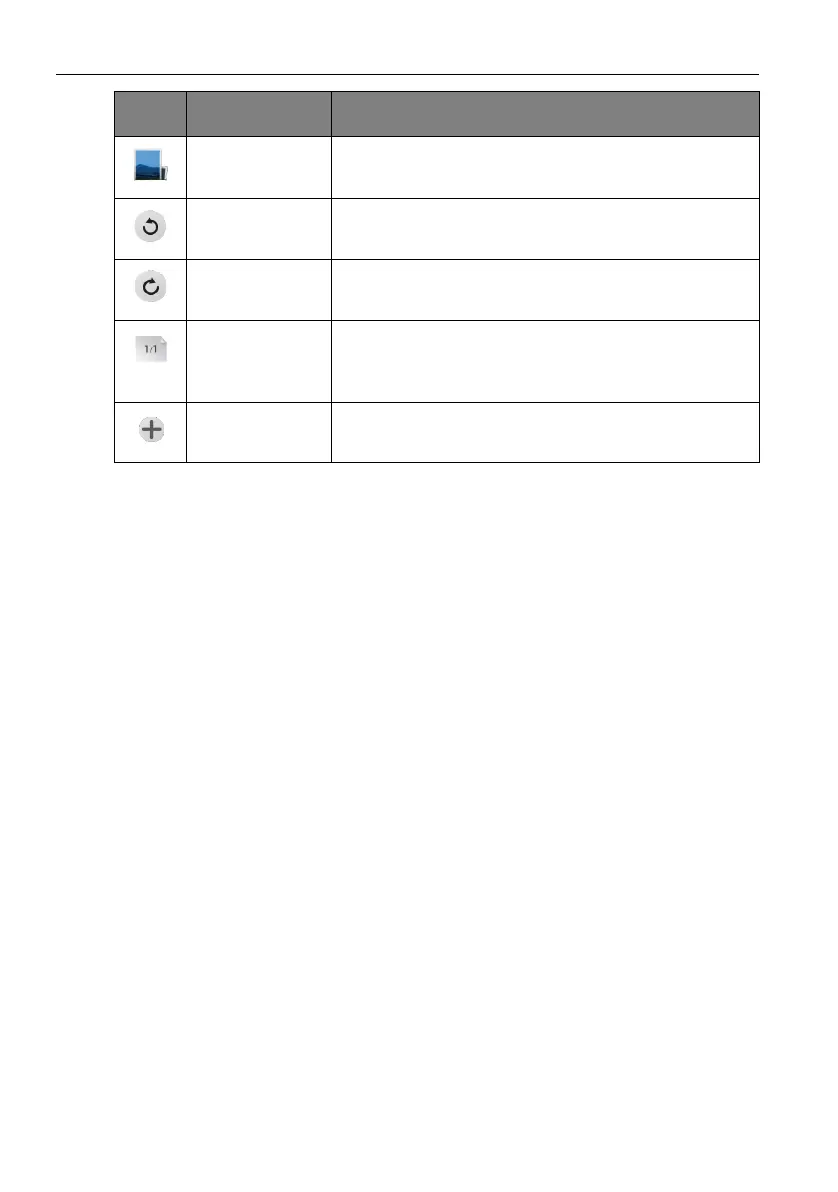
Image import Click to import an image into EZWrite 3.0. Refer to
Importing images on page 55 for more information.
Cancel Click to undo previous operation.
Restore Click to redo the cancelled operation.
Page Reveals the page number of the current picture. Click to
view the list of pages. Refer to Adding pages on page 56
for more information.
Add page Click to add a new page of writing image. Refer to
Adding pages on page 56 for more information.
Icon Function Description



 To Next Page