Android system interface48
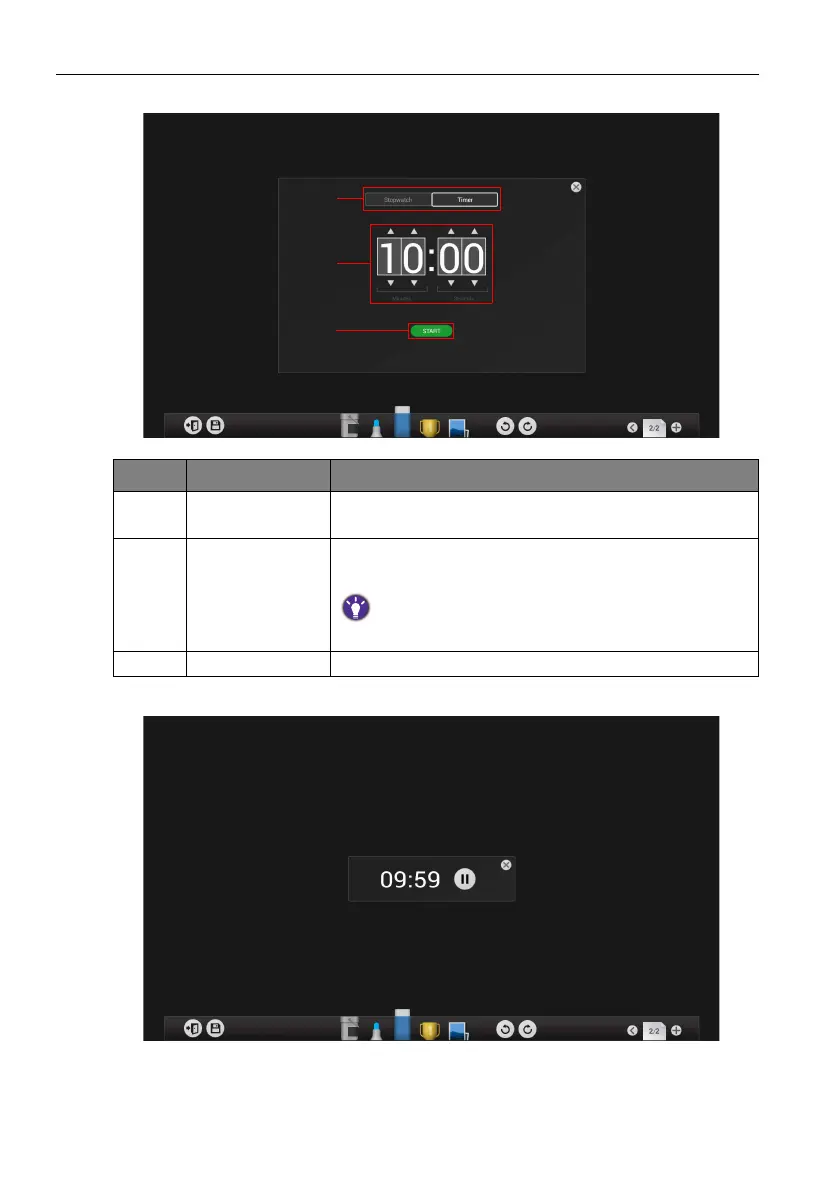
5. The Timer settings screen will appear on the display as shown below.
6. Click START to begin the countdown timer as shown below.
Item Function Description
1Stopwatch /
Timer
Click to switch between Stopwatch and Timer.
2 Time setting Swipe up/down to set the amount of countdown time for
the timer.
The longest the timer can be set to is 99 minutes and 59
seconds.
3 Start Click to start the timer.



 To Next Page