Android system interface 49
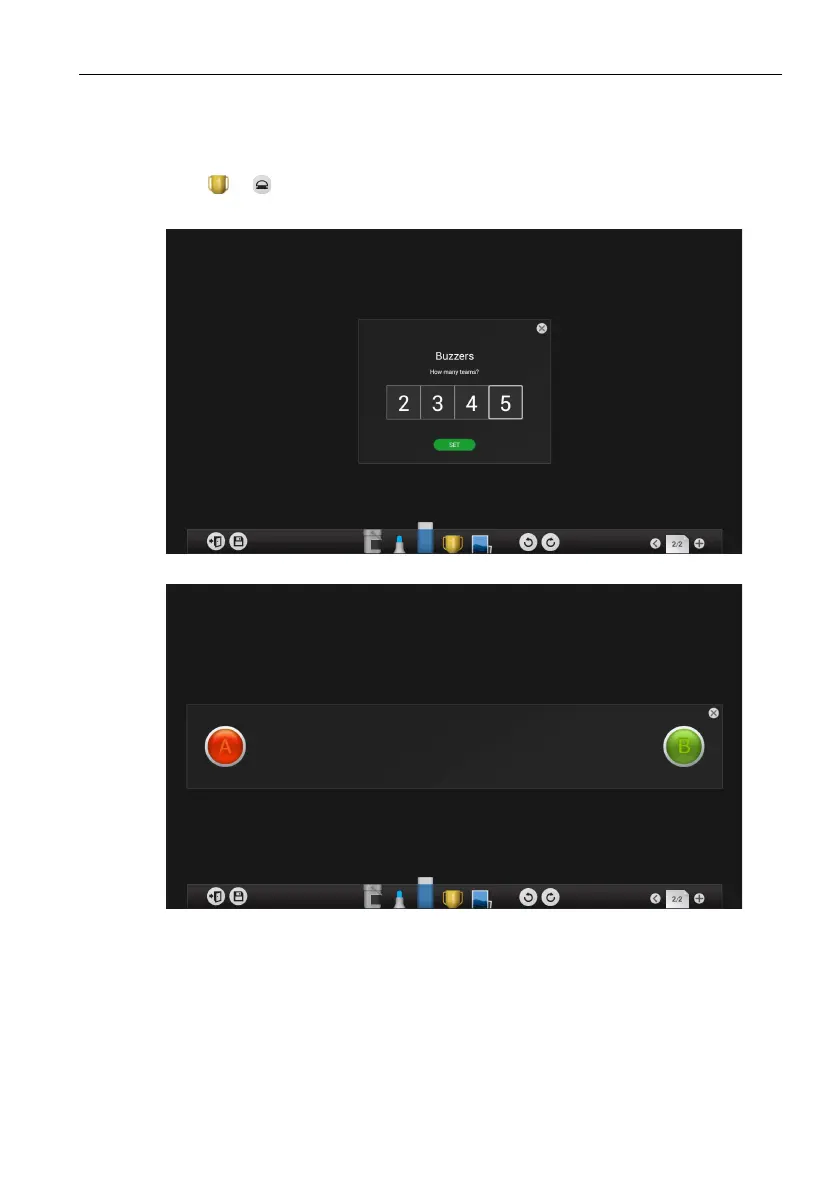
Buzzers
Buzzers allows you to create 2 to 5 touchscreen “buzzer” buttons for use in interactive
question and answer games/activities.
1. Click > in EZWrite 3.0.
2. Select the number of buzzers you want to use.
3. The buzzers will appear on the display.
4. The first person that touches a buzzer will disable all buzzers for 5 seconds,
whereupon the buzzers will reset and a new session will begin again.
5. The winning buzzer’s color will change to orange.



 To Next Page