Android system interface 51
Scoreboard
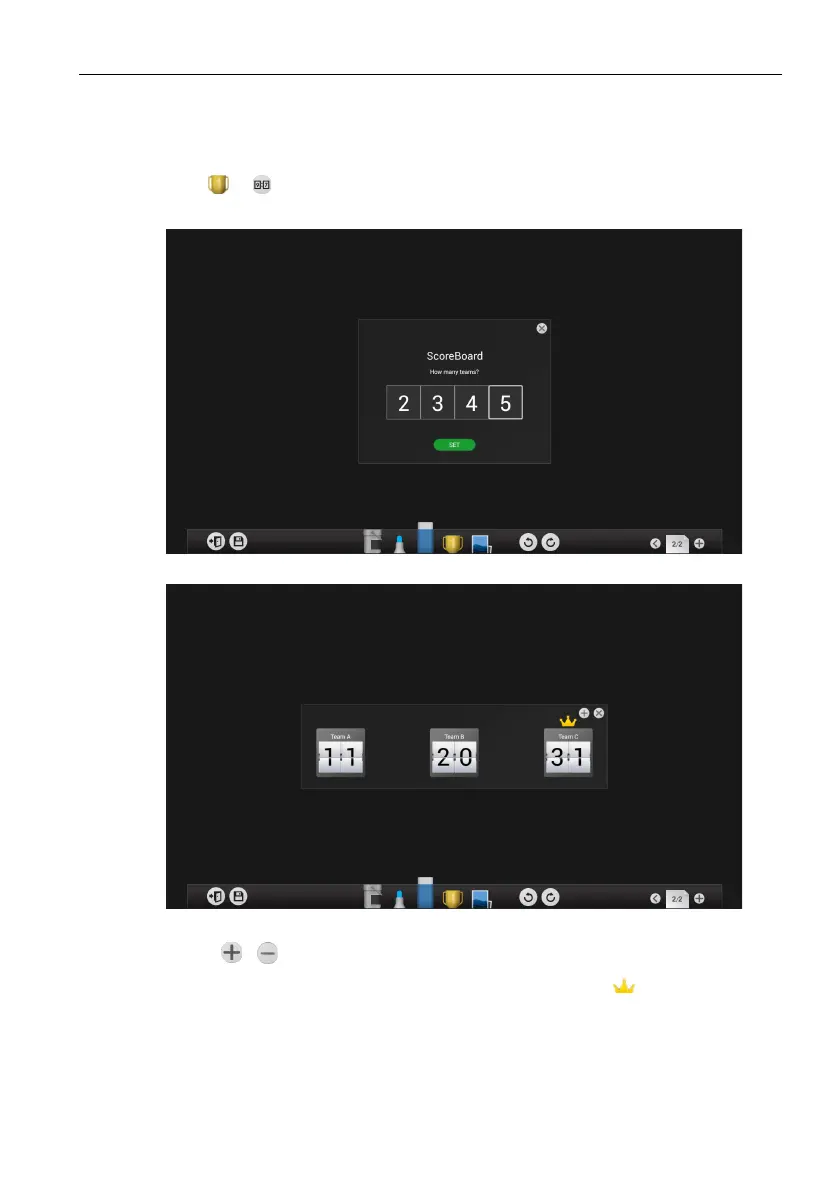
Scoreboard allows you to create 2 to 5 touchscreen scoreboards for use in interactive
score-based games/activities.
1. Click > in EZWrite 3.0.
2. Select the number of scoreboards you want to use.
3. The scoreboards will appear on the display.
4. Swipe up or down on a scoreboard to increase or decrease the score.
- Click / to increase/decrease the distance between scoreboards.
- The team with the current highest score will have a crown ( ) above their
scoreboard. If all teams have the same score, no crown will appear.



 To Next Page