29 Menu operation
User
Management
5. Use / / / , and OK to set desired characters.
6. When done, press BACK to save the changes and exit.
Brightness
The higher the value, the brighter the image. Adjust this control so the black
areas of the image appear just as black and that detail in the dark areas is
visible.
Contrast
The higher the value, the greater the contrast. Use this to set the peak white
level after you have previously adjusted the Brightness setting to suit your
selected input and viewing environment.
Sharpness The higher the value, the sharper the picture becomes.
Brilliant Color
This function utilizes a new color-processing algorithm and system level
enhancements to enable higher brightness while providing truer, more
vibrant colors in picture. It enables a greater than 50% brightness increase
in mid-tone images, which are common in video and natural scenes, so the
projector reproduces images in realistic and true colors.
Advanced Color
Settings
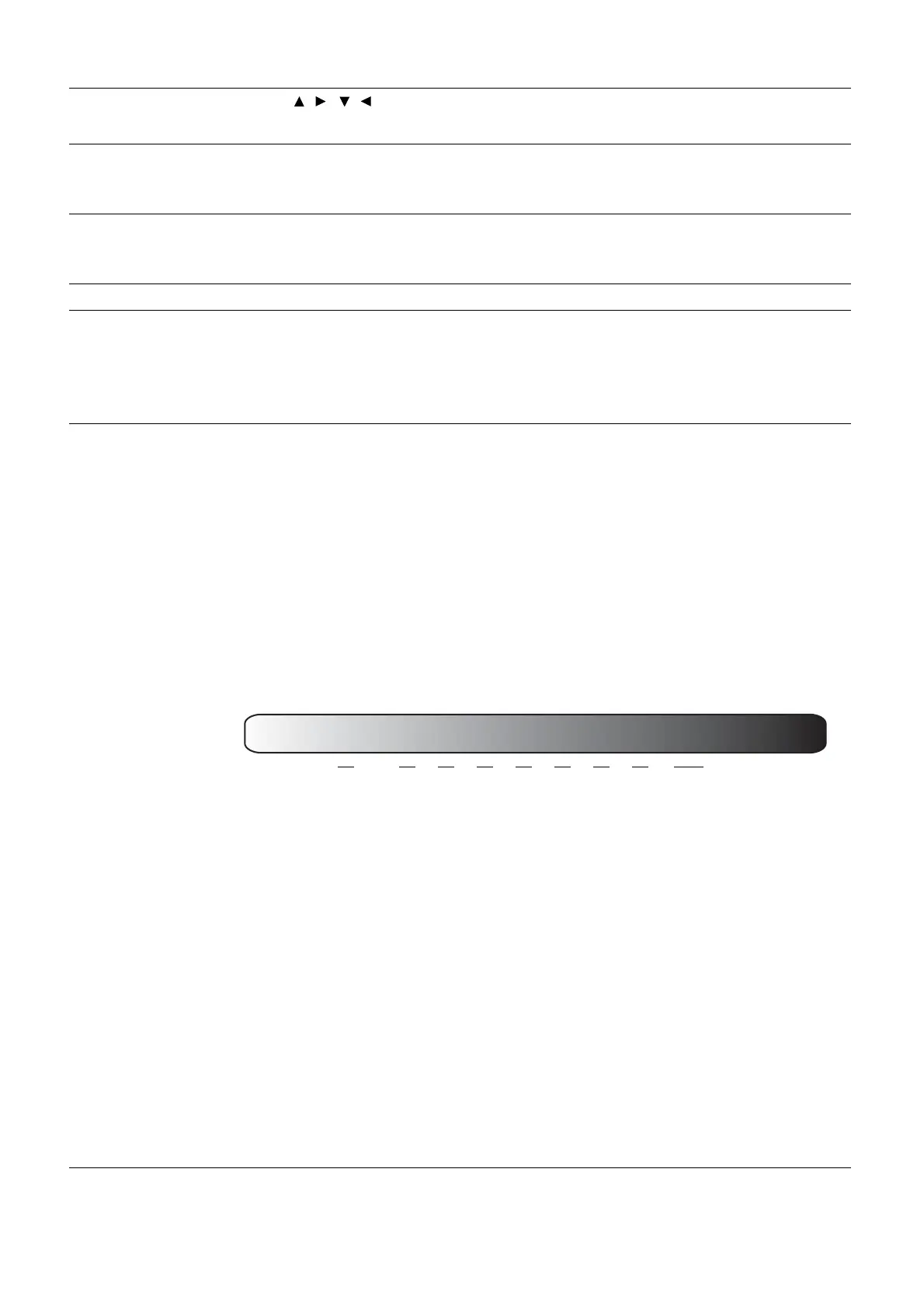
• Gamma Selection
Gamma refers to the relationship between input source and picture
brightness.
• 1.8/2.0/2.1/BenQ: Select these values according to your
preference.
• 2.2/2.3: Increases the average brightness of the picture. Best for a
lit environment, meeting room or family room.
• 2.4/2.5: Best for viewing movies in a dark environment.
• 2.6: Best for viewing movies which are mostly composed of dark
scenes.
• Color Temperature Tuning
There are several preset color temperature settings available. The available
settings may vary according to the signal type selected.
• Normal: Maintains normal colorings for white.
• Cool: Makes images appear bluish white.
• Native: With the light source’s original color temperature and higher
brightness. This setting is suitable for environments where high
brightness is required, such as projecting pictures in well lit rooms.
• Warm: Makes images appear reddish white.
You can also set a preferred color temperature by adjusting the following
options.
• R Gain/G Gain/B Gain: Adjusts the contrast levels of Red, Green, and
Blue.
• R Offset/G Offset/B Offset: Adjusts the brightness levels of Red,
Green, and Blue.
High Brightness
Low Contrast
Low Brightness
High Contrast
1.8 2.0 2.1 2.2 2.3 2.4 2.5 2.6 BenQ



 To Next Page