21
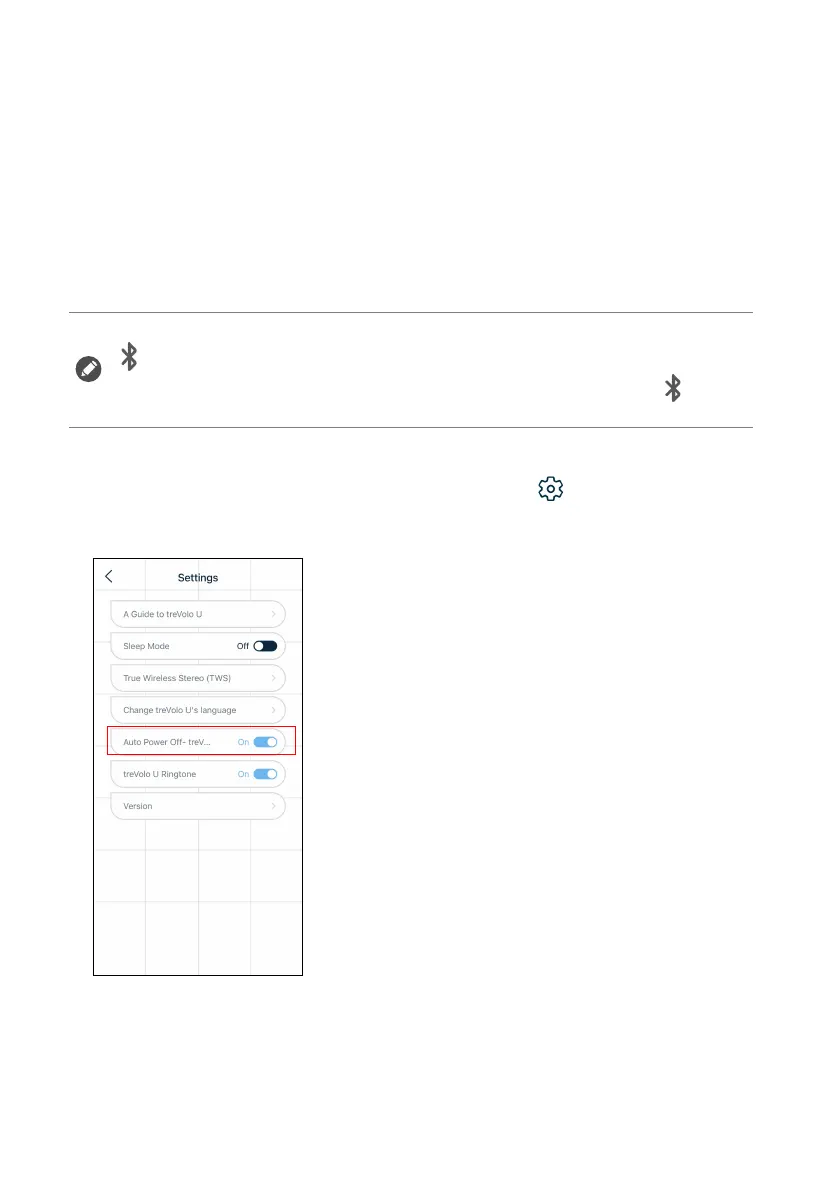
Auto Power Off
The default mode is On. The speaker will be automatically turned off
when the following conditions are met for 3 minutes or 30 minutes*:
If you do not want the speaker to turn off automatically, on the top
right corner of the home page, click Settings () > Auto Power
Off - treVolo U to close this function.
1. No audio cable or USB-C cable connected to the speaker.
2. Speaker not in use or voice control not activated.
3. treVolo U App not in use and treVolo U App closed from the
background.
*If the speaker is still not connected to a Bluetooth device (the light above
will be off), the speaker will be automatically turned off after 3 minutes.
*If a connection is made with the Bluetooth device (the light above will be
solid), the speaker will be automatically turned off after 30 minutes.



 To Next Page