Introduction 10
Replacing the remote control batteries
Only use the remote control provided with the projector. Do not use the remote control
included in the QS02 Android TV dongle packaging.
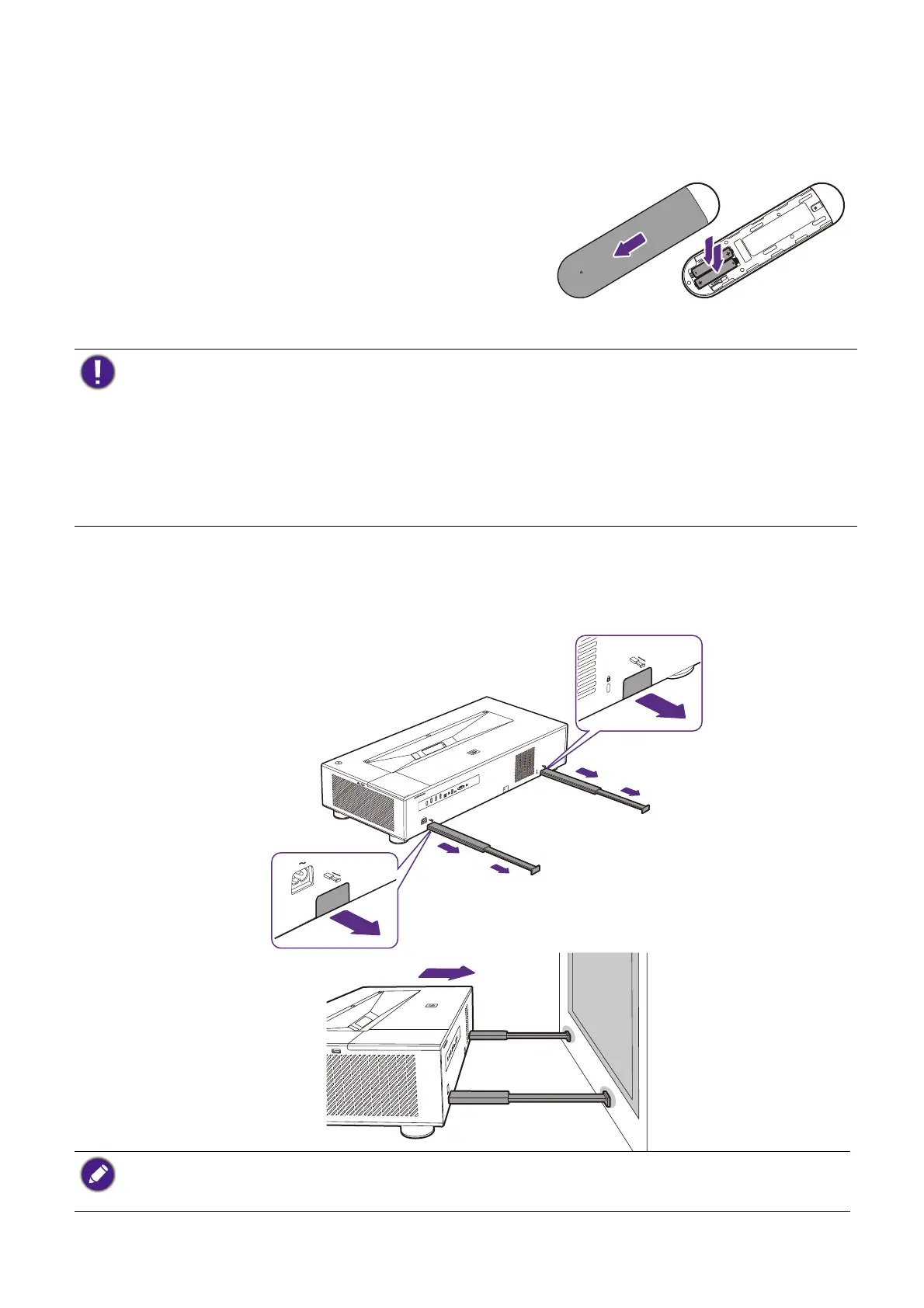
1. Push down and open the battery cover, as
illustrated.
2. Remove the old batteries (if applicable) and
install two AAA batteries. Make sure that the
positive and negative ends are positioned
correctly, as illustrated.
3. Refit the battery cover until it clicks into place.
Using the measuring tools
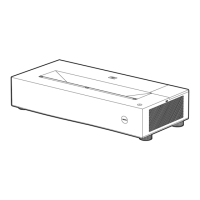
Two rulers can be pulled out from the rear of the projector to measure the projection
distance between the projector and the screen, which helps you in positioning the
projector.
• Avoid leaving the remote control and batteries in an excessive heat or humid environment like the
kitchen, bathroom, sauna, sunroom or in a closed car.
• Replace only with the same or equivalent type recommended by the battery manufacturer.
• Dispose of the used batteries according to the manufacturer's instructions and local environment
regulations for your region.
• Never throw the batteries into a fire. There may be danger of an explosion.
• If the batteries are dead or if you will not be using the remote control for an extended period of time,
remove the batteries to avoid damage to the remote control from possible battery leakage.
Remember to retract the measuring tools once you have finished using them, otherwise any vibrations due
to sound coming from the projector will cause the measuring tools produce sound (due to the power of
the projector’s sound system).


 To Next Page