14. Operating functions
14.1. General
The ACM-D2 inverters are pre-programmed to run a 4-pole AC-induction motor. In many cases no
additional programming is required.
14.2. Control panel
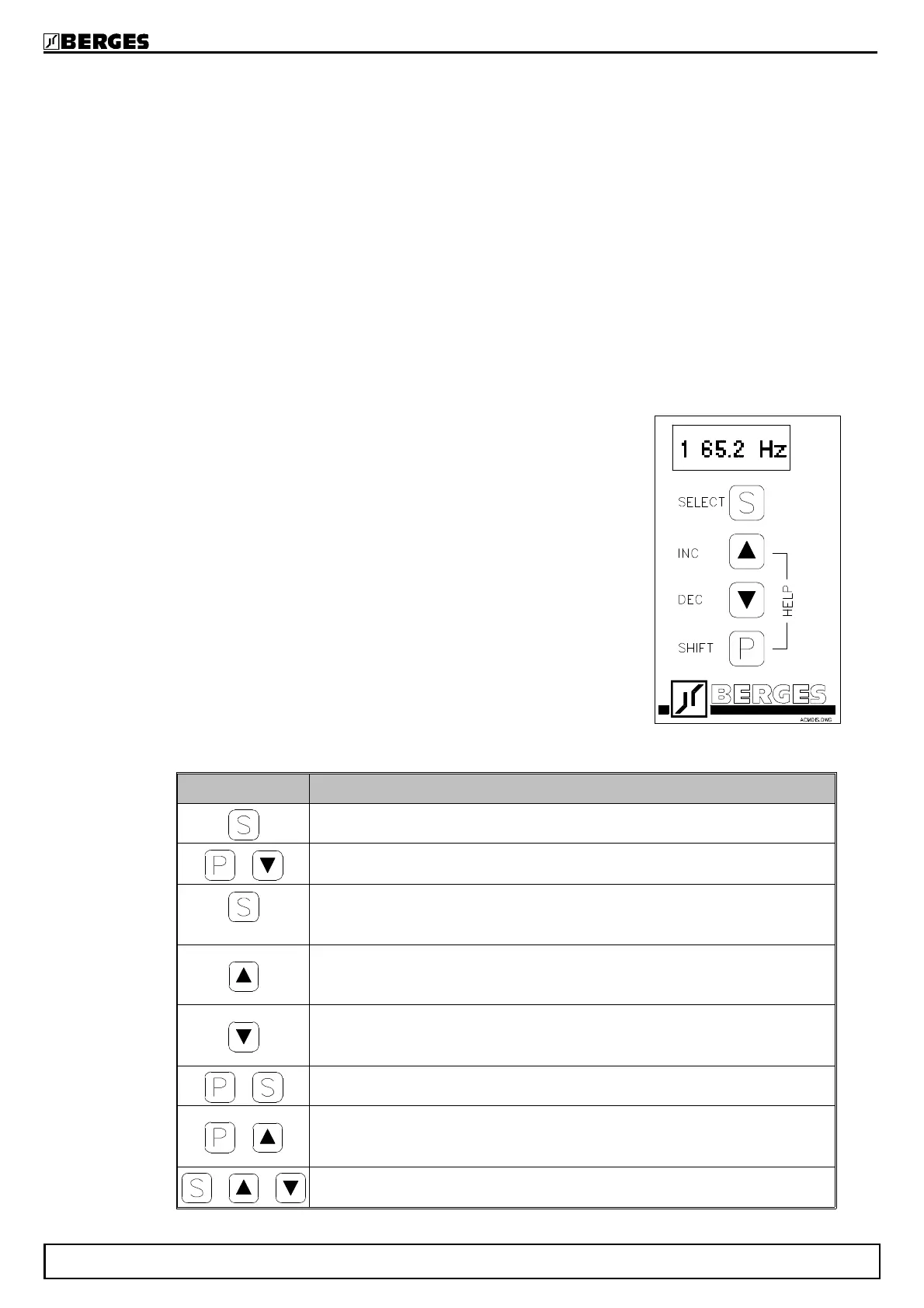
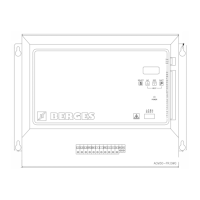
All functions of the inverter can be controlled by way of the ACM-D2 control panel. The 4 input keys
allow control of the motor and direct parameter programming.
The functions are separated into three levels in order to facilitate
programming (function tables TAB1, TAB2, TAB3).
TAB1: Programming of the basic parameters of the inverter and
call-up of works settings.
TAB2: Configuration of the analog and digital inputs, programming
of the output voltage and of the SECURITY function.
TAB3: Configuration of the analog and digital outputs, the
extended setting functions and call-up of the diagnosis
function.
Keys Description
Function interrogation forward.
+
Function interrogation back.
1 sec.
a) Jump back to the first function of the function table or sub-menu.
b) Jump out of the table or sub-menu (starting from the first function of the
function table or sub-menu).
Increments the parameter value of the selected function.
To increase the speed at which scrolling through the value range takes
place, keep INC depressed and briefly press DEC.
Reduces the parameter value of the selected function.
To increase the speed at which scrolling through the value range takes
place, keep DEC depressed and briefly press INC.
+
Permits access to a sub-menu or a parameter table.
+
Help function: A Help text can be called for each function. A key change
from INC to DEC with depressed SHIFT key inverts the text scroll-
direction of the help text.
+ +
Software reset.
BERGES electronic
29.05.98 Operating manual ACM-D2 23



 To Next Page