10.6. Verification process
This process verifies if the files (PDF and ASCII) created by the Fridge-tag are authentic and have not
been manipulated or accidentally changed.
Note: Please ensure that the latest version of “JAVA Runtime” is previously installed on your computer.
Step 1
Download the software Berlinger Verifier from our website: www.berlinger.com/verifier
Step 2
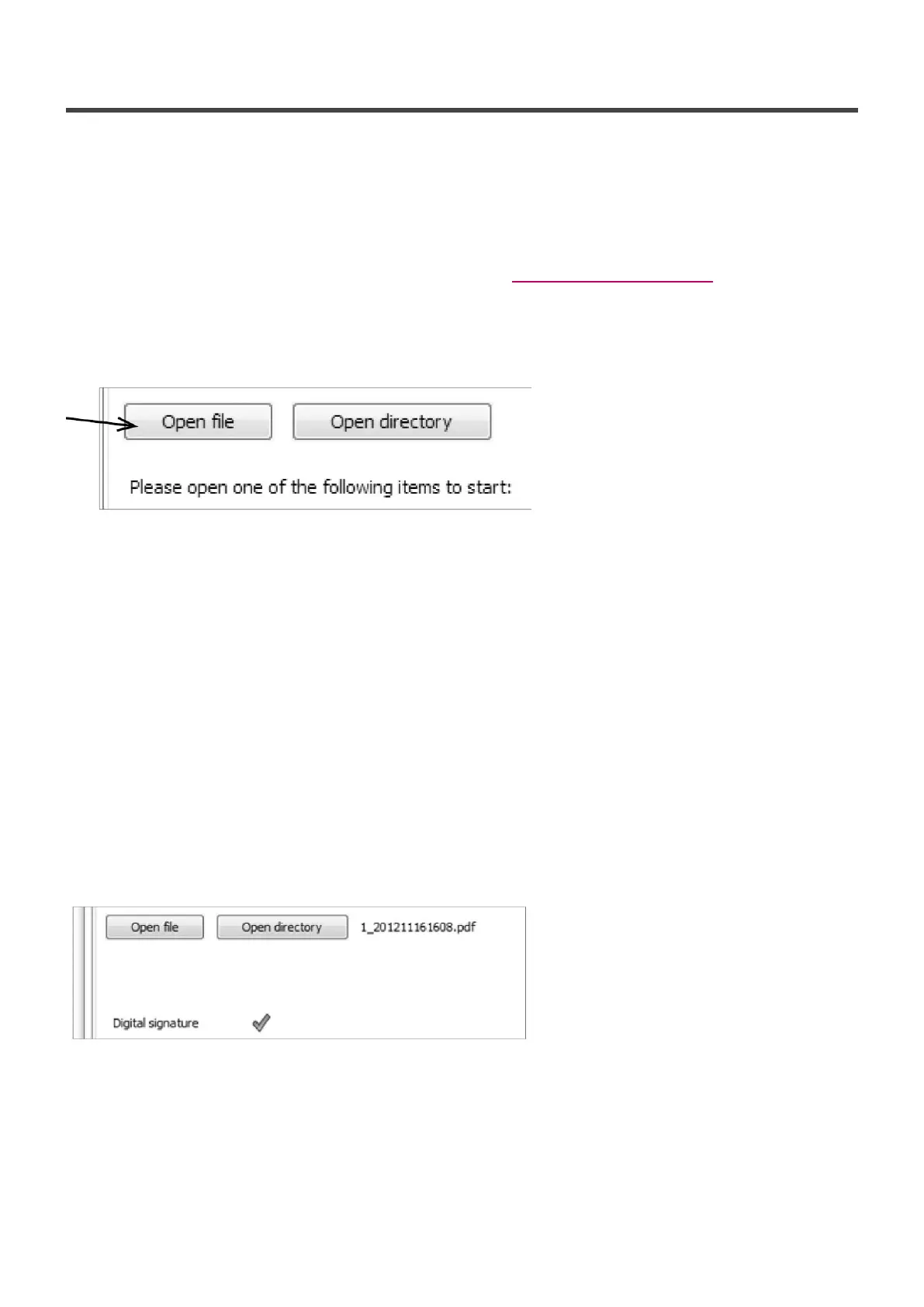
Open the software. The following window will appear:
Step 3
Click on “Open file”
Step 4
Select the file you would like to verify.
Option 1
Select the files directly from the Fridge-tag which is connected to your computer.
Option 2
Select the files from the place where you saved them on your computer.
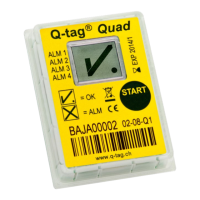
When the file is correct and in its original condition, the following window will appear:
In case the file has been changed, an error message will appear.
Berlinger & Co. AG User Manual Fridge-tag - 1
Page 44 of 51



 To Next Page