10.3. Option 3: Read out data from the files
generated by the Fridge-tag by connecting it
with a computer
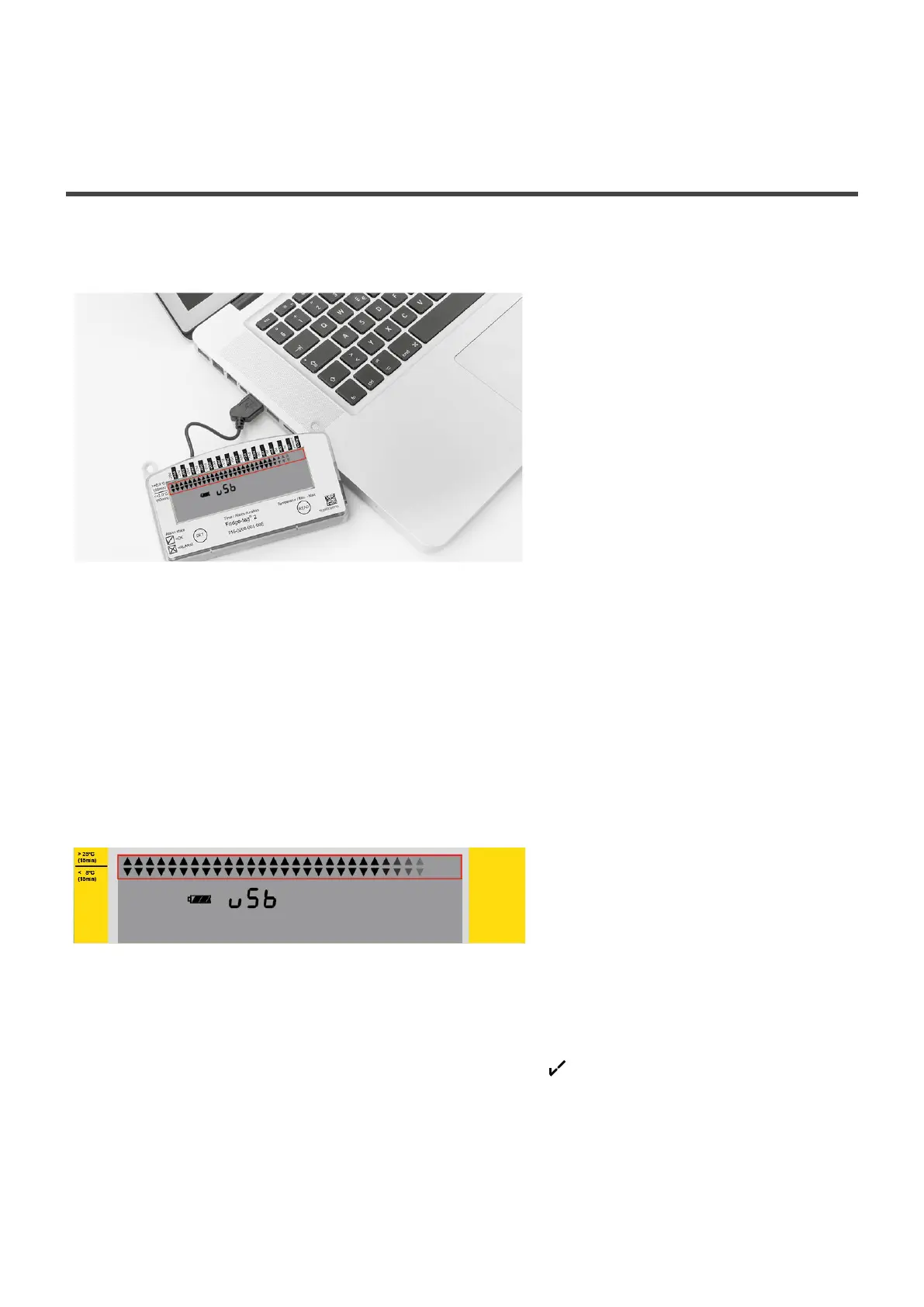
Plug the Fridge-tag into any computer via USB interface. Make sure the device is plugged in properly.
Note: Disconnect the external sensor from the device first.
The Fridge-tag will now generate a PDF and ASCII report of the last 30, 60 days (factory preset). This
process may take up to 30 seconds. Now choose the appropriate file generated by the Fridge-tag.
USB connection of the Fridge-tag
The continuously appearing arrows in the upper display area indicate that the device is processing.
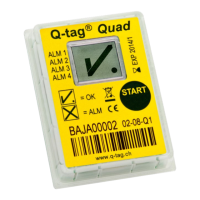
Note: This process must not be interrupted until the OK symbol appears on the display. The example
below indicates that the creation of the ASCII and PDF files as been successfully completed.
Berlinger & Co. AG User Manual Fridge-tag - 1
Page 39 of 51



 To Next Page