22
052815
Workbook 4—Embroidery Basics
Embroidery Sequence Control
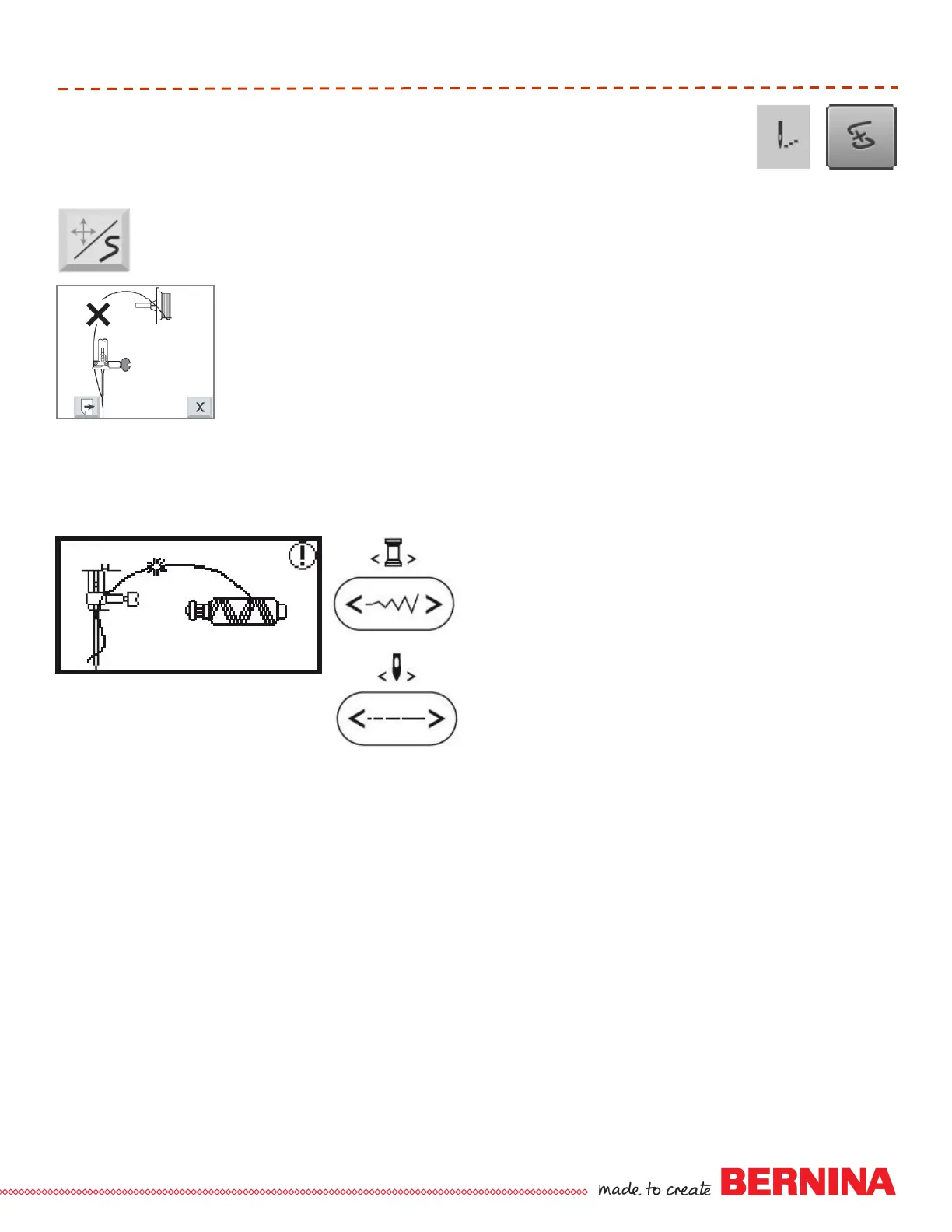
The machine stops automatically and shows the screen at left, if the upper
thread runs out or breaks. Press next page key to continue.
Raise the presser foot and remove the hoop; snip away any excessive threads
from back of the project.
Place the hoop back onto the machine; replace upper thread spool if required
and thread upper thread.
The last screen reminds you to move back several stitches in your project
before continuing to stitch. The number of stitches required depends on how
many you cut out of your project. Press the Cancel key, then use the key in the
Embroidery window to move the appropriate number of stitches back.
Press the Start/Stop button to continue stitching.
deco 340
When the thread breaks, the machine stops and
the screen at left appears.
Raise the presser foot and remove the hoop; snip
away any excessive threads from back of the
project.
Place the hoop back onto the machine; replace
upper thread spool if required and thread upper
thread.
Press the stitch width button to move the design to
the last embroidered color.
Press the stitch length button to move the design
to the last embroidered stitch position
Press the Start/Stop button to continue stitching.
bernette Chicago 7













 To Next Page