24
052815
Workbook 4—Embroidery Basics
Move, Rotate, Duplicate
deco 340
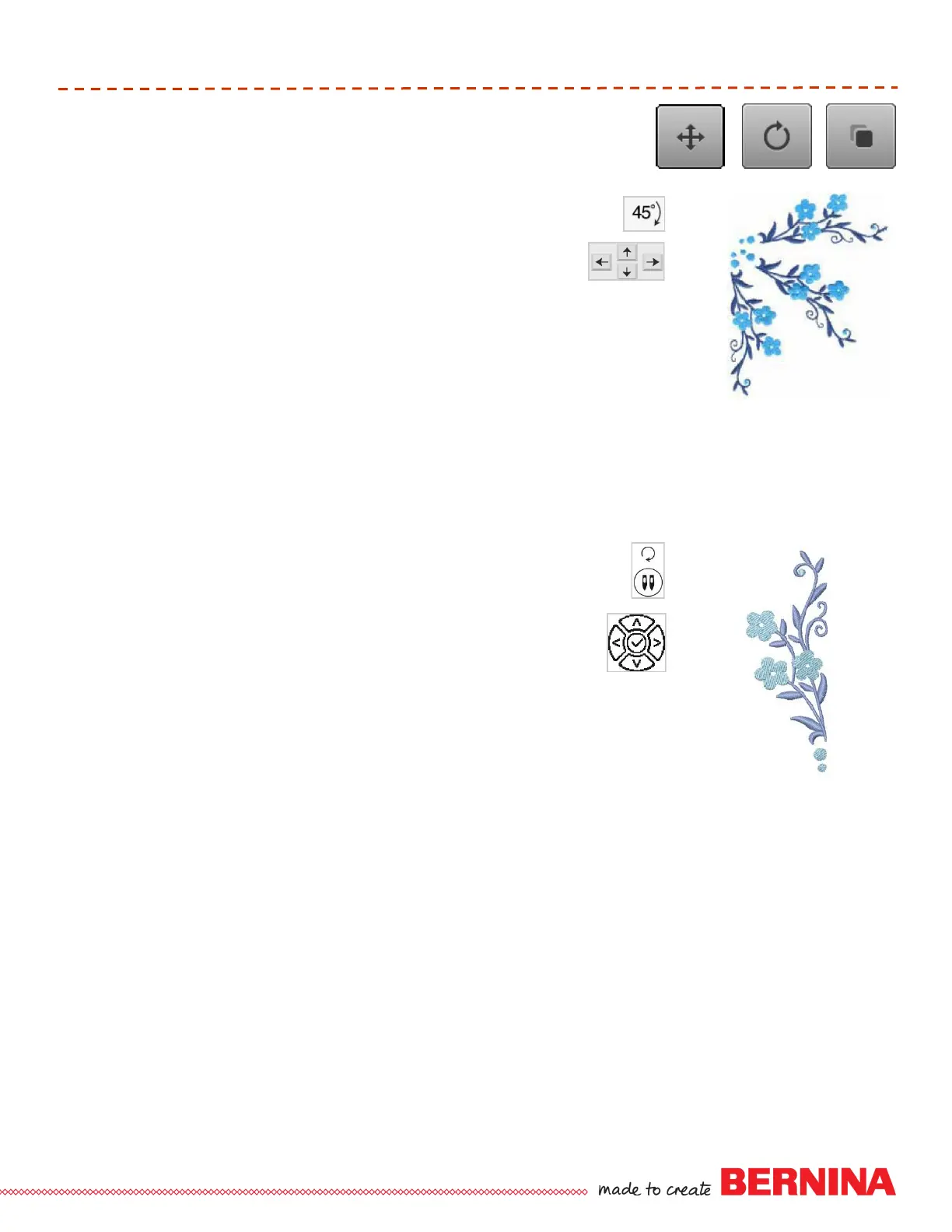
The deco 340 rotates designs in clockwise increments of 45º (1x = 45º,
2x = 90º, 3x = 135º....); also rotates designs clockwise &
counterclockwise, in 1º increments. Onscreen duplication is not
available on this model.
Select indicated motif; select Editing tab.
Use positioning arrows or touch screen to move the motif up and to the right.
Select Pattern selection tab; select motif again.
Touch Rotate 45º. Move design to right.
Select Pattern selection tab; select motif again.
Touch Rotate 45º two times. Move design to left and down.
Hold the rotate key for more than one second, then use the plus and minus
keys to adjust the flowers as desired.
bernette Chicago 7
The bernette Chicago model rotates designs in clockwise increments
of 90º (1x = 90º, 2x = 180º...). Onscreen duplication and combining of
designs is not available on this model.
Select indicated motif.
To move the motif, press the OK button first. Then, use the
positioning arrows on the front of the machine to move the motif
down approximately 10 mm. Note: Pressing an arrow key will move the motif
~.2mm, press and hold the positioning arrow button to move the motif in 5
mm increments.
Push the rotation button on the front of the machine 3 times to rotate the
design 270º.
64 - Floral Border
63 - Floral Border













 To Next Page