25
052815
Workbook 4—Embroidery Basics
Folder 3
Motif 1—Floral
B 560, 750 QE, 770 QE
Select indicated motif:
560: Folder 2, Design 10
750 QE: Folder 1, Design 4
Touch Hoop Selection icon; select Large Oval Hoop; activate Design Center
icon; close Hoop screen.
Touch Rotate Motif; Touch 90º; close Rotate Motif screen.
Touch Move Motif icon; rotate Stitch Length knob to move motif up 35 mm;
close Move Motif screen.
Touch Needle icon; stitch motif; touch Green Check when finished.
Touch Rotate Motif; Touch +90º two times until reading is 270; close Rotate
Motif screen.
Touch Move Motif icon; rotate Stitch Length knob to move motif down 70
mm; close Move Motif screen.
Touch Needle icon; stitch motif; Touch Green Check (B 770 QE -
Checkered Flag) when finished.
B 580
The B580 E rotates design in 1° increments using stitch width knobs or in
90° steps by touching the +90 rotate icon.
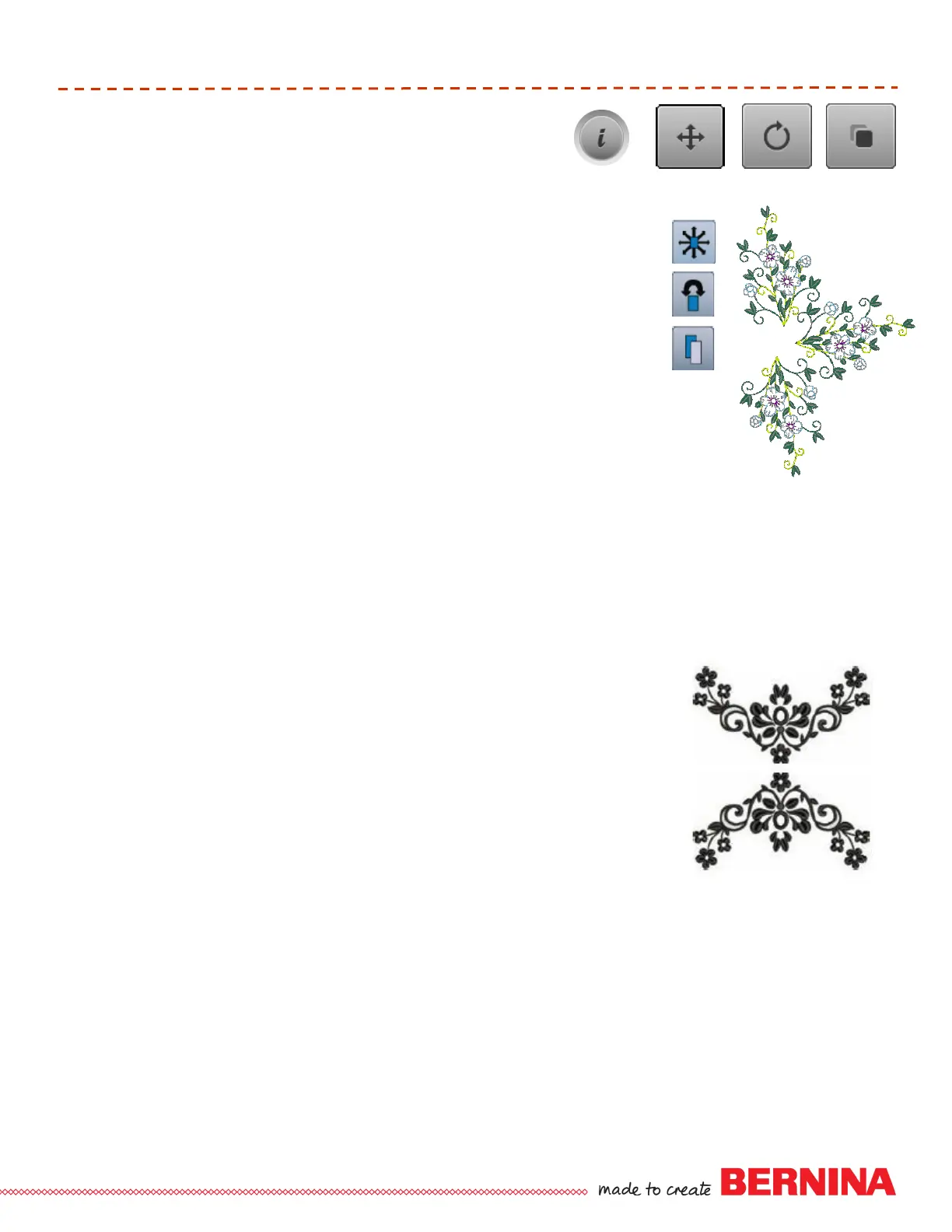
Select indicated motif from Built-in Motifs (butterfly), Folder 3, Design 1.
Select “i” or Edit icon; select the Move function.
Using the Stitch Length and Width knobs (or touch motif on screen) move
design to upper left of the hoop. Touch Back arrow.
Select duplicate > touch “I” on layer 2 > touch Move function > touch Center
Touch Back > select Rotate > touch +90 icon one time > touch Back arrow >
select first motif on screen.
Select Duplicate again > touch “I” on layer 3 > Select Rotate. Touch +90
icon two times > touch Back.
Select Move Function > Use Stitch Length and Width knobs to position.
Select each motif to fine tune the positioning as shown.
Touch Back arrow. Select Layer with All Motifs (no number).
Select “I” > Select Move function > Touch Center > Touch Back arrow two
times.
Touch Needle icon > OK.
Move, Rotate, Duplicate
B 560: Folder 2, Design 10
B 750 QE: Folder 1, Design 4
B 770 QE: Folder 2, Design 13













 To Next Page