26
052815
Workbook 4—Embroidery Basics
B 780: Folder 10, Design 6
B 790: Folder 5, Design 27
B 780, 790
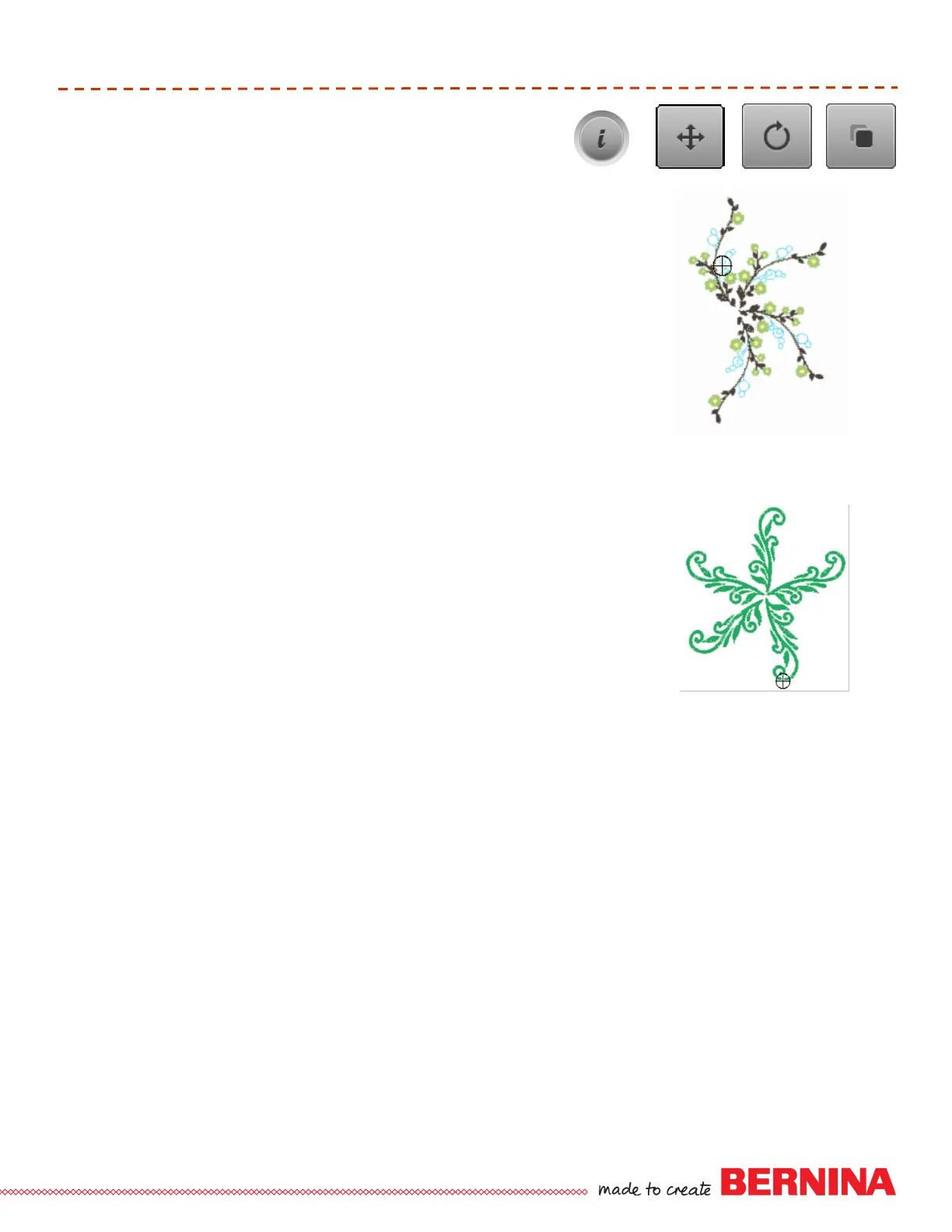
Select Motif—Folder 10, Design 6, Floral Branch.
Move Motif 1 (Drag and Drop) to the upper left of the Oval hoop.
Select “i” and duplicate.
Rotate second motif 56º using the stitch width knob.
Touch the “I” breadcrumb; select duplicate.
Rotate the third motif 75º and move into place.
Touch the “I” breadcrumb; select duplicate.
Rotate the fourth motif 63º and move into place.
TIP: Using the breadcrumb navigation will allow the information menu
to remain available (open) for during onscreen editing.
Move, Rotate, Duplicate
B 880
Select Motif—Folder 5, Design 18, Branch.
Move Motif 1 (Drag and Drop) to the upper left of the Oval hoop.
Select “i” and duplicate.
Rotate second motif 70º using the stitch width knob and move into place
so that the stems at the center are close together but not touching.
Repeat the previous steps 4 times to create a wreath of 5 designs.
TIP: Using the breadcrumb navigation will allow the information menu
to remain available (open) during onscreen editing.
Folder 5, Design 18













 To Next Page