29
052815
Workbook 4—Embroidery Basics
Rescale, Mirror Image
B 880
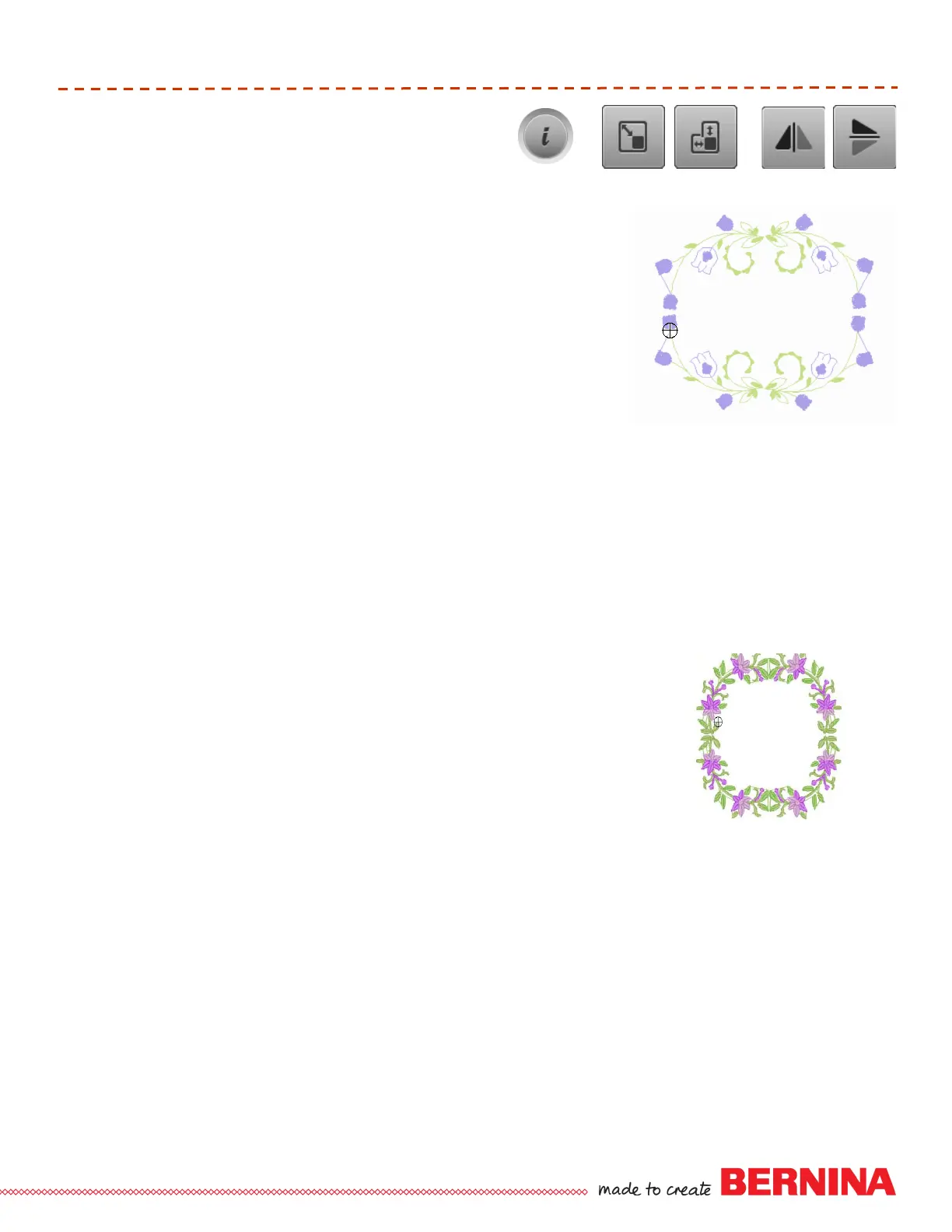
Select Motif—Folder 5, Design 13, floral spray.
Select Hoop Selection and the Oval Hoop; Close.
Select “i” and proportional rescale 90%; move design left of center.
Select “i” breadcrumb; select Rotate Motif; use the stitch width knob to
rotate to 45°.
Select the “i” breadcrumb; select Duplicate.
Select Mirror Image Left/Right and move into place.
You may want to use Zoom (5 levels) for better visibility when aligning
designs; use the multi-function knobs to fine tune placement; Un-zoom.
Select the bottom-most layer to select All.
Select Duplicate
Select Mirror Image top/bottom and move into place using the multi-
function knobs.
Touch the “i” breadcrumb; select the lowest layer to select All.
Select Move and select Center to center the design in the hoop.
Touch Needle icon and embroider.
Tip: Using the breadcrumb navigation will allow the information menu to
remain available (open) for functions in the information screen during on-
screen editing.
Folder 5, Design 13
B 780, 790
Select Motif—Folder 10, Design #9, floral spray.
Select Hoop Selection and the Oval Hoop; Close.
Select “i” and proportional rescale 90%; move design left of center.
Select the “i” breadcrumb; select Duplicate.
Select Mirror Image Left/Right and move into place.
You may want to use Zoom (5 levels) for better visibility when aligning
designs; use the multi-function knobs to fine tune placement; Un-zoom.
Select the bottom-most layer to select All.
Select Duplicate.
Select Mirror Image top/bottom and move into place using the multi-
function knobs.
Touch the “i” breadcrumb; select the lowest layer to select All.
Select Move and select Center to center the design in the hoop.
Touch Needle icon and embroider.
Tip: Using the breadcrumb navigation will allow the information menu to
remain available (open) for functions in the information screen during on-
screen editing.
B 780: Folder 10, Design 9
B 790: Folder 5, Design 29













 To Next Page