34
052815
Workbook 4—Embroidery Basics
BERNINA 780, 790, 880
Select Alphabet folder; select desired horizontal
font.
Enter your first name, selecting upper and lower
case letters as desired; touch Green Check to
confirm..
Select Hoops; select Oval hoop then close the
window.
Select the ADD symbol on upper layer.
Select a font; enter your last name using upper &
lower case letters as desired. Touch Green Check
to confirm.
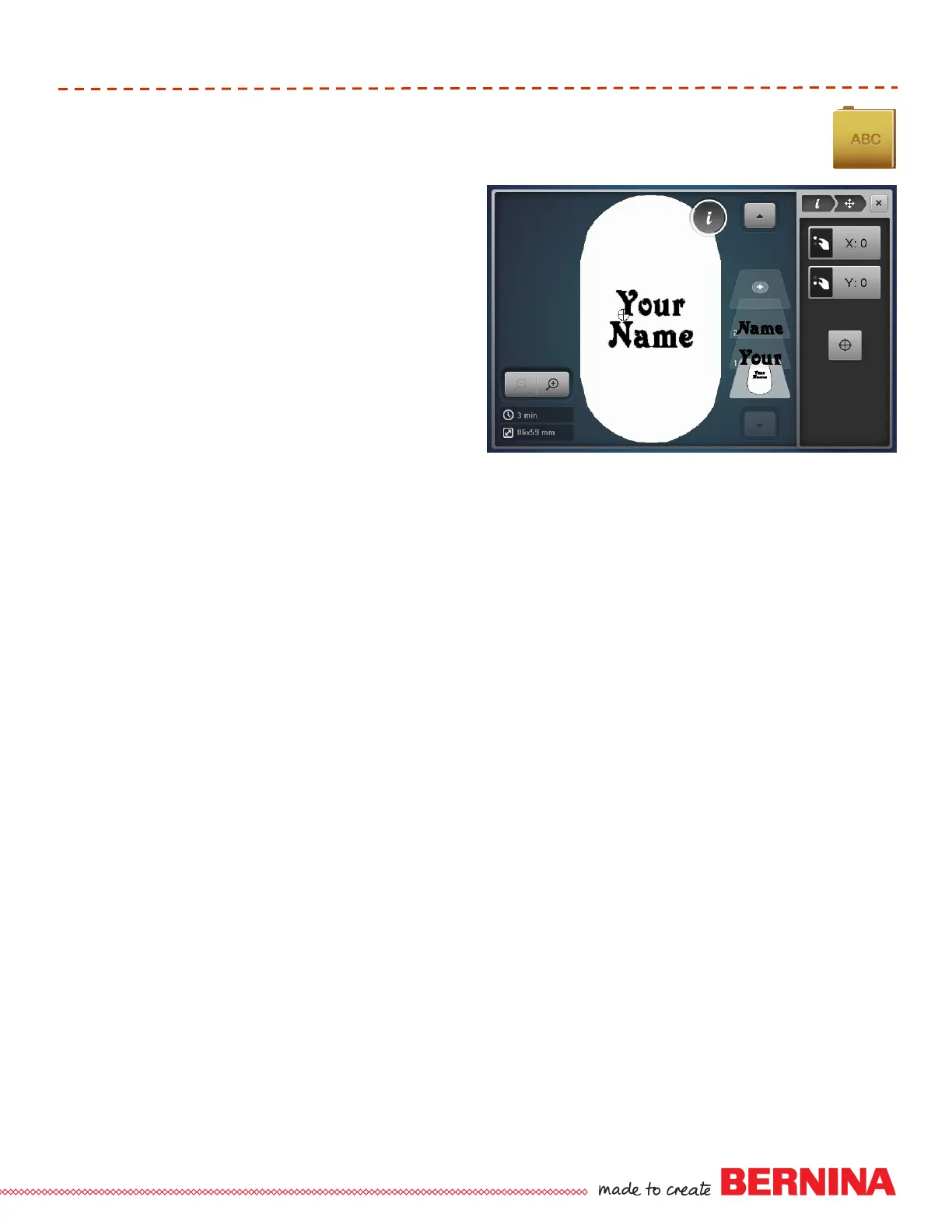
Select “i” and the Move Icon; use the multifunction
knobs to move the last name below the first name.
Select Hoops; touch Show Grid icon 2x to activate
grid.
Close the Hoops Window and Select “i”.
Select the Move function, and use multi-function
knobs to arrange the lettering in a pleasing
arrangement.
Select the lowest layer to select all motifs.
Select Move & Center icon to center the motif in
hoop.
Select Rotate; touch +90° if needed to fit in hoop
Close the information window.
Touch Needle icon (OK). Stitch.
Lettering













 To Next Page