10 K44 Technical manual
In this manual the LEDs are illustrated in the
following way:
= Off
z = Lit Á = Flashes
Note 1! In all programming instructions below
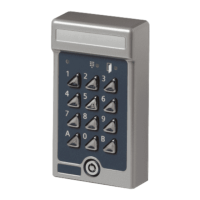
“A” (in e.g. A21) refers to the bell button the
keypad
Note 2! During programming mode, if a
button is not pressed within 20 seconds, the
code lock goes back to normal operation.
Choose password
When K44 is delivered, the memory is
completely erased. The first thing to do before
installing the code lock is to choose a
password. Proceed as follows:
1 Press the SWl button on the code lock's
circuit board. Both LEDs start flashing at
the same time as the buzzer sounds.
2 Enter a 6-digit password.
3 Make a note of the new password and keep
it in safe place.


 To Next Page