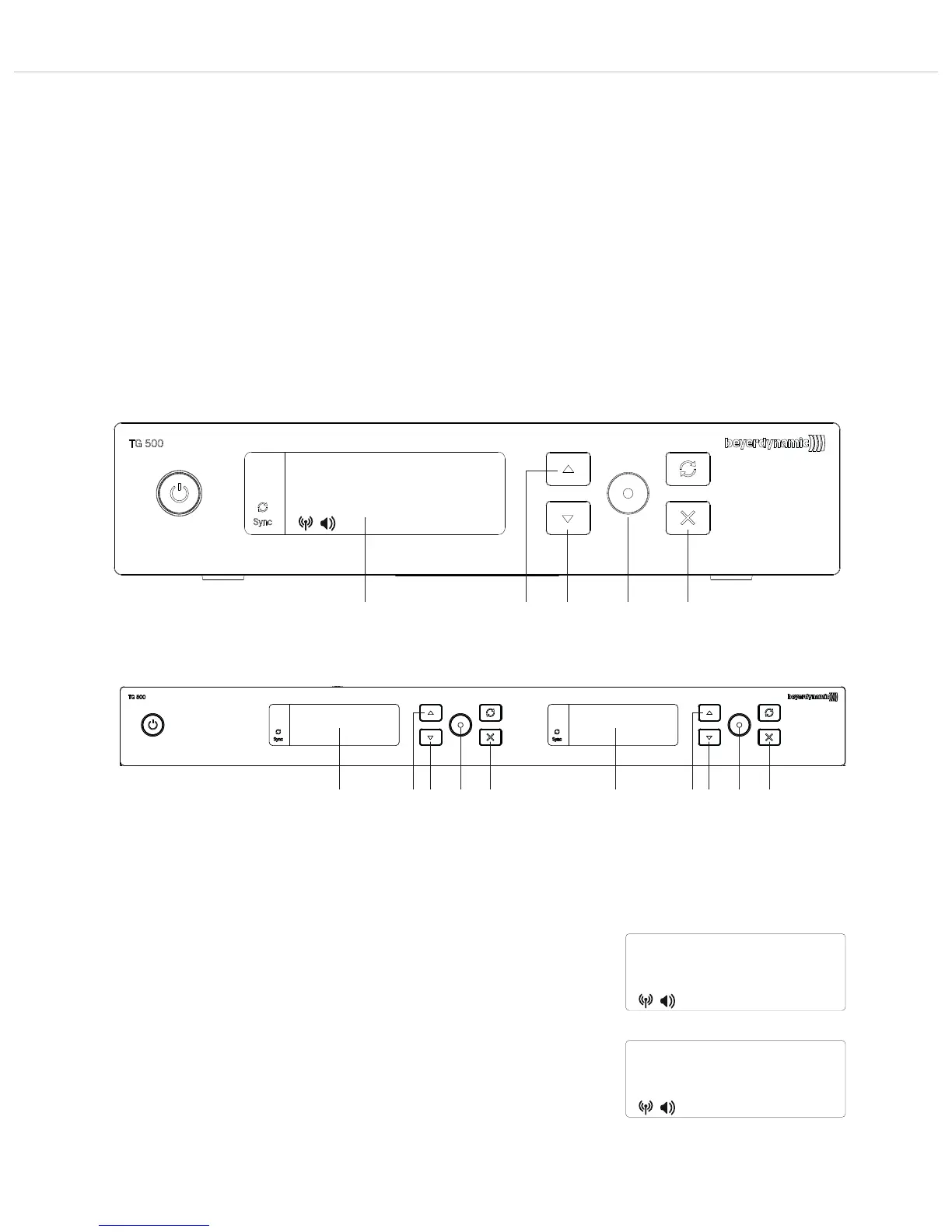
TG 500 – Diversity receiver
11
2.8 Menu settings
• You can change the settings for the name, frequency group, frequency, gain, etc. in the various menus on the receiver.
• Press the enter button to open the menu.
Press the down or up button to scroll through the menu.
Press the enter button to open the various submenus and, once the parameter starts flashing, you can change the settings using the
up or down buttons .
Press the enter button to confirm the selected setting.
• You can exit the menu or menu item at any time with the exit button . Caution: if you exit the menu while changing a setting, it will be
discarded.
• We recommend changing all the settings on the receiver first, and then switching on and synchronising the transmitter so that it takes
over all the settings. The settings described in this chapter are changed without the transmitter switched on.
• Caution: If you do not change any settings or press the enter button for a few seconds, the submenu will close automatically and the
standard view will reappear on the display . Settings that are not confirmed by pressing the enter button will not be saved.
user
794.000
• The following menu settings are possible:
• NAME
In the “NAME” menu, you can enter a name, e.g. the name of the performer.
Press the enter button to open the submenu.
Press the up or down button to select the letters/characters. You can enter a
maximum of seven letters/characters.
Press the enter button to confirm.
Figure 2-21: Selecting the “Name” menu
name
user
Figure 2-22: Entering a name
user
"
"
"
"
Figure 2-20: Receiver switched on / transmitter off
Figure 2-20a: Receiver switched on / transmitter off



 To Next Page