TG 500 – Diversity receiver
13
• SCAN
In the “SCAN” menu, you can select a channel or a frequency
from a predefined group in accordance with the particular
frequency band.
Press the enter button to open the submenu.
Press the up or down button to select the frequency group
in which to search for a suitable channel.
Press the enter button to confirm.
Press the up or down button to search for a channel from
the previously selected group from which to start the search.
Press the enter button to confirm.
The scan process will be performed. The display shows the
message “Scanning”.
The scan process is completed once the message “Scan done
OK” appears.
After completing the scan, the next free channel is
automatically selected. The selected channel and the group are
displayed.
Important: After each scan, you will need to resynchronise the
transmitter. See also chapter 2.9 “Synchronisation”.
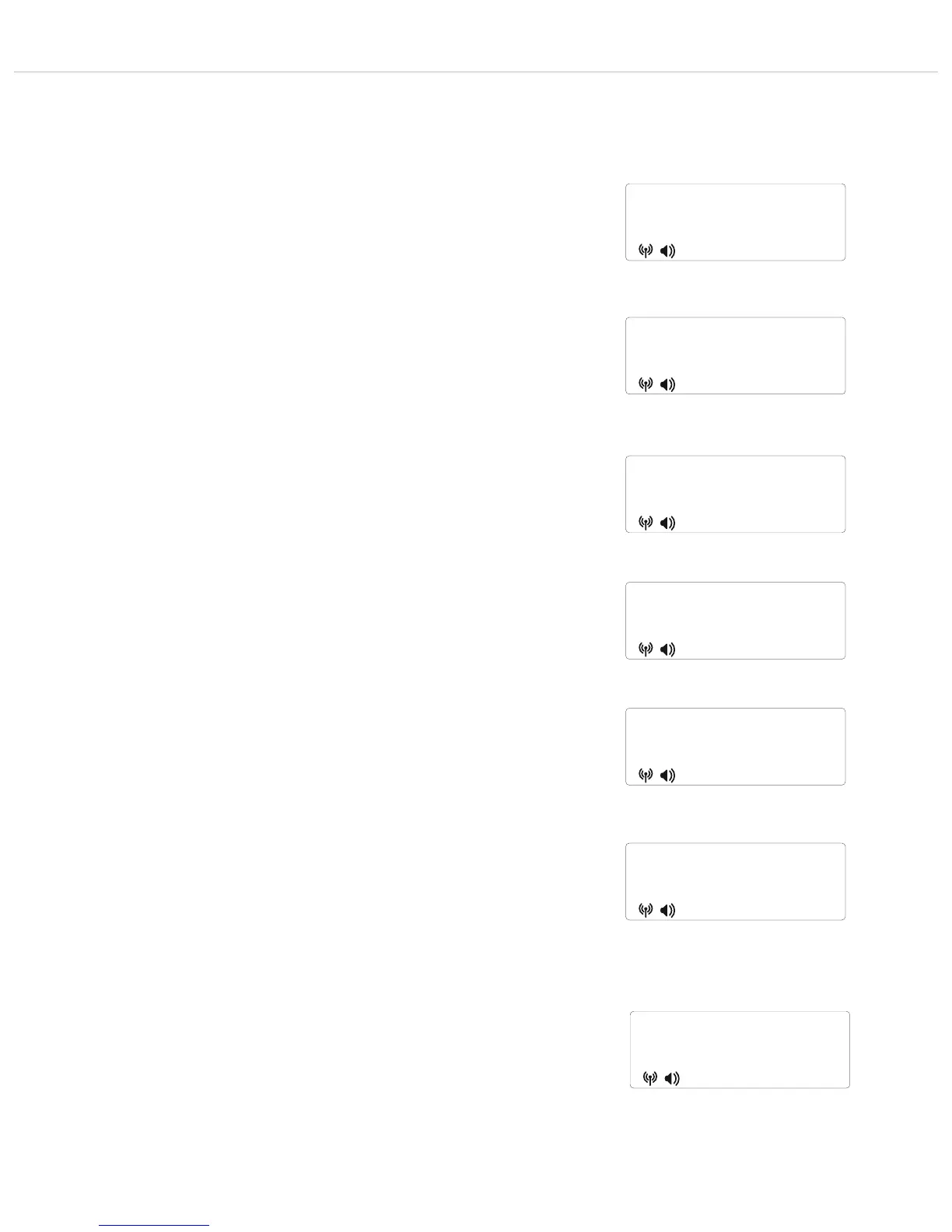
Figure 2-29: Selecting the “Scan” submenu
scan
Figure 2-30: Selecting a group in which to search for
a channel
scan at
gr 01/01
Figure 2-31: Selecting a channel from which to start
the search
scan at
ch 01/01
"
"
"
"
Figure 2-33: Scan process completed
scan
done ok
Figure 2-35: No free channels available in the selected
group
scan
ALL BUSY
Figure 2-34: Display of the selected next free channel
after the search
user
01/04
"
"
"
"
Figure 2-32: Scan process
scanning
--------
Note: if the receiver does not find any free channels in the
selected group, the message “Scan all busy” will appear on the
display. In this case, select another group and restart the scan
process.
If no free channels are found in another group either, select the
frequency manually. We recommend switching the transmitter
off during a manual frequency selection and watching the HF
indicator on the receiver display to see if an HF level is
displayed. If an HF level is displayed even though the
transmitter is switched off, this means there are interferences
and you should select another frequency.



 To Next Page