TG 500 – Diversity receiver
15
• TX Lock
In the “TX LOCK” menu, you can set whether the transmitter
can be switched off at its on/off switch or if it is protected from
switching off by mistake. The lock symbol will appear on the
standard display:
To switch off the transmitter when the “Tx Lock” function is
activated, the following steps must be taken:
• Hold the on/off button until the message “Tx PWLOCK”
appears on the transmitter display.
• Release the on/off button briefly.
• Press the on/off button again until the message “Off”
appears on the transmitter display.
Press the enter button to open the submenu.
Press the up or down button to switch the Tx Lock
function on or off.
Press the enter button to confirm. The lock symbol will be
shown on the display.
Important: once you have confirmed the selected option, you
will need to resynchronise the transmitter. See also chapter 2.9
“Synchronisation”.
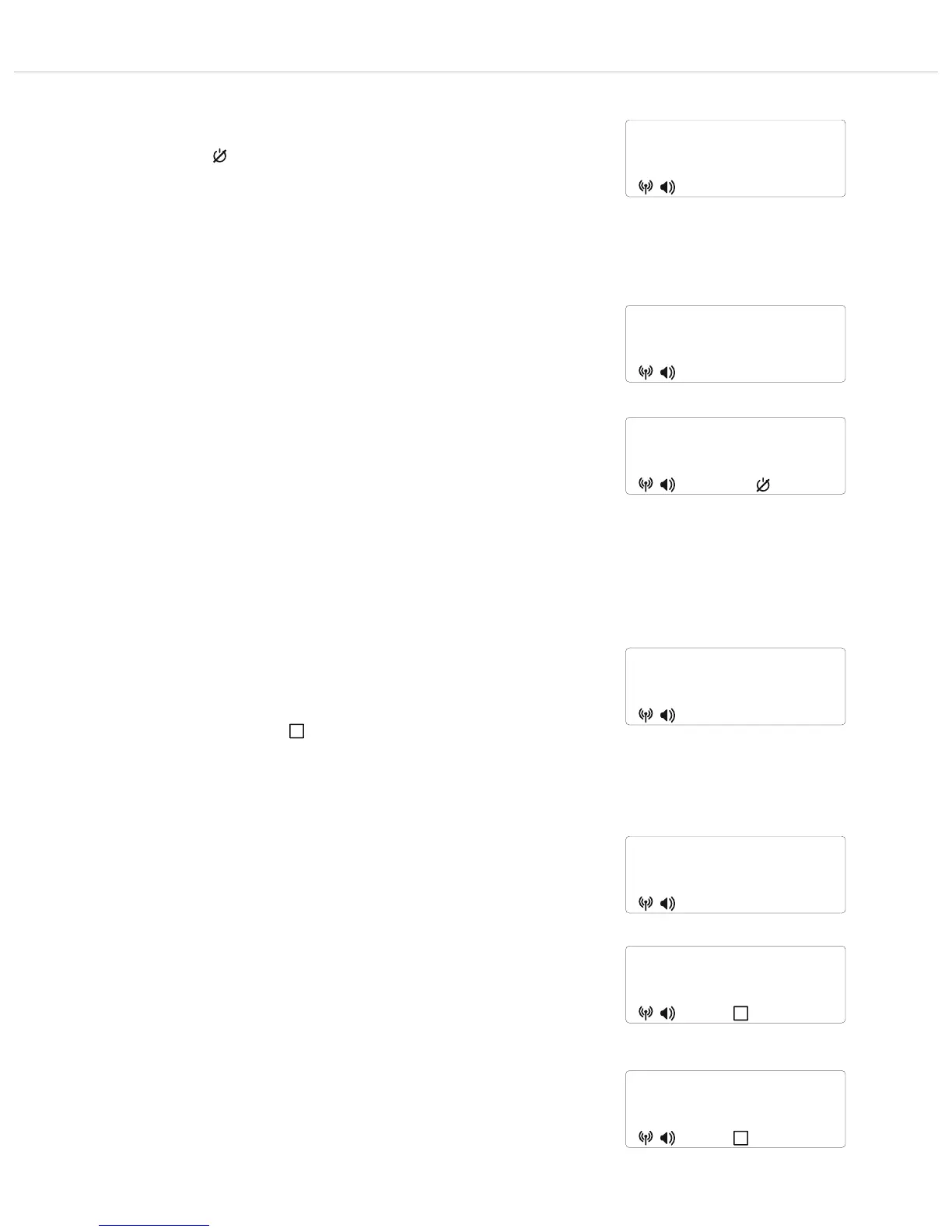
Figure 2-42: Selecting the “TX Lock” submenu
TX lock
off
Figure 2-43: Switching on the lock function
TX lock
on
"
"
"
"
Figure 2-45: Selecting the “TX Mute” submenu
TX mute
off
Figure 2-46: Switching on the mute function
TX mute
on
"
"
"
"
Figure 2-47: Mute function activated
Tx mute
800.000
• Tx Mute Mode
In the “TX MUTE” menu, you can set whether the mute button
on the transmitter is active or not.
If the “Tx Mute” function is activated (ON), the transmitter can
be muted using the on/off button (beltpack transmitter) or the
mute button (handheld transmitter).
If the “Tx Mute” function is activated, the mute symbol will
appear on the standard display:
If the “Tx Mute” function is to be deactivated so that the
transmitter is not muted using the on/off button or mute button,
select “Off”.
Press the enter button to open the submenu.
Press the up or down button to switch the Tx Mute
function on or off.
Press the enter button to confirm. The mute symbol will be
shown on the display.
Important: once you have confirmed the selected option, you
will need to resynchronise the transmitter. See also chapter 2.9
“Synchronisation”.
If the microphone on the transmitter is muted, this is also
indicated on the receiver display by the “TX Mute” indicator
and the name entered on the receiver alternating on the receiver
display.



 To Next Page