38
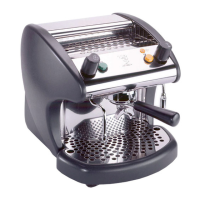
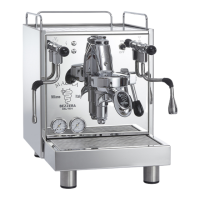
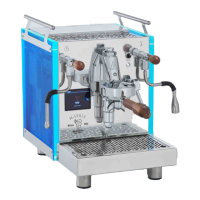
MOD. BEZZERA MODA PM – DE – DE+D – DE+D+M
5.4 Steam supply
1) To prevent the liquid from being sucked back
into the boiler, release the steam by turning the
knob (Fig. 01; pos. 1).
2) Place the steam wand (Fig. 01; pos. 4) into the
container holding the liquid to heat.
3) Turn the steam knob (Fig. 01 pos. 1). The
amount of steam dispensed depends on how far
the tap is opened: the further the tap is opened,
the greater the amount of steam dispensed.
4) Once you have finished dispensing the steam,
close the tap, remove the container holding
the liquid and immediately clean any residue
from the steam wand with a wet cloth.
5) Release the steam (approximately 2/3 sec-
onds) by turning the knob (Fig. 01; pos. 1) to
clean the inside of the steam wand as well.
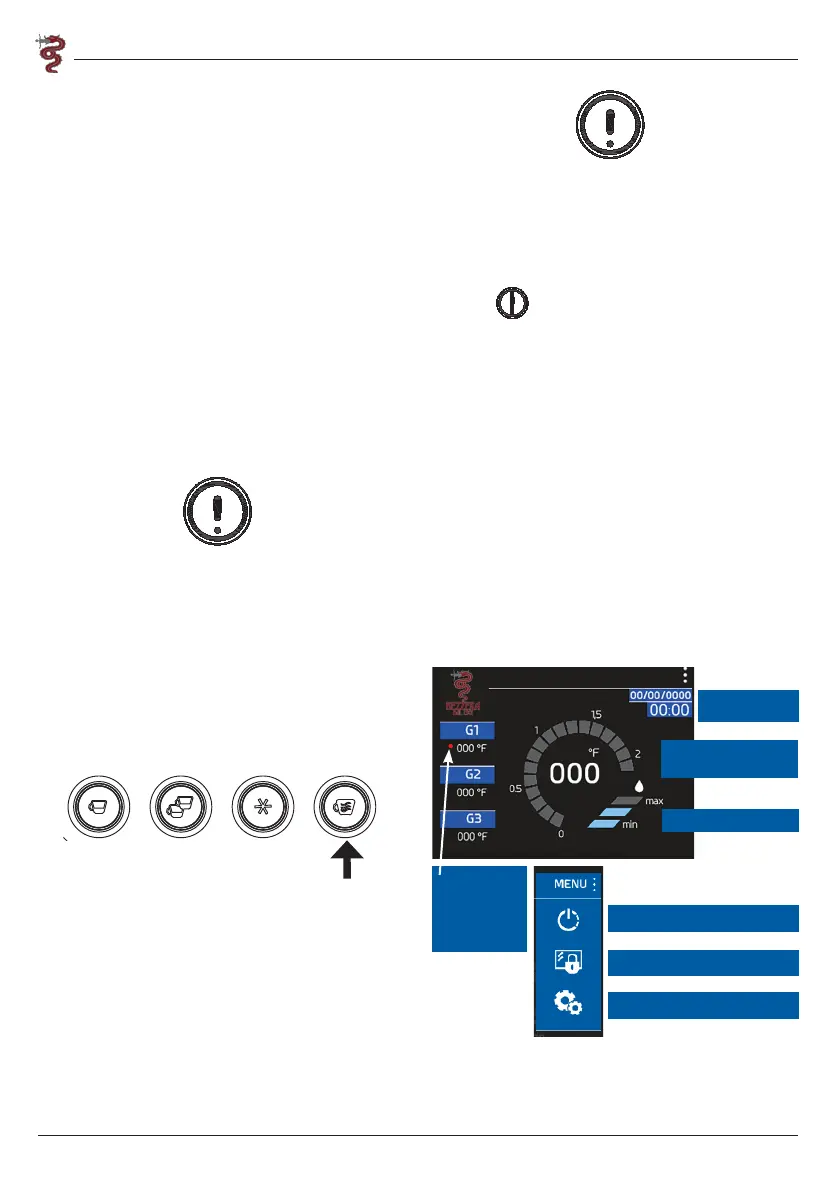
For Moda DE+D+M: If the machine has 4 keys:
press the steam button
Warning:
Do not touch the steam wand directly because
it is hot.
5.5 Extracting hot water
1) Place the container under the hot water wand
(Fig. 01; pos. 5).
2) For Moda De+D+M press the button, where-
as for Moda PM- DE- DE+D use the hot water
knob (FIG1 POS.11)
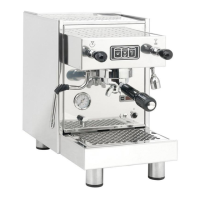
FRONTLAV. MODA DE 2GR
FRONTLAV. MODA DE+D 2GR
FRONTLAV. MODA DE+D+M 2GR
FRONTLAV. MODA PM 2GR
to withdraw the required amount.
If using a mixer is included, the water temperature
can be changed by turning the adjustment screw
(hot water closed MAX - open mixed) (Fig. 11).
Closed screw corresponds to the maximum hot
water temperature while opening the screw pro-
duces water mixed at the desired temperature.
Warning: Do not touch the spout directly because
it is hot.
5.6 Turning off the machine
1) Close the water supply tap.
2) Press the switch (Fig. 01; pos. 9) in pos. “OFF”
(light off).
3) Put the omnipolar power switch in idle posi-
tion “0”.
4) Release the pressure from the steam tap.
5.7 Display Interface
Moda DE+D and Moda DE+D+M are equipped
with a 3.5” TFT touch screen display, using which
it is possible to interface with the machine and
make certain settings.
When the machine is turned on, there is a splash
screen showing the software versions of the elec-
tronic components.
After a few seconds, the home screen is automati-
cally displayed.
5.7.1 Home Screen
Time
Boiler pressure gauge
and temperature
Group status
indication.
Red “group
heating” LED
Boiler level
Machine power-off
Technical menu
Settings
5.7.2 Group settings
Tapping on the group status indication: G1-G2-
G3 (section 5.7.1) opens the group settings
screen.


 To Next Page