39
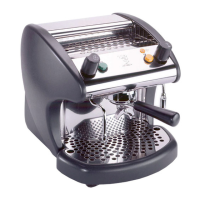
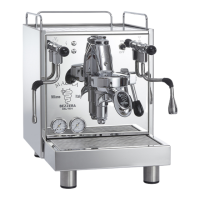
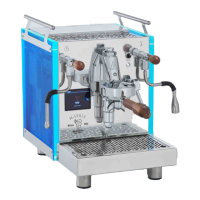
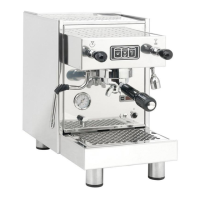
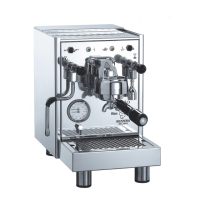
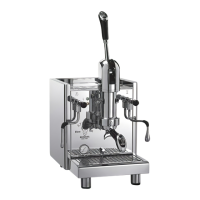
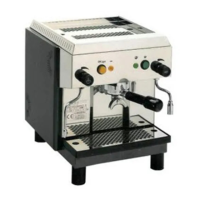
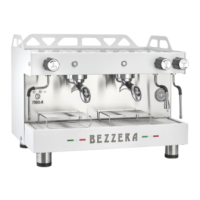
MOD. BEZZERA MODA PM – DE – DE+D – DE+D+M
Group
temperatures
Dose
enabling
Automatic
power-on/off
Counters
Languages
Clock
Software
information
Washing
From this screen, it is possible to set the group
body temperature using the up and down arrows
(+85°C to +110°C).
Repeat this last step for all the machine groups.
From this screen it is also possible to:
- Switch the group heating on or off by touching
the “group” icon
- Deactivate or reactivate the dispensing timer by
touching the “chrono” icon
- Access the dispensing counters screen by tap-
ping on the “counters” icon
5.7.3 Steam boiler settings
Tapping the ON key activates boiler heating. If
the OFF key is tapped, the boiler heating element
stops.
Tapping on the up arrow increases the boiler tem-
perature. Vice versa, if the down key is tapped,
the boiler temperature decreases.
The boiler temperature can be adjusted within a
range between +110 to 130°C.
5.7.4 Language settings
Tapping the languages key, it is possible to select
one of the available languages.
5.8 Machine settings
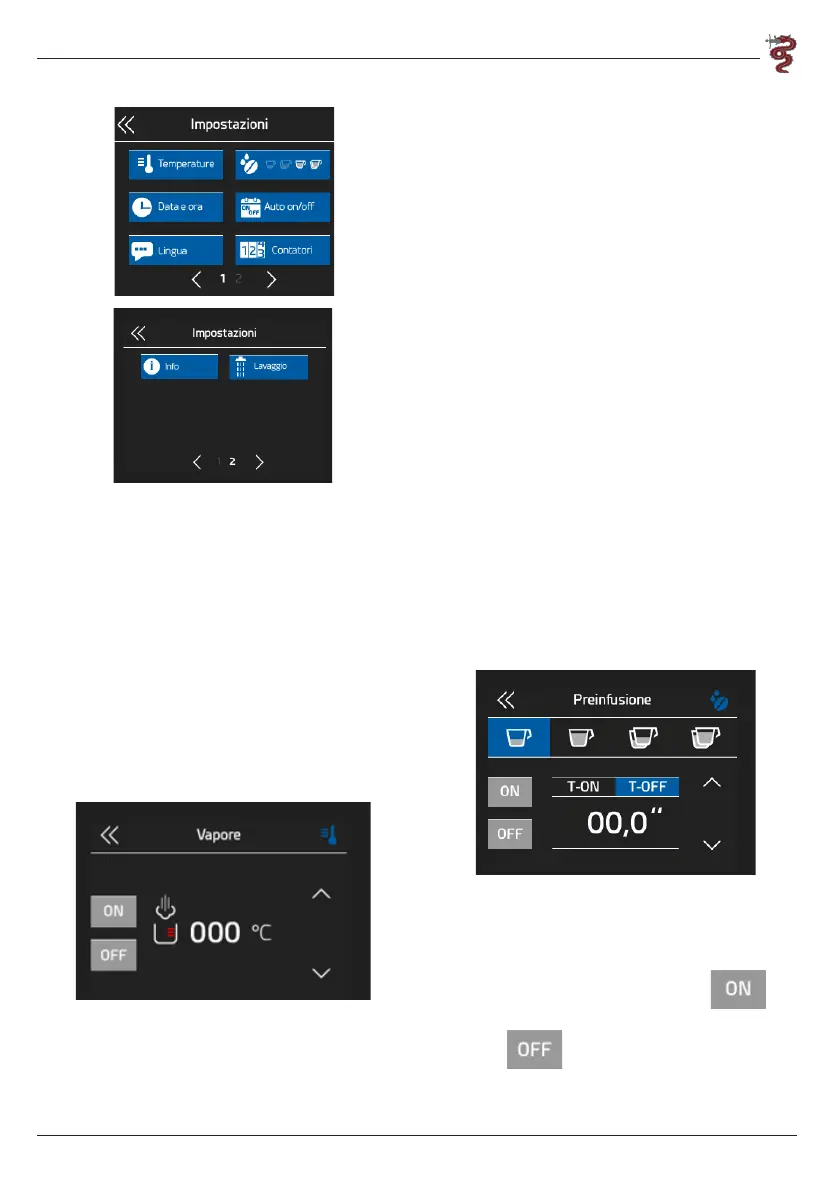
From the drop-down menu on the home screen,
it is possible to:
- Select the temperature unit of measure by
tapping the desired scale indication (Celsius or
Fahrenheit)
- Enable or disable dose modification
- Set the date and time
- Enable the machine on/off settings.
- Set the desired language.
- Set the counters for maintenance and water filter
replacement alerts (see section 6.4)
- View the software version in use
- Set the machine washing time.
To switch between the two settings menu screens,
use the arrows at the bottom.
5.8.1 Pre-infusion
By accessing the pre-infusion settings it is possible
to set the on and off time of the EV group for each
single dose, thus obtaining the pre-infusion in the
desired manner.
To activate pre-infusion, select the key
and set the desired time. To disable pre-infusion,
select the key and set the desired time. In
both cases, use the two side arrows.


 To Next Page