Shaoxing Bibo Automatic Equipment Co., Ltd.
Tel:+86 575 88918283 Mobile:+86 133 25759139
Url: www.ourbibo.com E-Mail: bibo@ourbibo.com
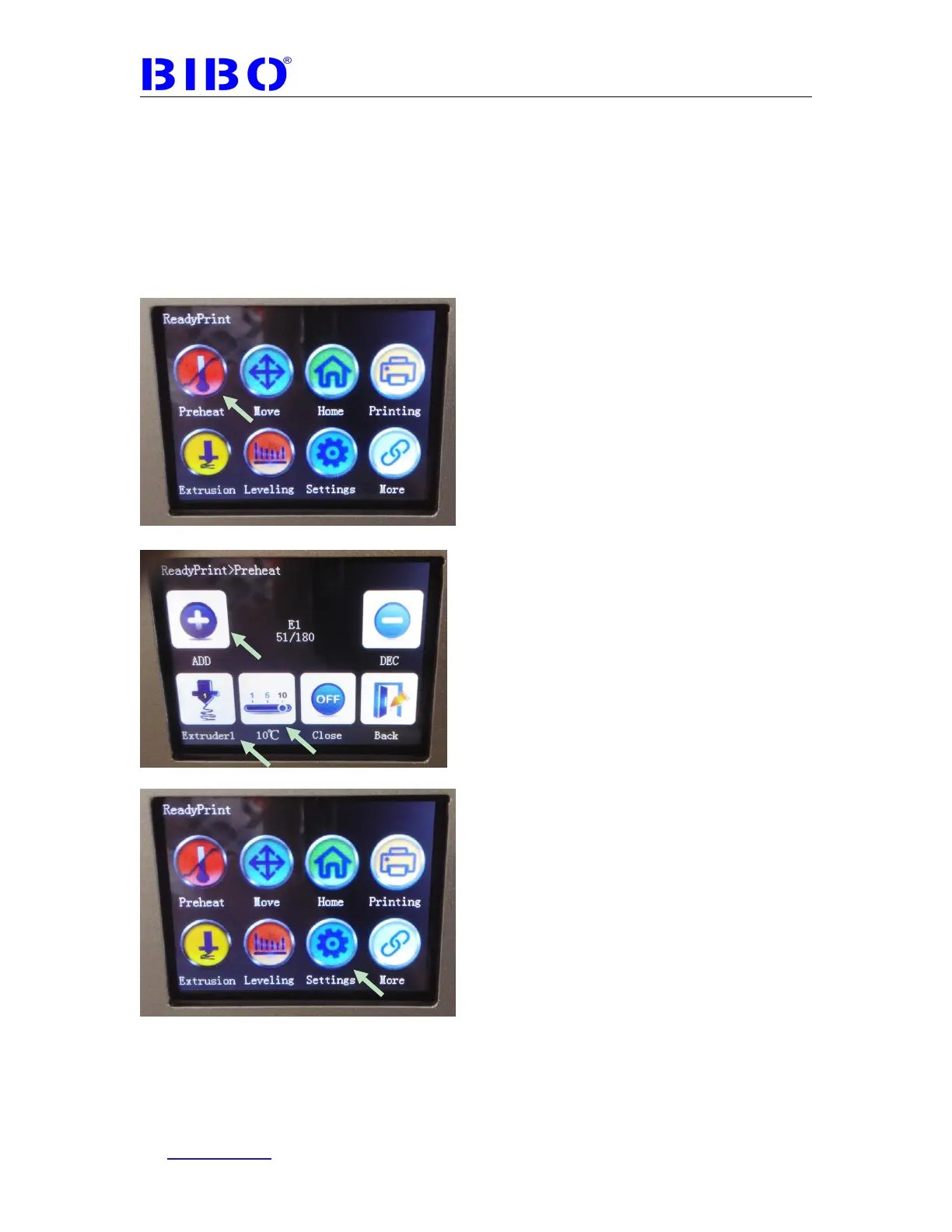
If your printer has the latest touch screen firmware, when you click unload button
under settings----filament menu, it will load the filament first automatically then
unload at once to reduce the extruder clog risk. so you don’t have to click load
button first then click unload button at once.
During unloading the filament, please hold the filament above the
extruder by hand. Finally pull out the filament by hand and close the
extruder heating on touch screen preheat menu.



 To Next Page