Shaoxing Bibo Automatic Equipment Co., Ltd.
Tel:+86 575 88918283 Mobile:+86 133 25759139
Url: www.ourbibo.com E-Mail: bibo@ourbibo.com
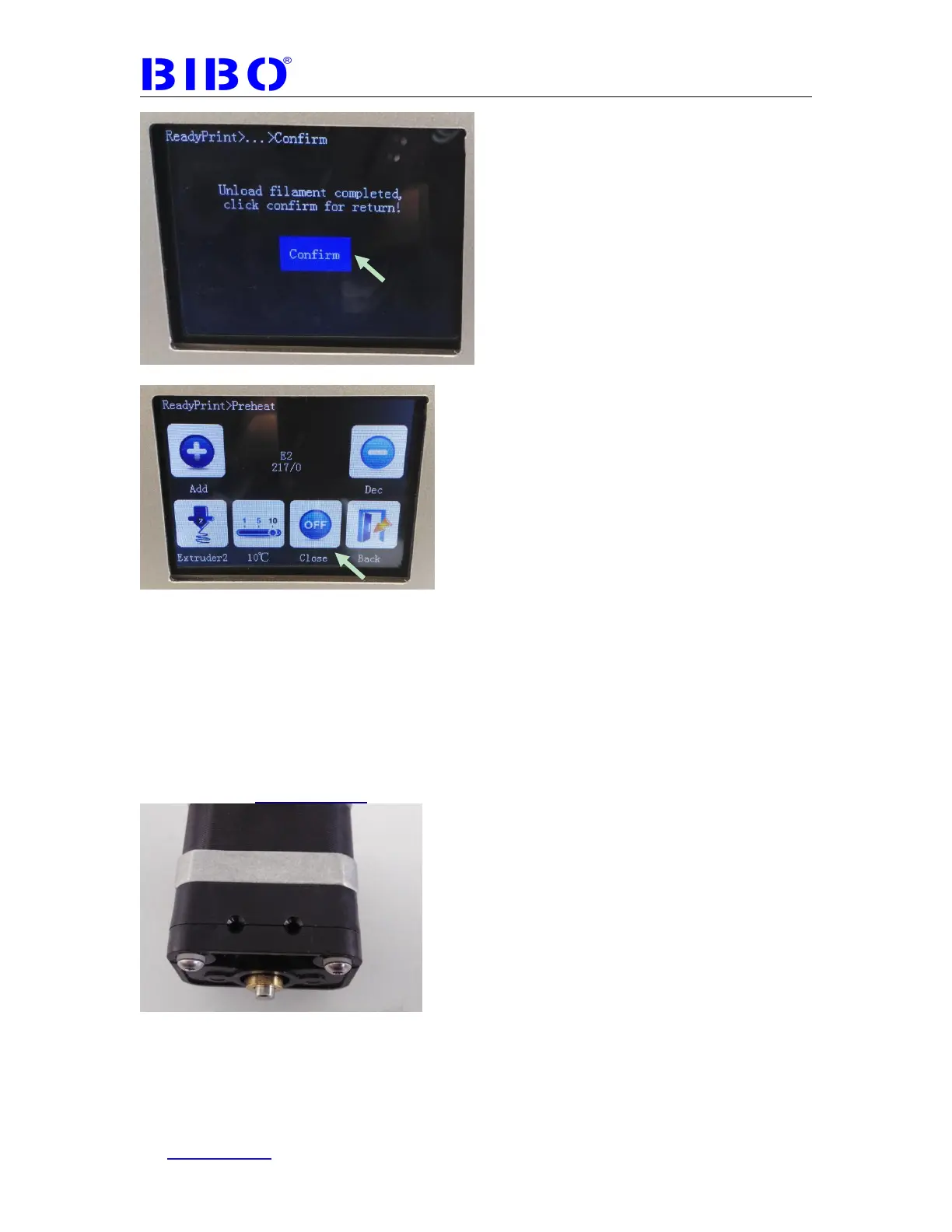
Close the heating.
If your printer has the latest touch screen firmware, the extruder will be cooled
down automatically after loading or unloading, so you don’t have to do the above
step to close the heating.
Do not leave the extruder heated for long time, just stay with the printer for
heating. The filament might decompose after leaving it at high temperatures,
leaving a layer of contaminants behind in the hot-end nozzle, and the extruder will
be clogged.
Please don’t disassemble the extruder part as the photo below:
We have calibrated the tension for extruding system. If you disassemble
them, the calibration will be broken.
The third step is to print from SD card.
To promote stickiness of fist layer printing, your machine was delivered with a
stick of glue. Using glue is optional but tends to help quite a bit. Clean your glass



 To Next Page