Shaoxing Bibo Automatic Equipment Co., Ltd.
Tel:+86 575 88918283 Mobile:+86 133 25759139
Url: www.ourbibo.com E-Mail: bibo@ourbibo.com
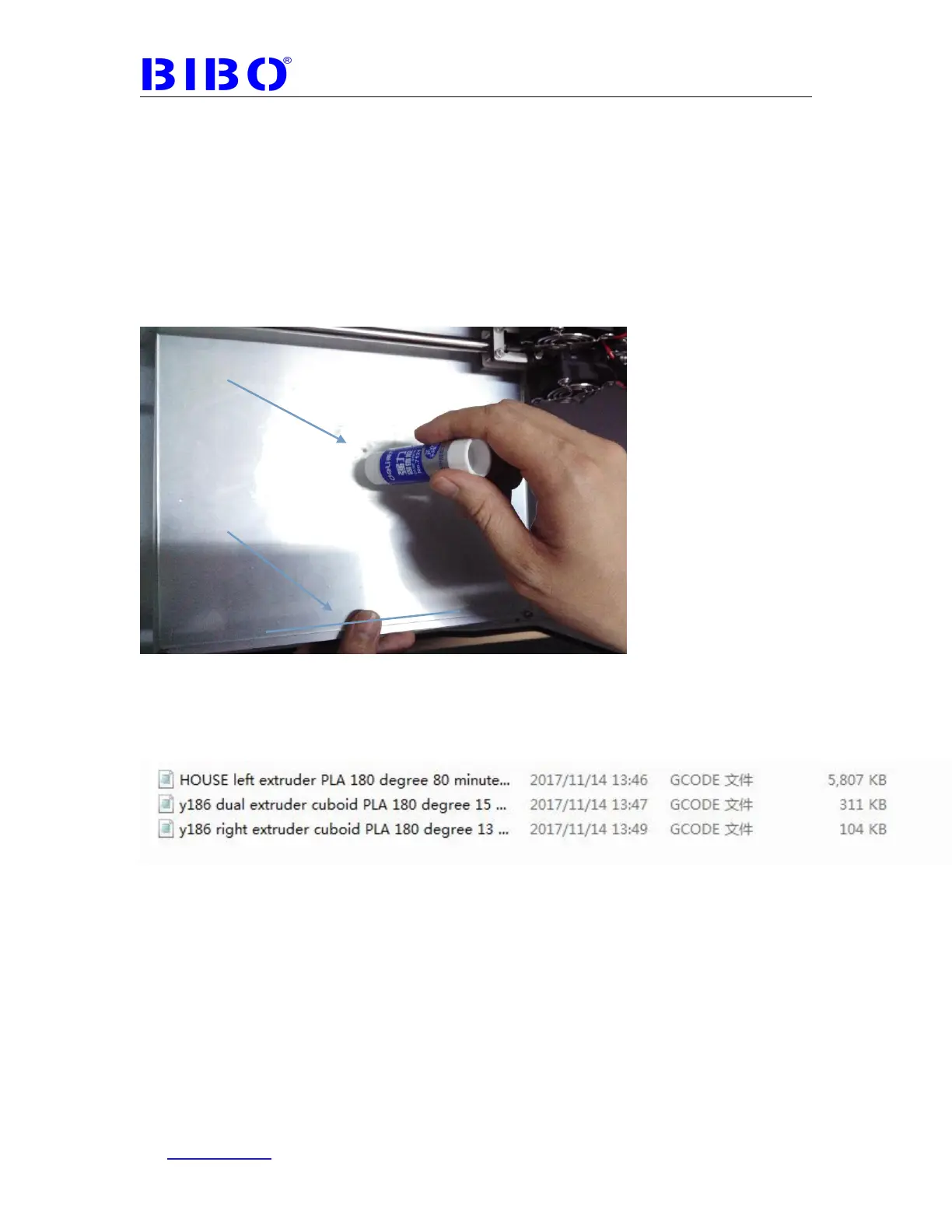
plate and then spread the glue onto it (for PLA, about 3 layers. For ABS, about
5-6 layers). With a damp piece of paper or cloth spread the glue out over the bed
and let the glue dry (starting a print that uses the heated bed will make it dry
quickly). After the water evaporates you will be left with thin layers of glue. Usually
you don’t have to use glue before every print. You just spread the glue on the
place will be printed, and every print we will set the object to be printed in the
middle of glass plate and extrude lines in the front side to purge the nozzle.
If it is hard to remove the prints from print bed after printing, maybe glue is applied
too much in the print area. You can heat the bed to 60 degree and then the
print can be removed easily.
We will give you some test gcode files in SD card’s test gcode file sent with the
machine, two files are for testing the single extruder printing, and another one is
for testing the dual extruder printing (right extruder prints main object, and left
extruder prints support). You can insert the SD card to the right panel of printer to
choose them to test the machine with our filament sent to you.
PS. For dual extruder printing test, the blue one in the photo below is the only
object you want to print, the other one in red and blue is wipe & prime tower for
better dual printing, so its printing quality is not concerned.



 To Next Page