Shaoxing Bibo Automatic Equipment Co., Ltd.
Tel:+86 575 88918283 Mobile:+86 133 25759139
Url: www.ourbibo.com E-Mail: bibo@ourbibo.com
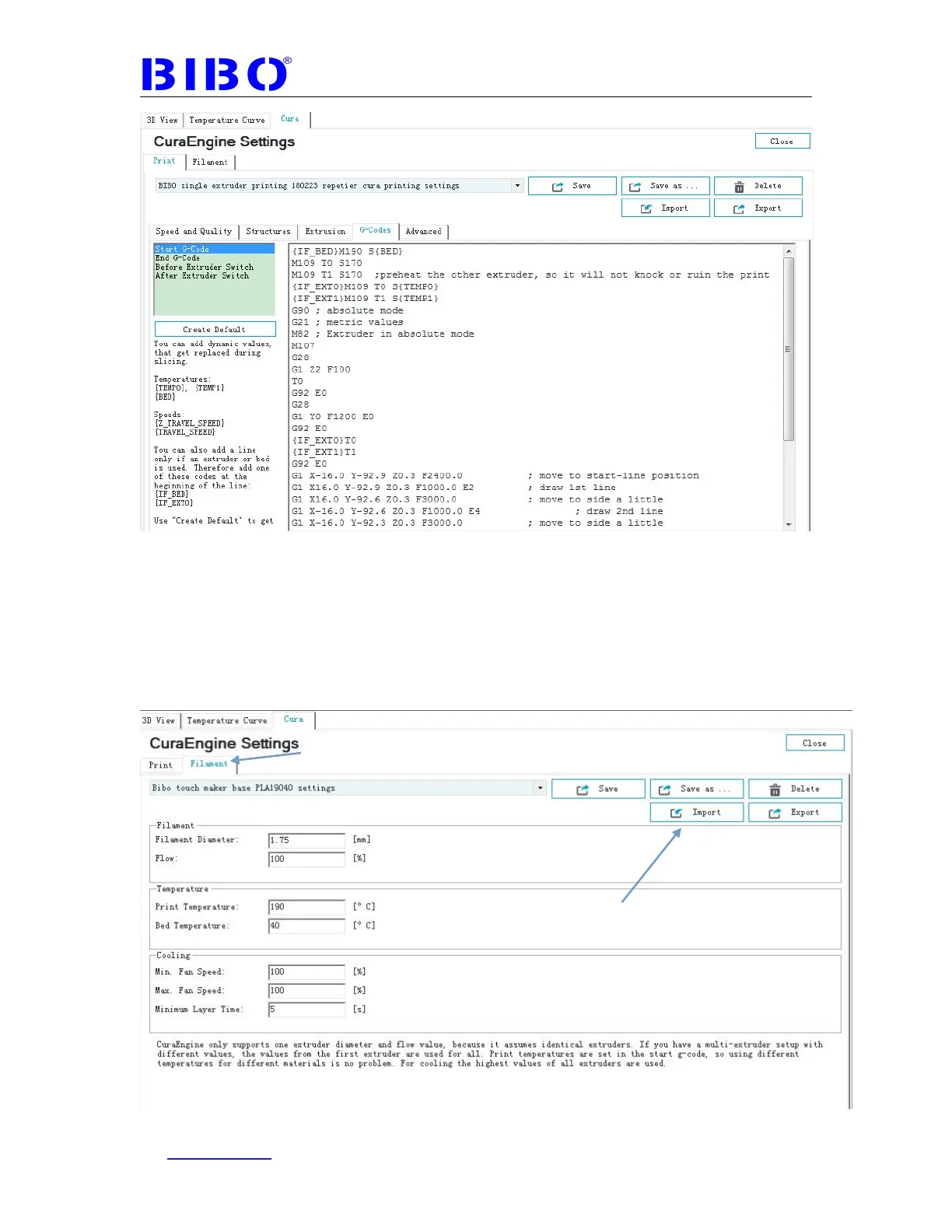
Meanwhile, choose the Filament tab. Click Import button, then import the “Bibo
touch maker base PLA19040 (maybe 20040, depends on filament) settings.rcf”.
from SD card’s “1 BIBO touch maker repetier host settings” folder. You will
see our printing settings as the photo below:



 To Next Page