Shaoxing Bibo Automatic Equipment Co., Ltd.
Tel:+86 575 88918283 Mobile:+86 133 25759139
Url: www.ourbibo.com E-Mail: bibo@ourbibo.com
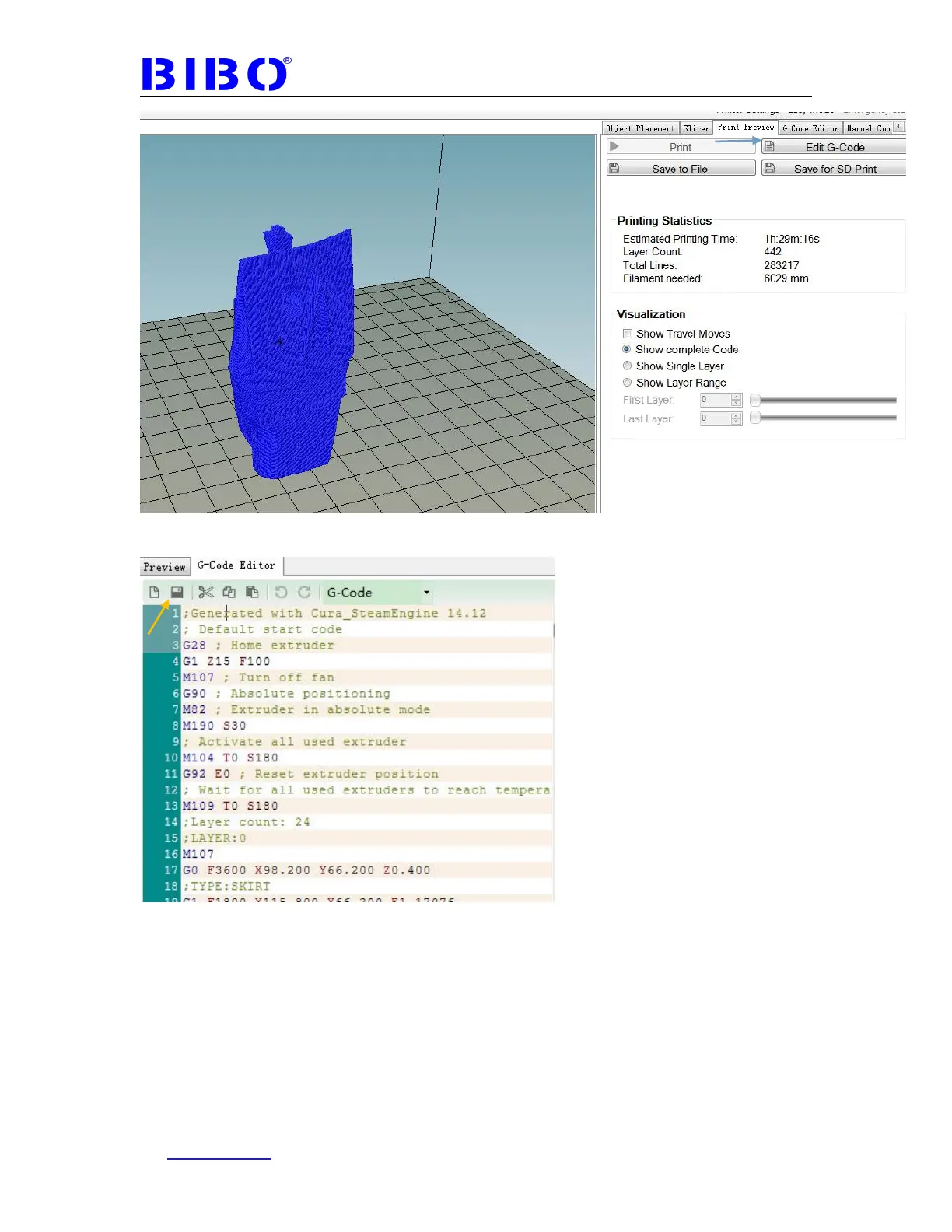
In the G-Code Editor tab, you can edit or save the gcode file on PC or SD card.
So now you can print the object with a SD card on printer directly, the same steps
as First print in Chapter 4, and the difference is you don’t have to level the bed
again.



 To Next Page