Shaoxing Bibo Automatic Equipment Co., Ltd.
Tel:+86 575 88918283 Mobile:+86 133 25759139
Url: www.ourbibo.com E-Mail:
bibo@ourbibo.com
When you stopped the copy printing and want to do other printing (not
copy prining, just single or dual extruder printing), you should power off
the printer after stopped the copy printing, then power on the printer to
start a new printing. This is because copy printing function will be still
valid and will let two extruder extrude at the same time after you stopped
the copy printing, causing extruder have click noise because of low
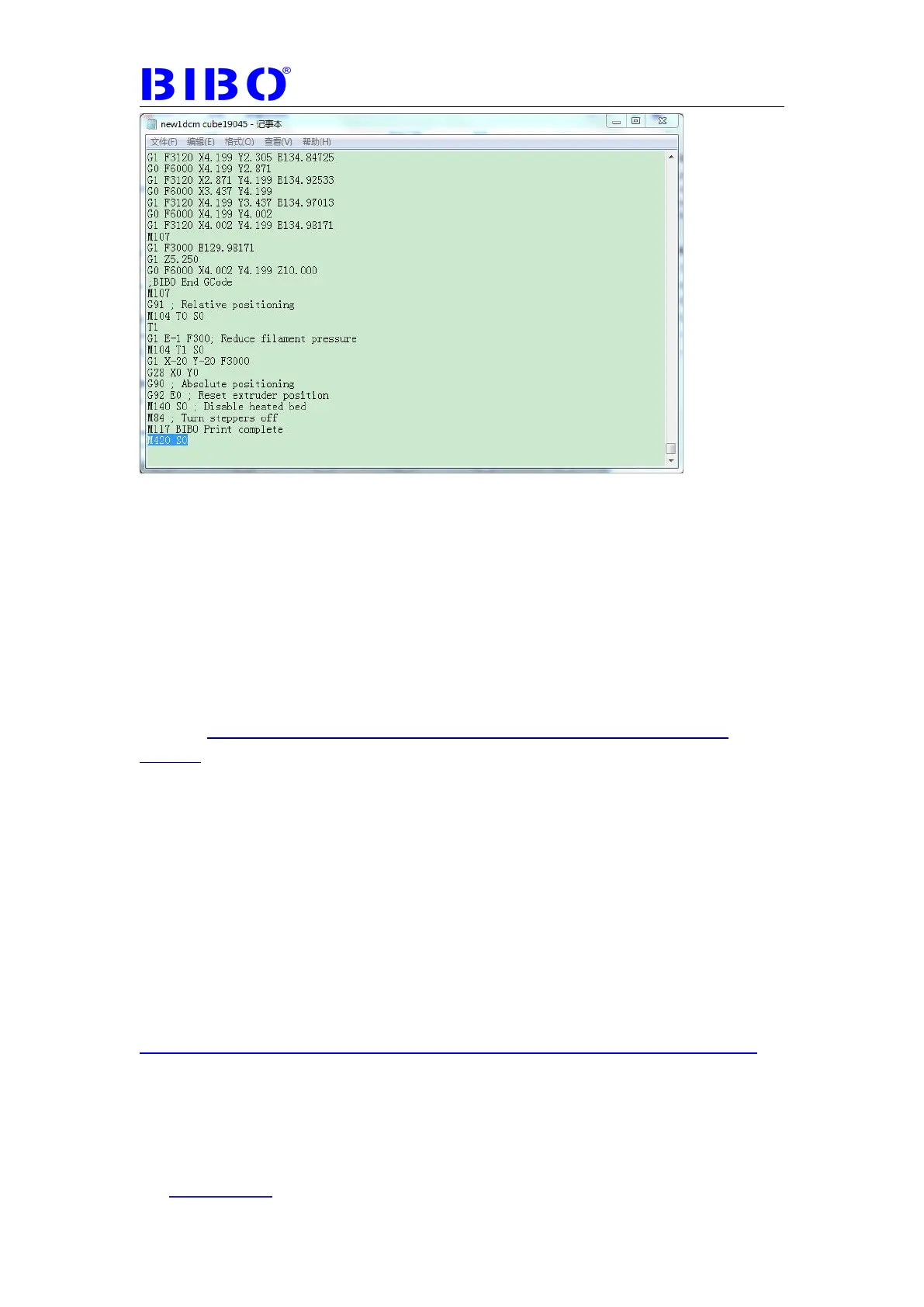
temperature printing. This is also why we add M420 S0 in the end of
gcode file to let copy printing function be not valid.
Continue printing after power cut means if the printer power is cut during
printing(should be more than 50 G-code executed after nozzle and bed
heating), when the power is back to the printer, the printer will show you the
interface to continue the last printing. If you just start the printing, maybe
heating or just print a little seconds, when you turned off the power, the
function of continue printing after power cut will not be valid. The reason is
mentioned in the first (since 50 G-code executed after nozzle and bed
heating) . Meanwhile, this function is only valid when printing from SD card.
Filament run-out detection means Printing will be paused automatically after
filament run out, ensuring your designs come out intactly every time.
If you want to receive the printing status message from the printer, please
kindly check the link below:
http://www.repetier.com/documentation/repetier-host/repetier-informer-app/
Cloud printing hasn’t been opened yet. If you want to control the 3D printer
from everywhere, you can also use software Teamviewer to control your 3D
printer by connecting 3D printer to PC (details are in the next chapter). This



 To Next Page