Shaoxing Bibo Automatic Equipment Co., Ltd.
Tel:+86 575 88918283 Mobile:+86 133 25759139
Url: www.ourbibo.com E-Mail:
bibo@ourbibo.com
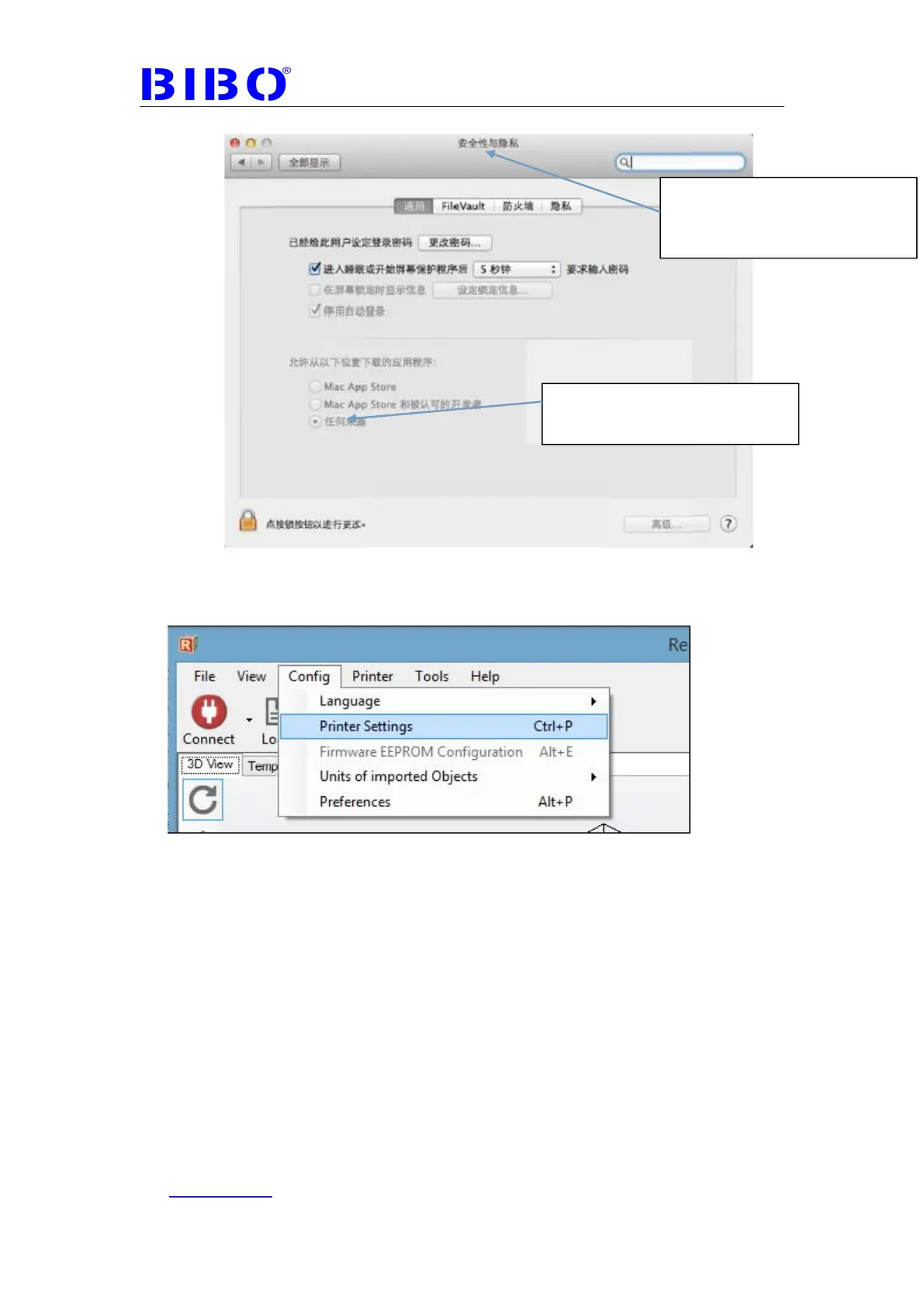
5.After installation, open Repetier-Host. Go to Config -> Printer settings.
After installation, open Repetier-Host. Go to Config -> Printer settings.
6. Once you see the printer settings window, please fill out the parameter as
photo below:
PS. Connector should be chosen “serial connection”
Choose the COM-port which belongs to your printer. If no port shows up, it
could because of the following:
- your printer might not be plugged into the USB port or no power supplied.
- The driver is not installed, or currently installing by windows.
If this is not the case, please install the driver manually again.
allowed to install app from
anywhere



 To Next Page