Shaoxing Bibo Automatic Equipment Co., Ltd.
Tel:+86 575 88918283 Mobile:+86 133 25759139
Url: www.ourbibo.com E-Mail:
bibo@ourbibo.com
For Mac:
https://drive.google.com/file/d/1Mn31YhkLU90-a0pfACXG6LnfhKHr5glw/view?
usp=sharing
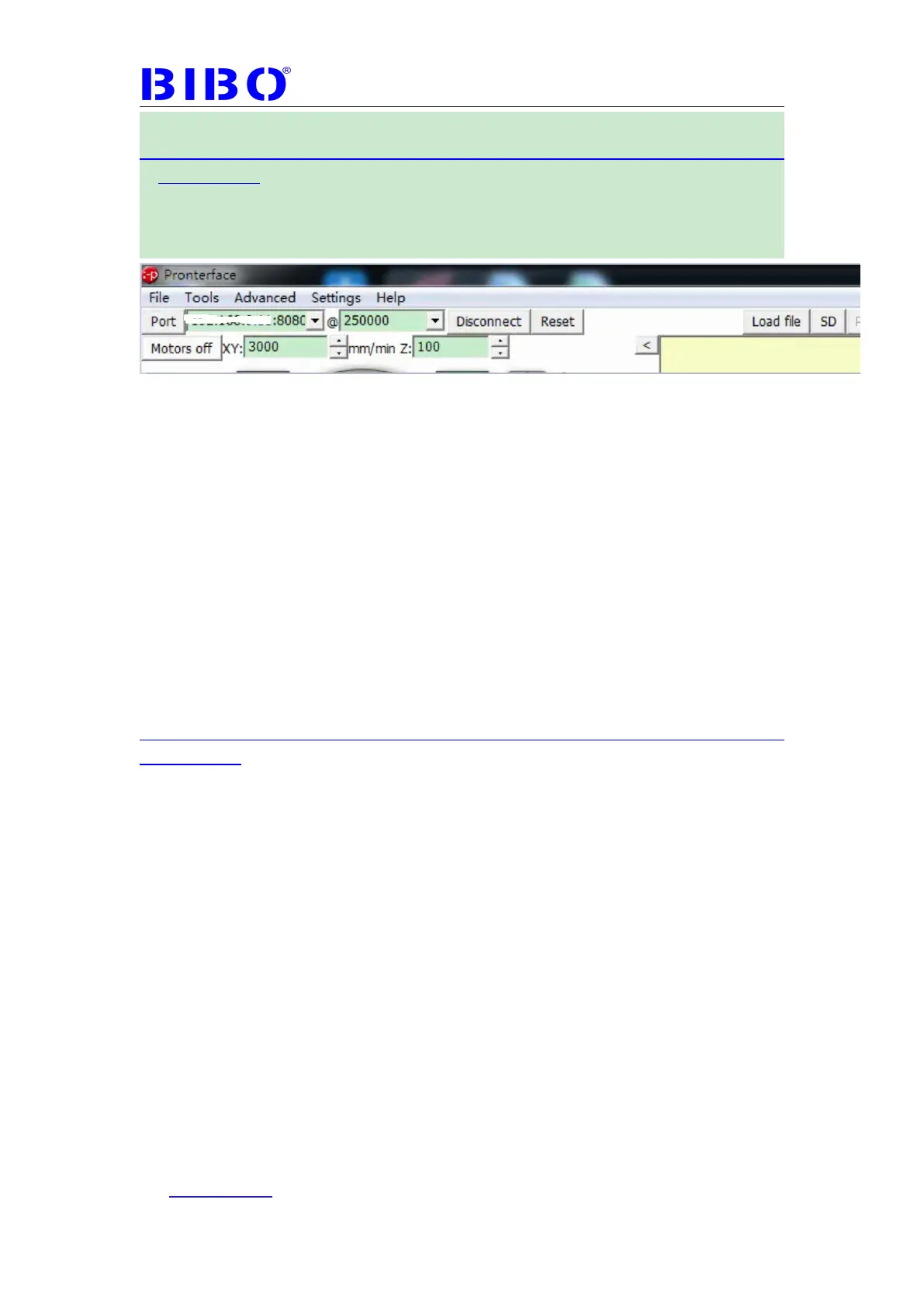
Type wifi IP:8080 at port (for example, 192.168.4.1:8080)
Baudrate should be 250000 (some may be 115200), then connect
You can use Printrun to print the files in the printer’s SD card (click SD button
on the Printrun). If printing the files directly on the computer through Printrun,
that will be not stable.
We can use mks host (only for windows) or Cura to transfer the gcode file to
the SD card on the printer if you have the wifi version showed on the touch
screen (click settings——about on the touch screen ). That means we don’t
have to plug the SD card on the computer to copy the gcode file and then plug
the SD card back to the printer. Please kindly note that Wifi printing or USB
printing are not stable as the SD card direct printing. We recommend SD
card direct printing. You can try the both way (Mks host or Cura) to check
which way is more stable for transferring gcode file through Wifi.
A. Mks host part:
Mks host can be downloaded here for windows users:
https://drive.google.com/file/d/1Z6FMNMeVl15_Er4Am-3nt-gFzDFT63TH/view?
usp=sharing
Mks host is not good at slicing now, so we just use its wifi transfer gcode file
function. The installation steps are below(now are in chinese):



 To Next Page