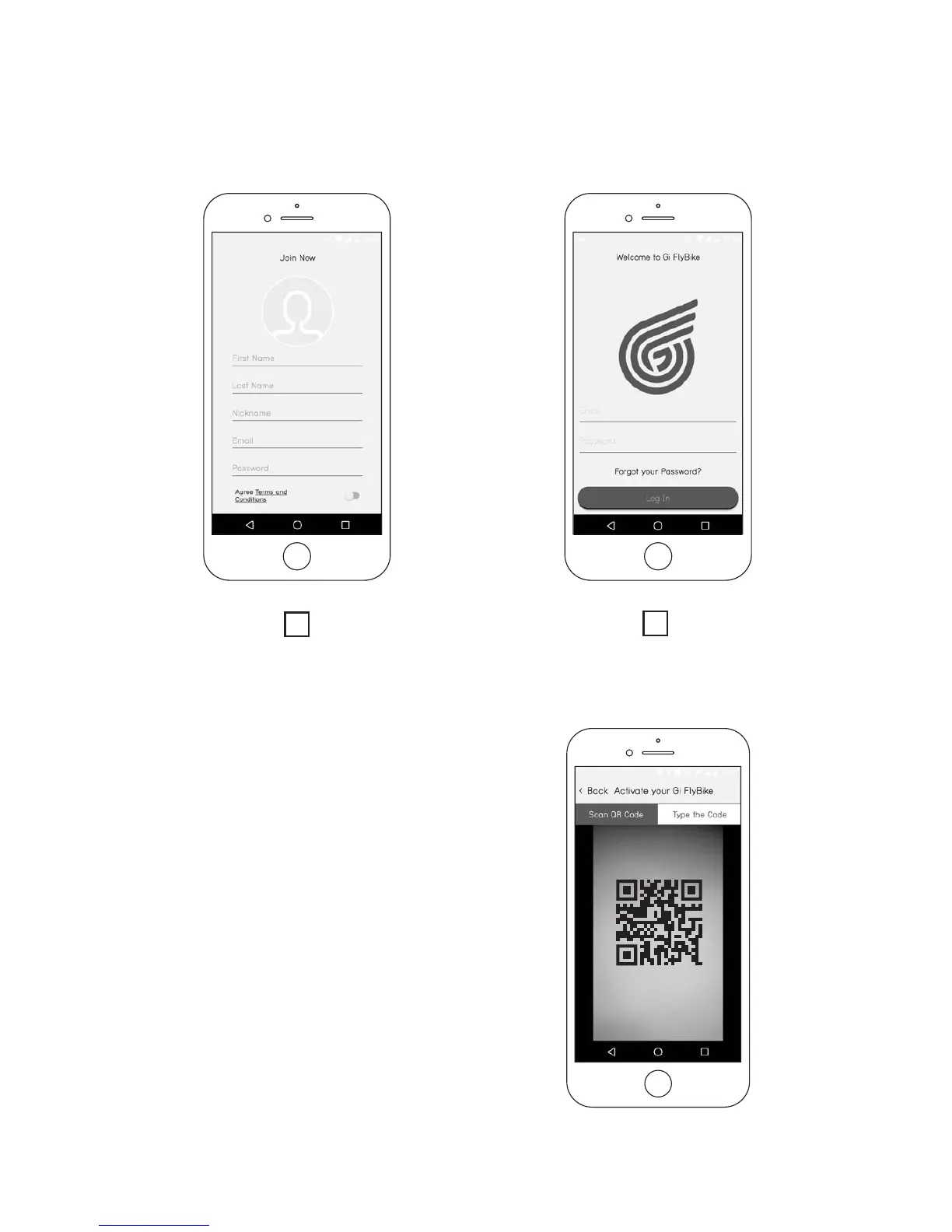
If you choose not to sync with your Facebook or Google account,
create a new account by pressing “Join Now” and provide the appro-
priate information (Img.9.A). You will then be able to login with the
username and password you create (Img.9.B).
Assuming that you have not already
activated a Gi Fly, immediately after
creating an account a screen will
appear to activate your Gi Fly with
your unique QR code printed on
the frame of the bike (see Img.10).
Keep in mind that the app needs to
access the phone’s camera to be able
to scan the code. See section 9.B to
nd the location of your QR code.
Img. 9
A
B
Img. 10
30



 To Next Page