2.
3.
4.
5.
Img. 26
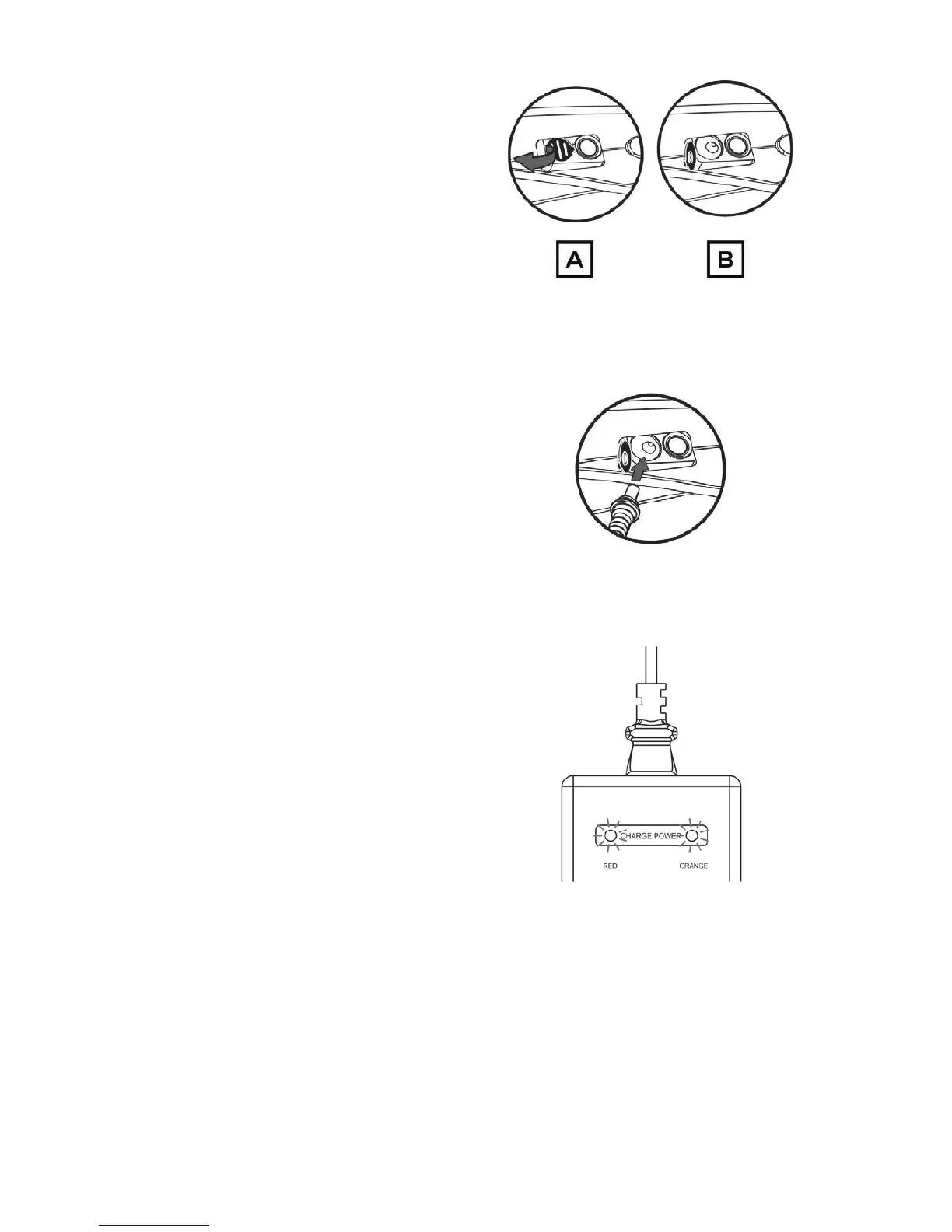
Remove the rubber port cov-
er to expose the charging port.
Img.26.A illustrates the charging
port covered. Img.26.B illustrates
the rubber port cover removed
from the charging port.
Img. 27
Insert the charging lead as seen in
Img.27.
Img. 28
When the power light turns Red
and the charging light turns
Orange, the battery is charging
(Img.28).
Charging your bike can take up to four hours. The battery charge level is displayed
on the Gi Fly mobile app (See Section 10.A.ii for further instruction).
48



 To Next Page