119
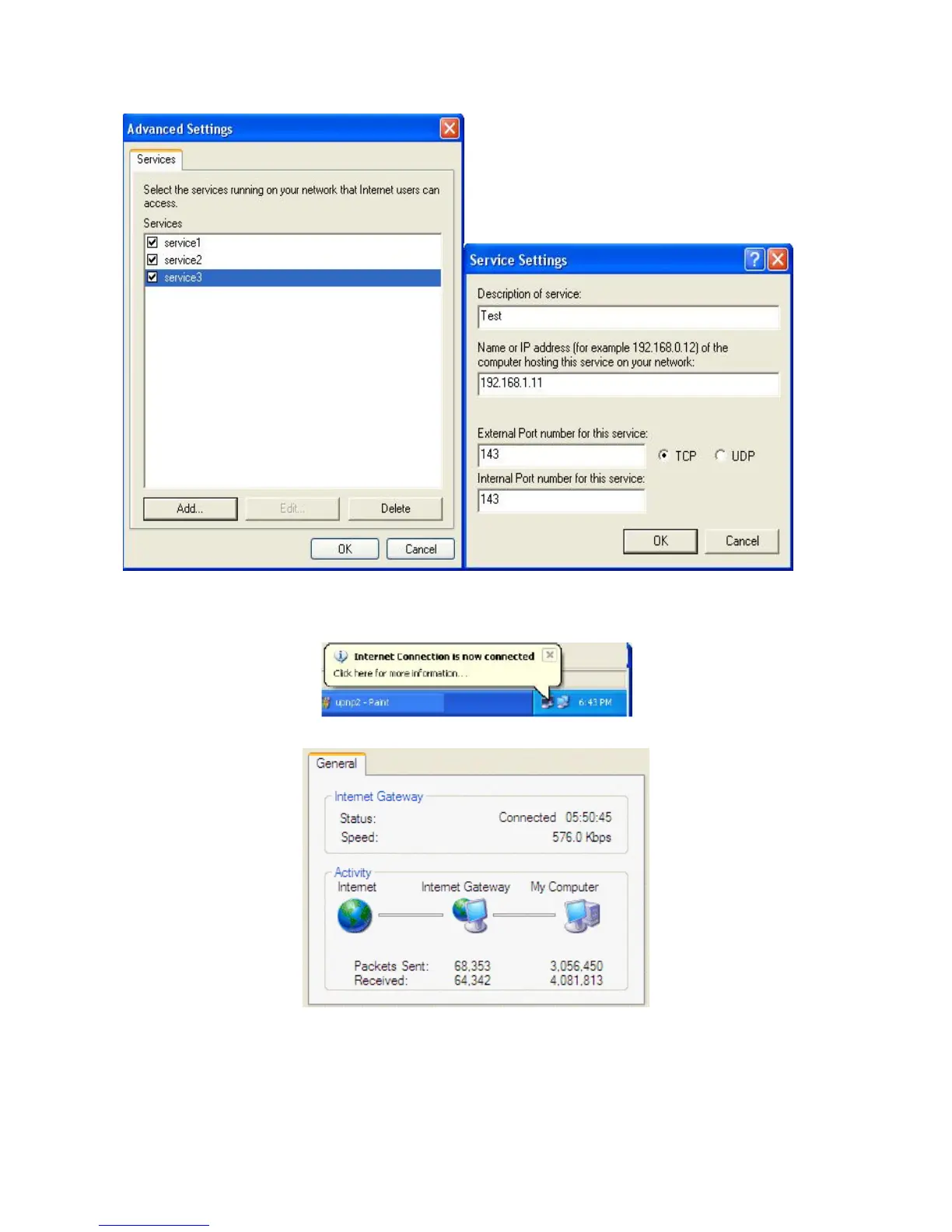
Step 5: Select Show icon in notification area when connected option and click OK. An icon
displays in the system tray
Step 6: Double-click on the icon to display your current Internet connection status.
Web Configurator Easy Access
With UPnP, you can access web-based configuration for the BiPAC 7300(N) without first













 To Next Page