Device Description
BiPAC 8500
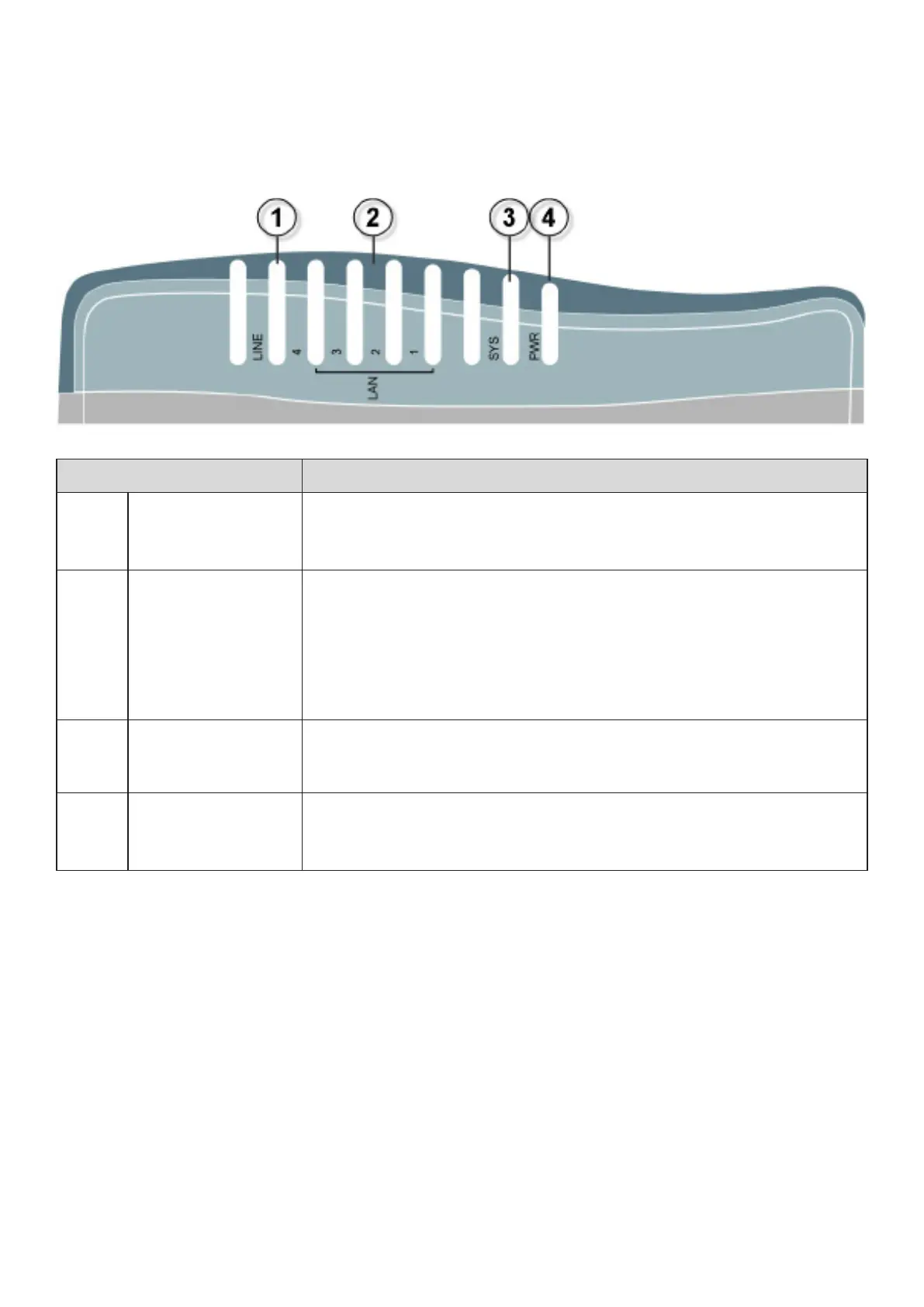
Front Panel LED
LED Meaning
1 LINE
Lit when the device is successfully connected to SHDSL line and
synchronized.
2
LAN Port
1X — 4X
(RJ-45 connector)
Lit green when one of the LAN ports is connected to an Ethernet
device of 100Mbps. Blinking when data is transmitted/ received.
Lit orange when one of the LAN ports is connected to an 100Mbps
of 10Mbps. Blinking when data is transmitted/received.
3 SYS Lit when the system is ready.
4 Power Lit when power is turned on.
5











 To Next Page