MAIN MENU
19 Technical Help – Please contact the helpline on 0844 557 9677
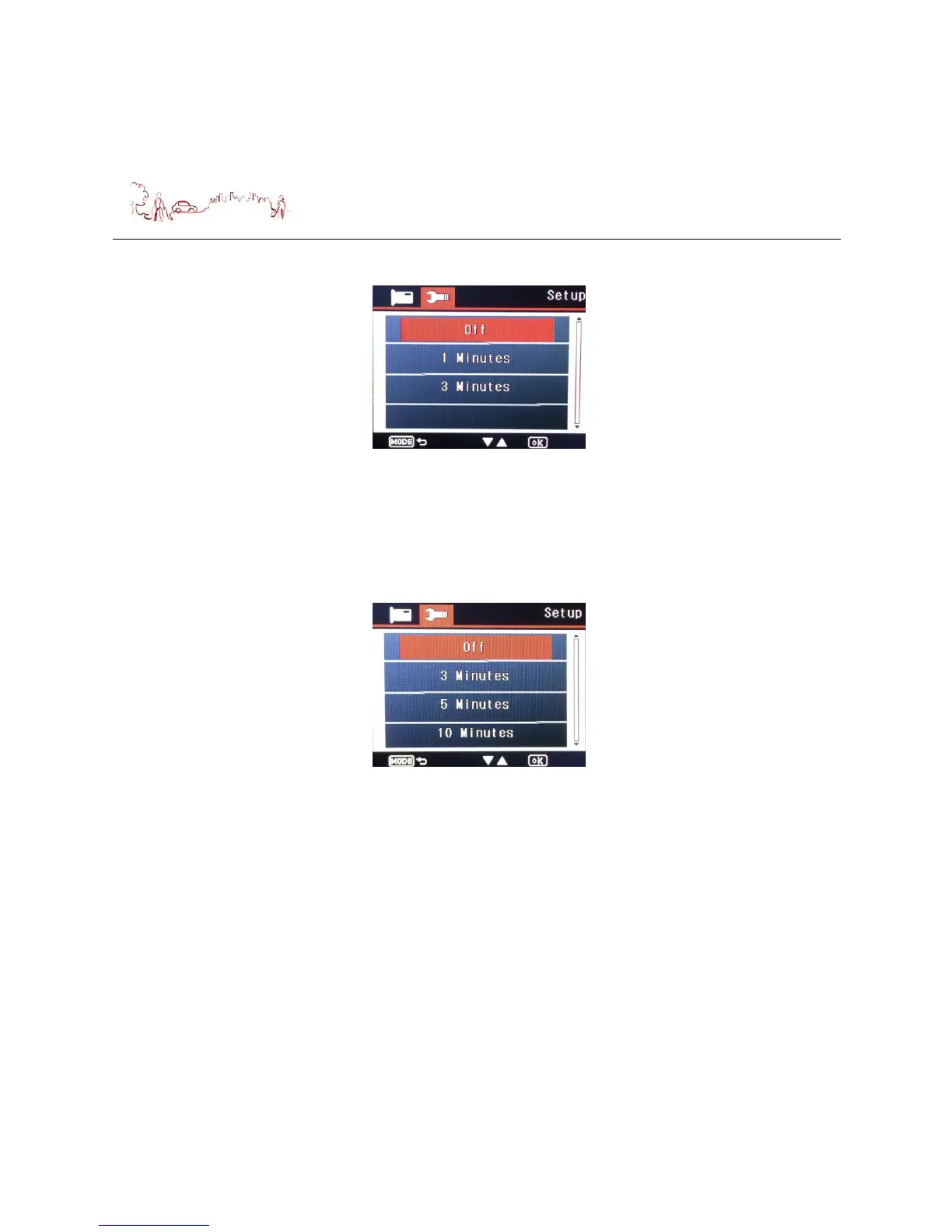
4) Screen Saver setup
Press down button to select Screen saver menu, then press OK button, the
following screen is displayed. Press Up or Down button to select the mode which
you want, then press OK button to confirm your selection and return to the menu.
If you selected “Off”, screen will always display until device turn off.
If you selected “X minutes”, screen will go dark into saver mode if no operation
for more than X minutes.
5) Beep Sound setup
Press down button to select Beep Sound menu, then press OK button, and then
press Up or Down button to select “On” or “Off”, then press OK button to confirm
your selection and return to the menu.
If you selected “Off”, device will be silent when you press the button.
If you selected “On”, device will make Beep sound when you press the button.
6) Language setup , English only



 To Next Page