MAIN MENU
Technical Help – Please contact the helpline on 0844 557 9677 26
Playback setting
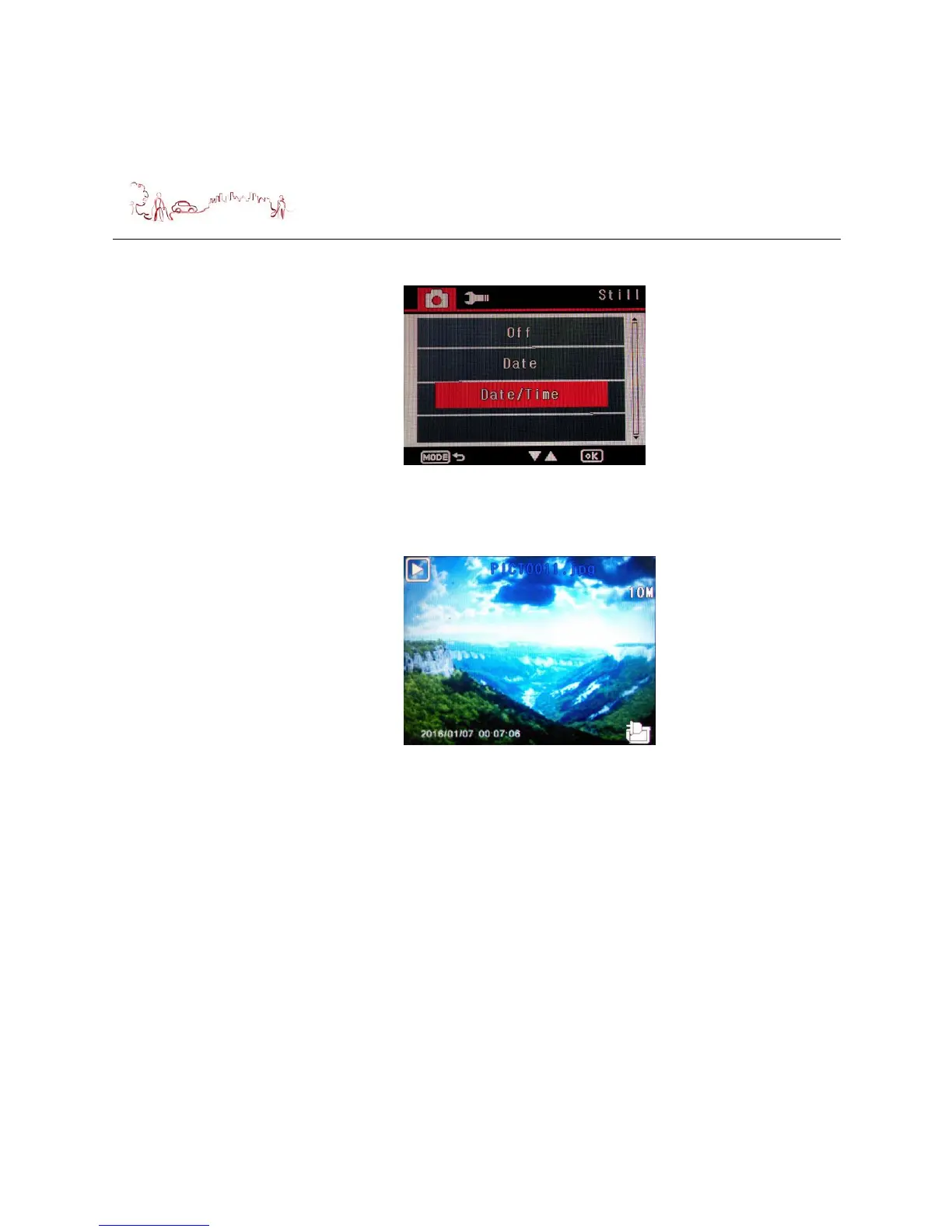
Press Lock button twice during the device standby in Video mode, switch device to
Playback mode, the following screen is displayed.
1) Delete setting
Press down button to select Delete menu, then press OK button, the second
screen is displayed. Press Up or Down button to select the menu what you want
to do and then press OK button, the third screen is displayed. Press Up or Down
button to select the menu what you want to do.
If you selected “Cancel” and press “OK” button, will turn to first screen.
If you selected “OK” and press “OK” button, you selected will be delete.


 To Next Page