MAIN MENU
25 Technical Help – Please contact the helpline on 0844 557 9677
If you selected “On”, means anti-shaking function was opened, you will be able to
take a high quality image when the device shaking.
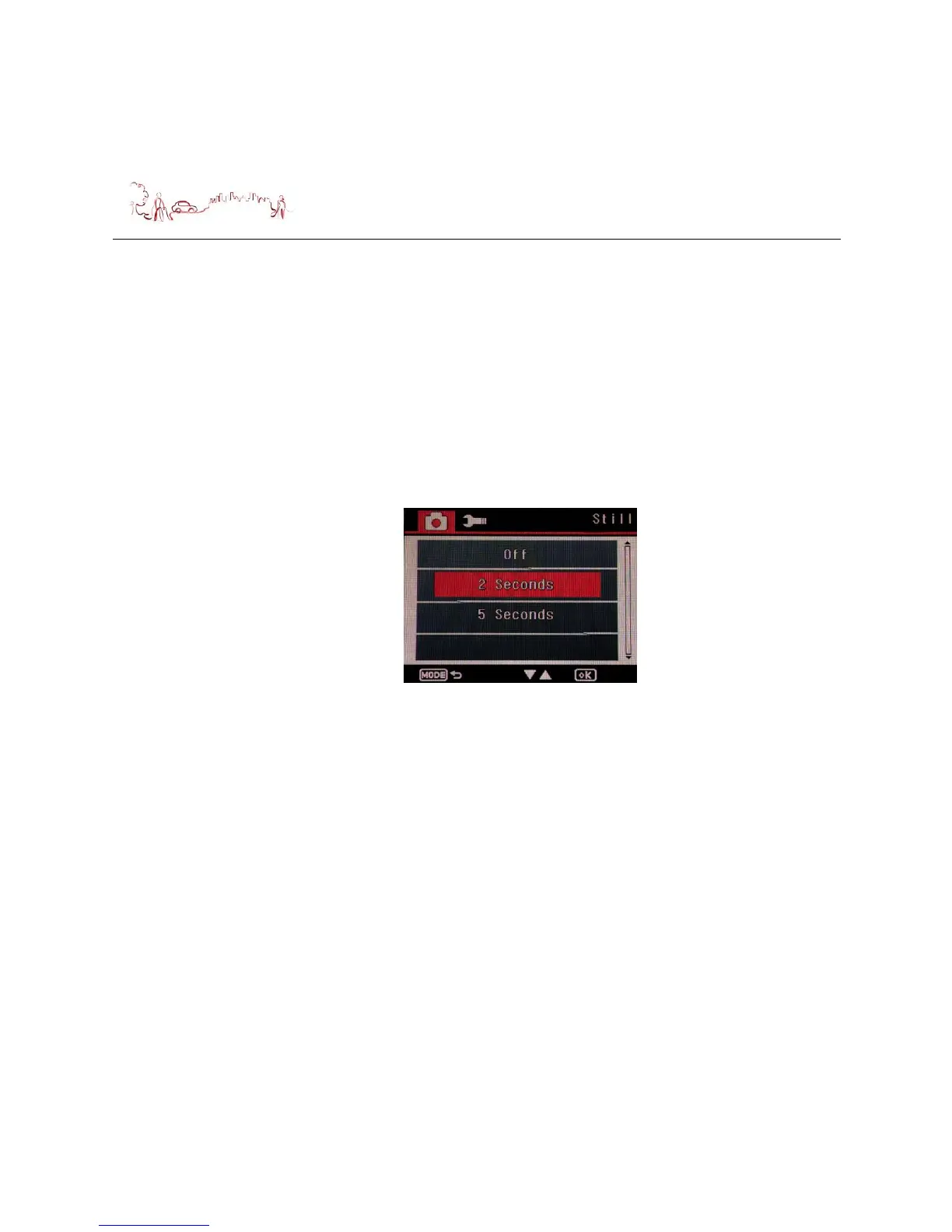
9) Quick Review setting
Press down button to select Quick Review menu, then press OK button, the
following screen is displayed. Press Up or Down button to select which you want,
then press OK button to confirm and return to the menu.
If you selected “Off”, quick review function will be turn off.
If you selected “2 seconds” or “5 seconds”, the review speed will under 2 or 5
seconds per photo.
10) Date Stamp setting
Press down button to select Date Stamp menu, then press OK button, the
following screen is displayed. Press Up or Down button to select which you want,
then press OK button to confirm and return to the menu.
If you selected “Off”, you will take photo without date/time stamp;
If you selected “Date”, you will take photo with date stamp only;
If you selected “Date/Time”, you will take photo with date & time stamp.



 To Next Page