Installation and set-up
10
5
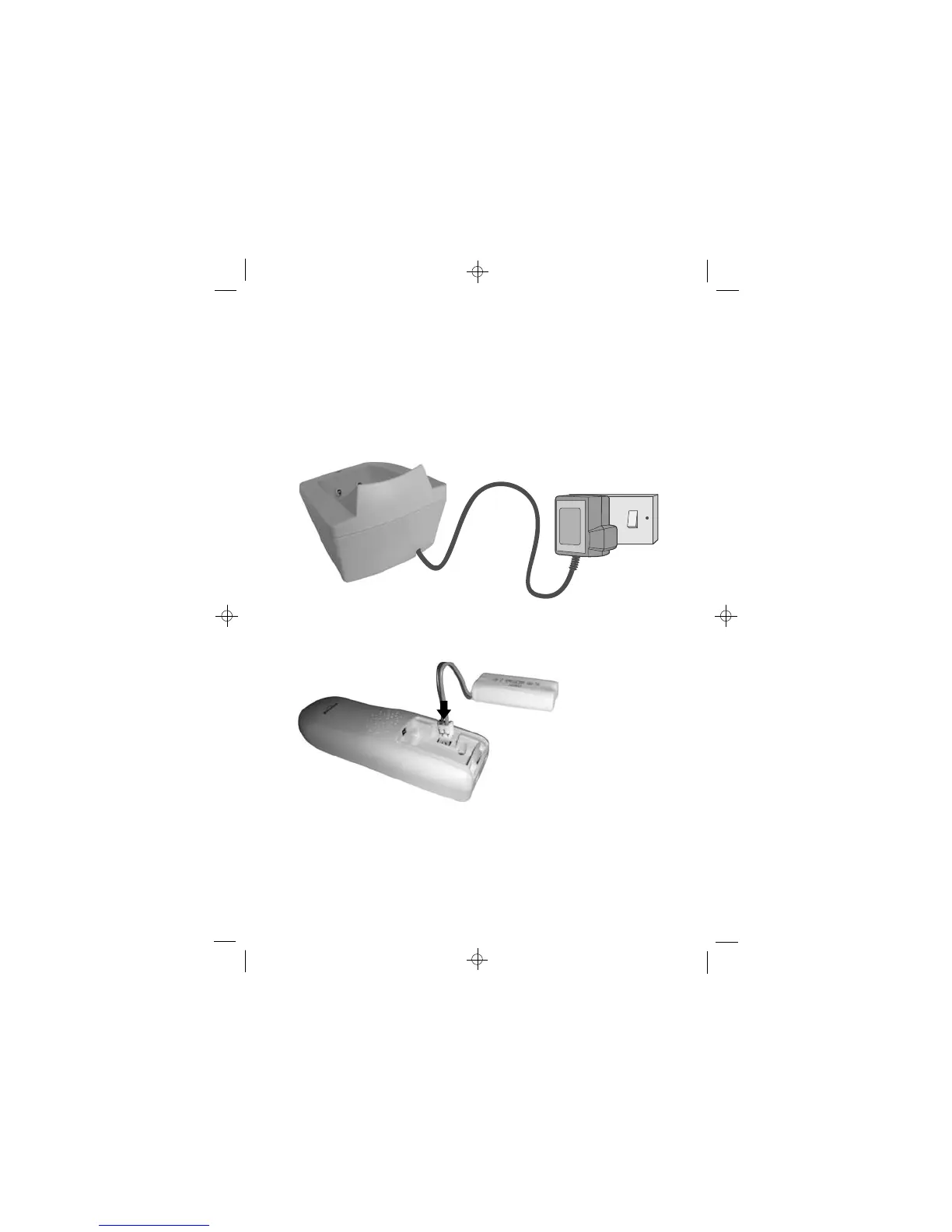
Switch on power at the mains socket
Make sure the mains socket is switched on if you want to use the
cordless handset or the speakerphone - they will not work without
electrical power
6
Plug the charger pod’s mains adapter into a 100-240 V AC,
7
Switch on power at the mains socket
8
Fit the battery pack in
each handset
A. Remove the battery
compartment cover
B. Insert the battery pack as
shown, and tuck in the wires
C. Slide the battery
compartment cover into place,
pressing firmly to make sure it
is secure
Binatone Help Line: 0845 345 9677
50/60 Hz mains socket, with the switch on the socket set to OFF













 To Next Page