23Binatone Help Line: 0845 345 9677
CORDLESS HANDSET
Caller Display
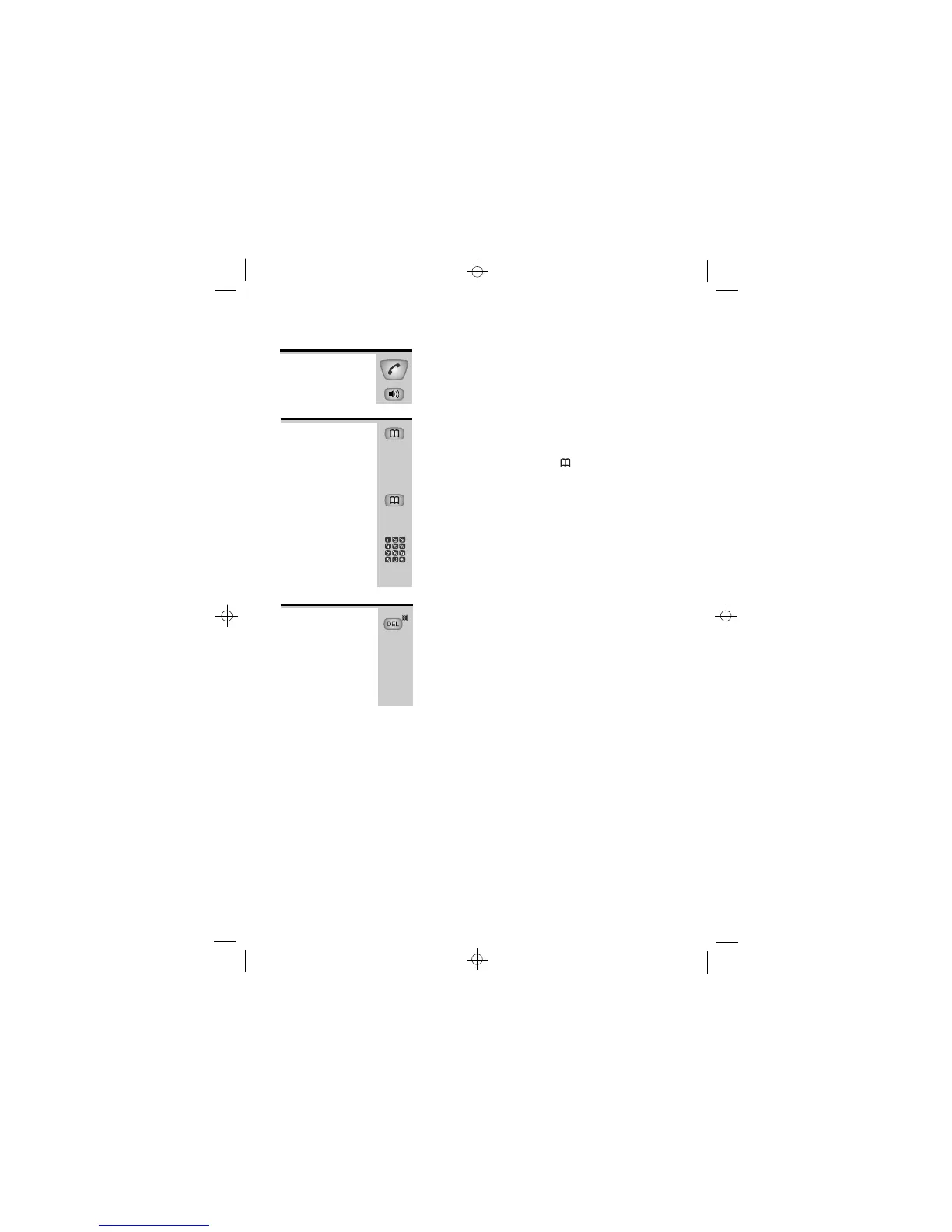
» Press the TALK or SPEAKERPHONE button
while the number is shown on the display
To return a
call
To store a
Caller
Display
record in
memory
To delete a
Caller
Display
record
1 While the number is shown on the display,
press the MEMORY button and hold it for
about 2 seconds until the
symbol flashes
on the display
2 Edit the number, if necessary, then press the
MEMORY button again.
3 Key in the memory location number (0 to 9)
è You will hear a ‘beep’ to confirm that the
number is stored, then the display returns to
standby mode.
» While the record is shown on the display, press
and hold the MUTE/DEL button until you hear a
‘beep’
è The display moves to the next Caller Display
record.
When there are no more Caller Display records,
the display shows
NO CLIP.NO CLIP.
NO CLIP.NO CLIP.
NO CLIP.













 To Next Page