14
BASE TELEPHONE
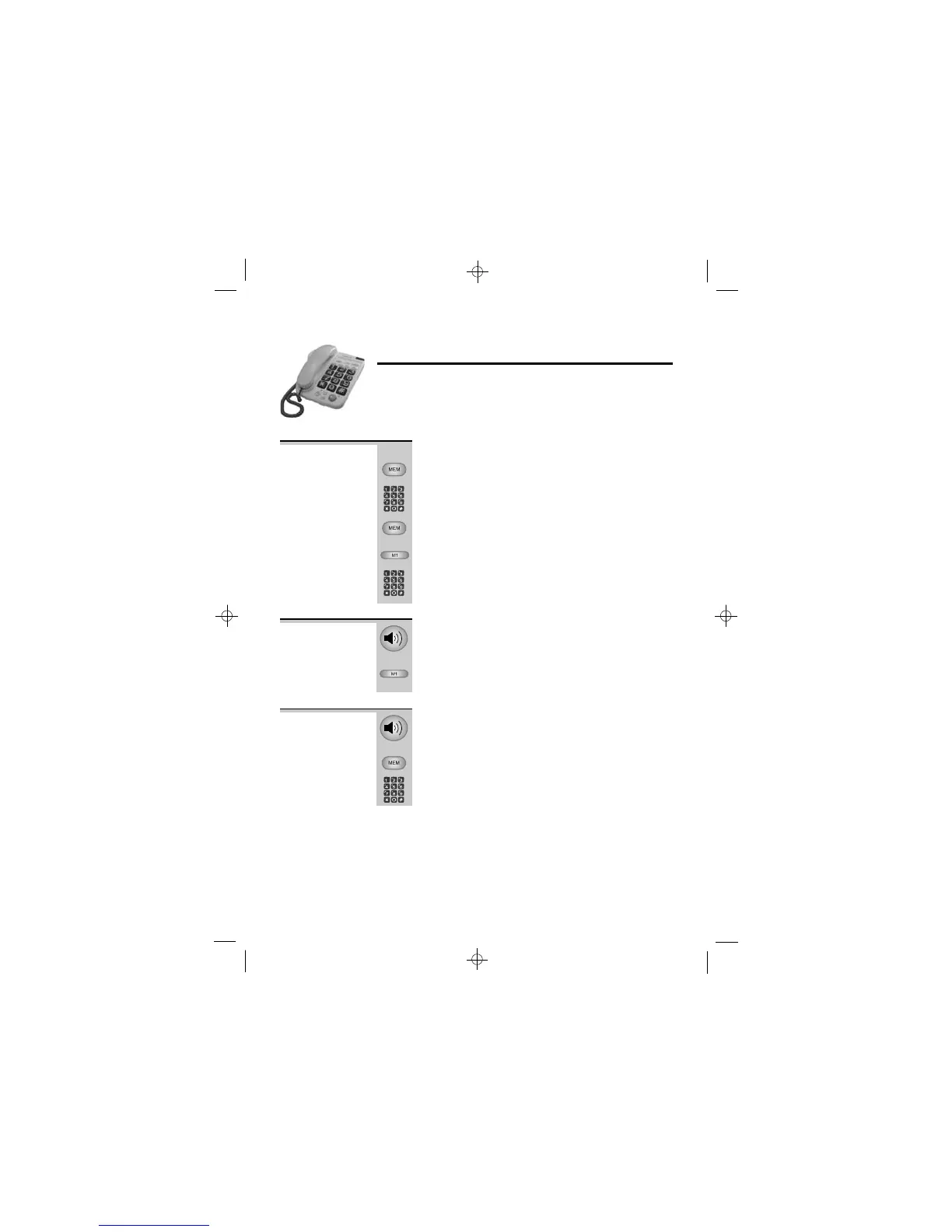
Memory dialling
The base telephone has:
n three one-touch memory buttons, M1, M2 and M3
n ten two-touch memory locations, 0 to 9
With the base telephone’s handset on hook:
1 Press the MEM button
2 Key in the phone number
3 Press the MEM button again
4 Either press a one-touch memory button
(M1, M2 or M3) to store the number in that
button OR key in a memory location number
(0 to 9)
To store a
phone
number in
memory
or
1 Lift the handset or press the SPEAKERPHONE
button
2 Press a one-touch memory button (M1, M2
or M3)
To make a
one-touch
memory call
1 Lift the handset or press the SPEAKERPHONE
button
2 Press the MEM button
3 Key in a memory location number (0 to 9)
To make a
two-touch
memory call
Binatone Help Line: 0845 345 9677













 To Next Page