BD / ED / FD (E2) 11/2010 page 22/54
6. Controller setting
6.1 Display / entry of temperature set-point (without ramp function)
Controller setting is identical on both the ED/FD and the BD. The temperature controllers only differ in
their temperature range.
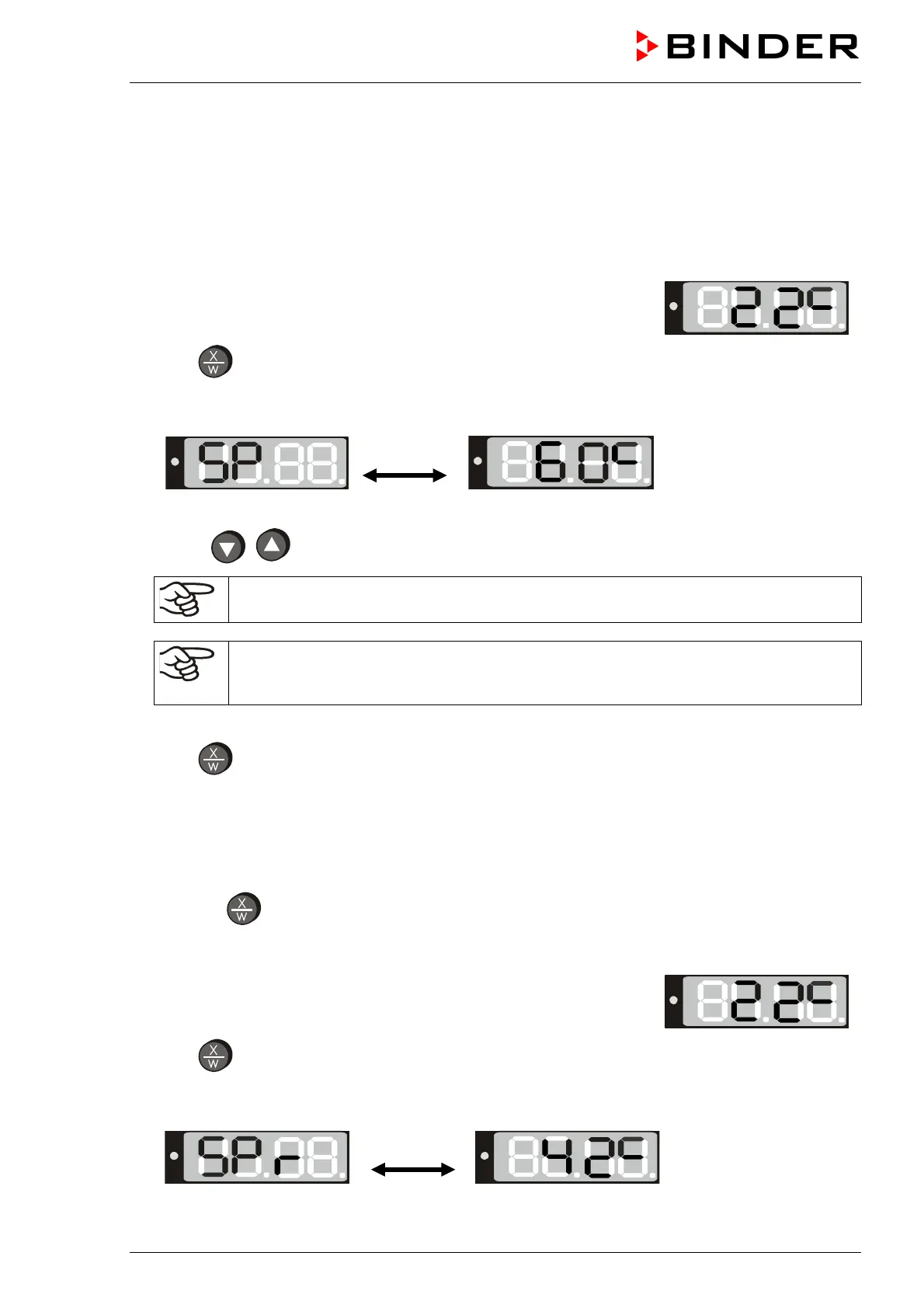
The unit is operating, the controller is in normal display (actual value
display). The actual temperature value (example: 22 °C) is displayed:
1. Press button
The display shows alternately “SP” and in the entry level the previous temperature set-point
(example: 60 °C):
2. With the
buttons enter a set-point value between 0 and 300.
The desired temperature set-point can be selected in a temperature range from 5 °C / 9 °F
above room temperature up to 100 °C / 212 °F (BD) or 300 °C / 572 °F (ED/FD).
If you want to frequently operate heating ovens ED and FD at low set-points up to 70 °C,
the controller parameters can be optimized accordingly. Please contact BINDER Service
to obtain detailed instructions how to change the parameters.
3. Wait 2 seconds until the entered temperature value is taken over (display flashing once).
4. Press
button to return to normal display (actual value display) (automatically after 60 seconds).
6.2 Display / entry of temperature set-point (with selected temperature ramp)
If previously a temperature ramp value has been selected (chap. 6.4.2):
Press button
in normal display / actual value display during ramp operation to have displayed the
actual temperature set-point changing according to the selected gradient in addition to the entered set-
point for temperature.
The oven is operating, the controller is in normal display (actual value
display). The actual temperature value (example: 22 °C) is displayed:
1. Press button
The display shows alternately “SPr” and in the entry level the actual temperature set-point changing
according to the selected gradient (example: 42 °C):
This ramp set-point is only displayed, not adjustable.






 To Next Page